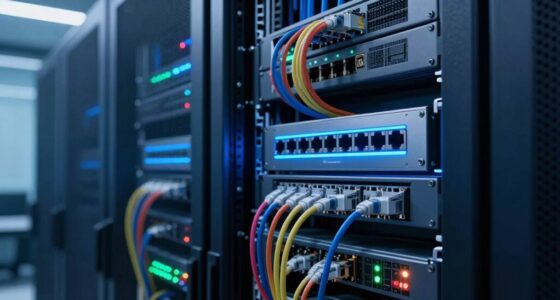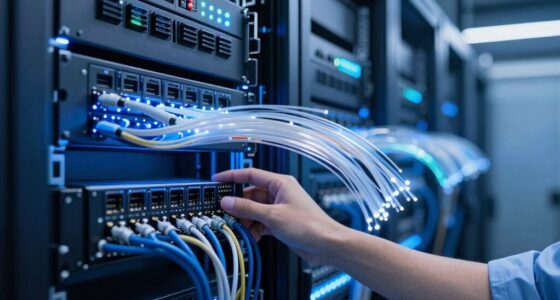
If you’re managing a small network, focus on switches with security features like VLAN support, ACLs, and port security to protect sensitive data. Look for power over Ethernet (PoE) and smart power management to cut costs and keep devices running smoothly. Easy-to-use management tools, such as remote access and automated setup, save you time. Scalability options help your network grow effortlessly. Keep exploring to discover how these features can help you maintain a secure, efficient network with less hassle.
Key Takeaways
- Ease of configuration and management through user-friendly interfaces and remote monitoring tools.
- Network security features like VLANs, ACLs, and port security to protect sensitive data.
- Power over Ethernet (PoE) and smart power management to reduce costs and simplify wiring.
- Scalability options that support network growth without extensive hardware upgrades.
- Regular firmware updates and automation features that ensure security and reduce administrative effort.
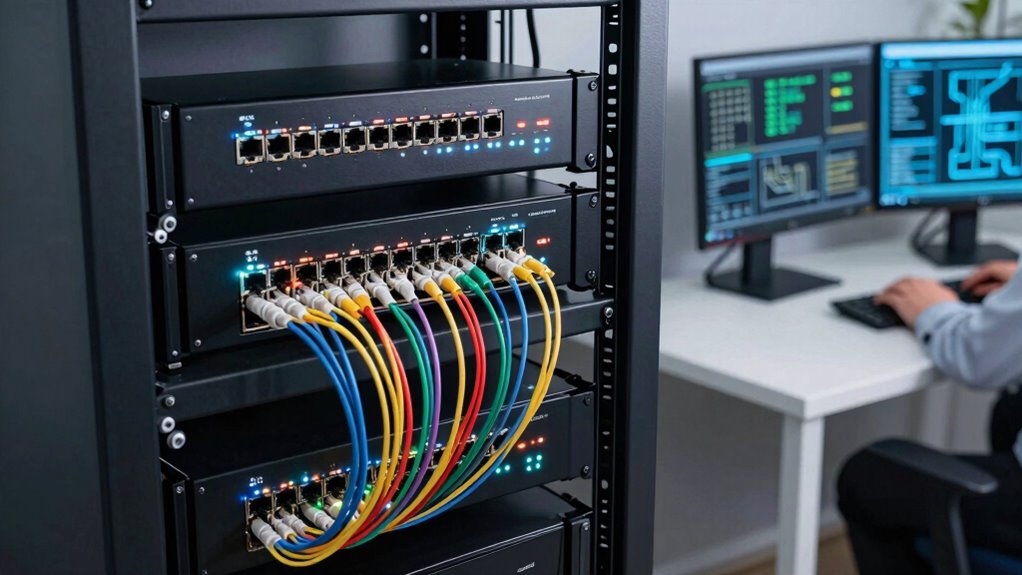
Managing a network with limited IT resources can be challenging, but managed switches make it easier by offering essential features that simplify network administration. For small IT teams, the right switch isn’t just about connecting devices; it’s about providing tools that streamline security, power efficiency, and management. Network security features are imperative, especially when you’re responsible for protecting sensitive data without dedicated security teams. Managed switches often include features like VLAN support, access control lists (ACLs), and port security, which help segment your network and prevent unauthorized access. VLANs let you separate different departments or user groups logically, reducing the risk of lateral movement by malicious actors. ACLs enable you to control traffic flow at the port level, ensuring that only authorized devices communicate, while port security limits the number of MAC addresses per port, preventing device spoofing or unauthorized connections.
Managed switches simplify security with VLANs, ACLs, and port security, helping small teams protect sensitive data efficiently.
Power management is another essential feature that small teams should prioritize. Managed switches with Power over Ethernet (PoE) capabilities allow you to power devices such as IP phones, security cameras, and Wi-Fi access points directly through the network cable. This reduces the need for separate power supplies, simplifies wiring, and cuts down on energy costs. Additionally, power management features like smart power allocation help you optimize energy consumption by adjusting power levels based on device requirements, which is especially beneficial if your resources are tight. You can monitor power usage in real-time, identify power-hungry devices, and make informed decisions to improve overall energy efficiency. Understanding network management tools can further empower small teams to efficiently oversee their entire network infrastructure. Incorporating power efficiency features can significantly contribute to reducing your operational costs and environmental impact. Moreover, many managed switches now include automated configuration capabilities, reducing manual setup time and minimizing configuration errors. These features are particularly advantageous for teams with limited technical staff, allowing for faster deployment and easier maintenance.
Beyond security and power management, ease of configuration and ongoing management are equally important. Small teams benefit from switches that offer user-friendly interfaces, automated configuration options, and remote management capabilities. These features reduce setup time and allow you to troubleshoot or reconfigure the network without being physically present at each switch. Features like SNMP support and centralized management software give you full control over multiple switches from a single dashboard, saving time and reducing errors. Staying updated with firmware updates is also crucial as they often include important security patches and performance improvements, ensuring your network remains protected and efficient. Additionally, choosing switches with scalability features can help small teams adapt to future growth without extensive hardware changes.
In essence, what matters most for small IT teams are features that enhance security, optimize power usage, and simplify management. Managed switches equipped with robust security protocols ensure your network stays safe, while power management features help you save energy without sacrificing performance. When you choose a managed switch with these capabilities, you’re equipping your small team with the tools needed to maintain a secure, efficient, and manageable network—without the need for extensive resources or expertise.

TP-Link 8 Port Gigabit Switch | Easy Smart Managed | Plug & Play | Desktop/Wall-Mount | Sturdy Metal w/ Shielded Ports | Support QoS, Vlan, IGMP and LAG (TL-SG108E)
- Number of Ports: 8 Gigabit Ethernet ports
- Management: Easy web-based management
- VLAN Support: Supports up to 32 VLANs
As an affiliate, we earn on qualifying purchases.
As an affiliate, we earn on qualifying purchases.
Frequently Asked Questions
How Do Managed Switches Differ From Unmanaged Switches?
Managed switches differ from unmanaged switches by offering advanced features like VLAN segmentation and port mirroring, which give you greater control over your network. With managed switches, you can isolate traffic for security or performance, and monitor network activity easily. Unmanaged switches lack these capabilities, making them simpler but less flexible. If you need customization and better management, managed switches are the way to go for your small IT team.
What Is the Typical Cost Range for Small Business Managed Switches?
Managed switches are like the backbone of your network, supporting features like network segmentation and Power over Ethernet. For small businesses, they typically cost between $200 and $1,000, depending on the number of ports and advanced features. If you’re aiming for a balance of affordability and functionality, focus on switches that support VLANs and PoE, ensuring your network stays secure and powered without breaking the bank.
Are Managed Switches Scalable for Future Growth?
Yes, managed switches are scalable for future growth. They support features like network redundancy and power management, which help you keep the network reliable as your business expands. You can add more switches or upgrade existing ones without major disruptions. These features guarantee your network remains efficient and resilient, making it easier for your small IT team to manage increased traffic and new devices without sacrificing performance or security.
How Secure Are Managed Switch Features Against Cyber Threats?
When it comes to cybersecurity, managed switch features are as secure as you make them. You can bolster your defenses with network segmentation, isolating sensitive data, and implementing threat detection to spot suspicious activities early. While no system is foolproof, actively managing these features helps protect your network from cyber threats. Regular updates and monitoring are key to keeping your small IT environment safe and resilient against attacks.
What Are Common Troubleshooting Issues With Managed Switches?
You’ll often face troubleshooting issues like connectivity problems or network slowdowns with managed switches. To resolve these, check firmware updates to guarantee your device runs the latest features and security patches. Power management settings can also cause issues if misconfigured, leading to power-related connectivity problems. Regularly updating firmware and reviewing power management configurations help you quickly identify and fix these common issues, keeping your network running smoothly.

NETGEAR 8 Port PoE Gigabit Ethernet Easy Smart Managed Essentials Switch (GS308EP) – with 8 x PoE+ @ 62W, Desktop or Wall Mount
- High-Speed Ethernet Ports: 8 x 1Gbps ports for fast connectivity
- PoE+ Power Support: 8 ports with 62W total power budget
- Managed Network Features: VLAN, QoS, port monitoring, security
As an affiliate, we earn on qualifying purchases.
As an affiliate, we earn on qualifying purchases.
Conclusion
When choosing a managed switch, focus on features that empower you, simplify your tasks, and boost your network’s reliability. Prioritize ease of use, robust security, and flexible management options to stay agile. With the right features, you can troubleshoot faster, scale seamlessly, and keep your network secure. Make informed choices that serve your team, enhance your capabilities, and give you confidence. Because in a small IT team, every feature should work for you, not against you.

TP-Link TL-SG105, 5 Port Gigabit Unmanaged Ethernet Switch, Network Hub, Ethernet Splitter, Plug & Play, Fanless Metal Design, Shielded Ports, Traffic Optimization
- Number of Ports: 5 Gigabit Ethernet ports
- Network Speed: Supports 10/100/1000Mbps
- Auto Features: Auto Negotiation and MDI/MDIX
As an affiliate, we earn on qualifying purchases.
As an affiliate, we earn on qualifying purchases.

MSNSwitch2 Internet Enabled IP Remote Power Switch with Reboot – Control via Smartphone App, Cloud Service, Web Browser or API – 2 Independent AC Power Outlets (Model UIS-722b)
- Internet Connectivity Monitoring: Automatically cycles outlets on connection loss
- Scheduled Power Cycling: User-definable automatic power cycles
- Easy Setup: Operates with a single button press
As an affiliate, we earn on qualifying purchases.
As an affiliate, we earn on qualifying purchases.