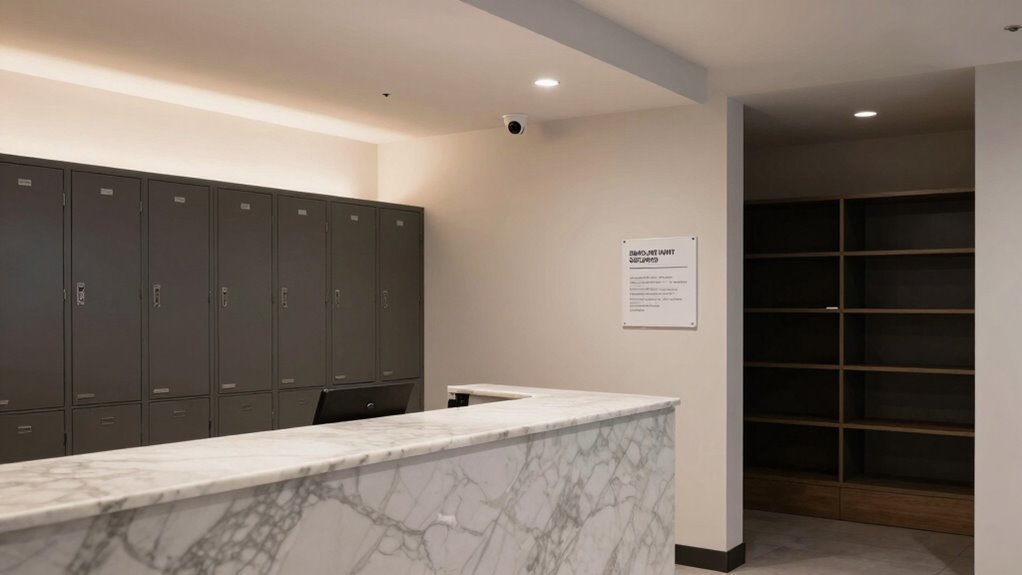

To protect reception, mailroom, and storage areas without overbuilding security, focus on targeted measures like verifying visitor IDs, using visitor badges, and logging entries carefully. Install electronic locks or access controls only on high-risk points, and restrict access to authorized personnel. Train staff to recognize suspicious behavior and follow clear protocols. Regularly review permissions and keep an eye on surveillance footage. Keep security balanced and effective—if you want to learn more, there’s plenty of practical tips ahead.

Get business pricing on networking and server gear
- Business-only prices and quantity discounts
- Tax-exempt purchasing
- Multiple users, one account, clear invoices
Key Takeaways
- Implement effective visitor screening and logging to monitor access without excessive barriers.
- Use electronic access controls selectively on high-risk entry points rather than all areas.
- Train staff to identify suspicious behavior and follow established security protocols.
- Employ surveillance cameras and regular audits to oversee key areas efficiently.
- Restrict access to storage and mailroom areas based on necessity, not over-securing all zones.
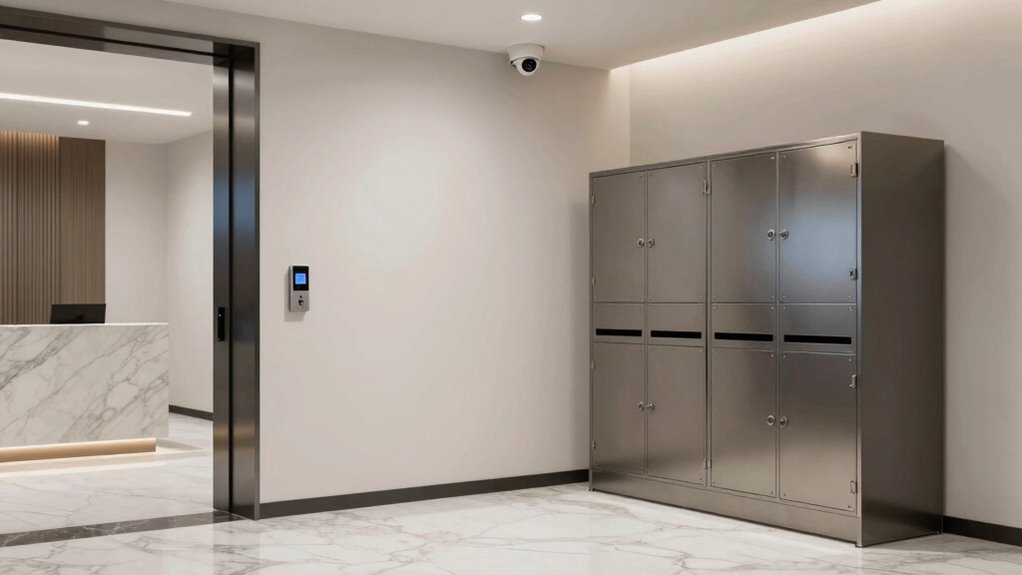
Protecting reception, mailroom, and storage areas is essential for maintaining security and preventing unauthorized access. These zones are often the first point of contact and can be vulnerable entry points if not properly managed. Implementing effective visitor screening is a crucial step. When visitors arrive, verify they are identified, signed in, and properly escorted. Use visitor badges and keep a log of all visitors, which helps monitor who’s on-site at any given time. This process not only deters unauthorized individuals but also allows your team to quickly identify any suspicious activity.
Effective visitor screening and logging are key to securing reception, mailrooms, and storage areas against unauthorized access.
Access control is equally important. Install electronic locks, keycard systems, or biometric scanners to restrict entry to authorized personnel only. These measures provide a clear record of who enters and exits, reducing the risk of theft, tampering, or malicious intent. You should evaluate which access points need the most protection, such as doors leading to storage rooms or mail processing areas, and reinforce them accordingly. Combining physical barriers with electronic access control creates a layered security approach that’s both effective and efficient.
In addition to screening and access management, consider how your reception area functions as a security checkpoint. Train reception staff to recognize signs of suspicious behavior and to follow established protocols for questioning visitors or requesting identification. Clear signage reminding visitors of security procedures can also serve as a deterrent for those with malicious intent. Keep the reception area organized, with a dedicated space for visitor check-ins and materials to facilitate quick processing. This minimizes disruption while maintaining security standards.
For mailrooms, strict procedures should be in place to screen incoming packages and correspondence. Use x-ray scanners or other detection methods for high-risk items, and establish a protocol for inspecting suspicious packages. Limit access to mail processing areas to authorized personnel only, and log all outgoing and incoming parcels. Ensuring that mail is properly screened helps prevent dangerous items from entering your facility and mitigates potential security breaches. Additionally, security protocols should include regular training and updates for staff to stay vigilant against emerging threats. Incorporating technology solutions can further enhance the effectiveness of mailroom security by automating some screening processes.
Lastly, don’t forget about storage areas. These spaces often contain sensitive or valuable items, making them prime targets for theft or sabotage. Secure storage rooms with reinforced locks, and restrict access to only those who need it. Regularly review access logs and update permissions as personnel change. Consider installing surveillance cameras in these areas to provide an additional layer of oversight. Implementing a comprehensive security awareness program can also help staff recognize and respond to potential threats more effectively. By combining visitor screening, access control, and vigilant monitoring, you can protect your reception, mailroom, and storage zones without overbuilding security, safeguarding safety and operational efficiency go hand in hand.
Products Worth Considering

DJI Mic 3 Wireless Microphone System (2 Transmitters, 1 Receiver, Charging Case)

Bose QuietComfort Wireless Earbuds with Active Noise Cancellation, Dewdrop Mint

Jackery Solar Generator 1000 v2 with 200W Solar Panel
As an affiliate, we earn on qualifying purchases.
Frequently Asked Questions
What Are Cost-Effective Security Options for Small Businesses?
You can enhance security cost-effectively by implementing access control systems to restrict entry and monitor who enters sensitive areas. Surveillance systems, like cameras, are affordable ways to keep an eye on your premises and deter unauthorized access. Combining these tools provides effective security without overspending, ensuring your small business stays protected while keeping costs manageable. Regularly reviewing access logs and camera footage helps you stay alert and respond quickly to potential threats.
How Can I Train Staff to Recognize Security Threats?
You can train staff to recognize security threats by emphasizing employee awareness and threat identification. Start with engaging scenarios that reveal subtle signs of suspicious activity, making them easy to spot. Encourage staff to trust their instincts and report anything unusual immediately. Regular drills and updates keep everyone alert, ensuring they stay vigilant and prepared. When your team is proactive, you create a strong frontline defense that detects threats before they escalate.
What Are Legal Considerations for Security Measures?
You must guarantee your security measures comply with legal standards to avoid liabilities. Stay updated on regulations like privacy laws and access controls, and document your protocols for legal compliance. Properly managing liability involves training staff to follow procedures accurately and maintaining clear policies. By aligning your security practices with legal requirements, you reduce risks, protect sensitive information, and avoid costly legal disputes, creating a safer, compliant environment.
How Often Should Security Protocols Be Reviewed?
Think of your security protocols as a vintage radio—regular tuning keeps everything clear. You should review your security audit and update protocols at least annually, or after any significant incident or change. This guarantees your measures stay effective, adapting to new threats. Frequent reviews help you catch vulnerabilities early, keeping your reception, mailroom, and storage areas secure without overbuilding security. Stay proactive, and your security will stay resilient.
Can Technology Replace Physical Security Measures?
Technology can’t fully replace physical security measures, but it can substantially enhance them. You should implement biometric access controls to restrict entry to authorized personnel and install surveillance systems to monitor activity in reception, mailroom, and storage areas. These tools offer real-time oversight and improve security without overbuilding. Combining technology with physical measures creates a layered defense, making it harder for intruders to breach your facilities effectively.
Conclusion
By implementing targeted access controls and monitoring, you can effectively safeguard reception, mailroom, and storage areas without overbuilding security. For example, a company installed electronic badge systems and cameras at key entry points, preventing unauthorized access while maintaining efficiency. This balanced approach protects sensitive areas without creating a fortress. Remember, thoughtful security measures tailored to your space keep your assets safe and your operations smooth. Stay proactive, and you’ll secure your premises without sacrificing convenience.