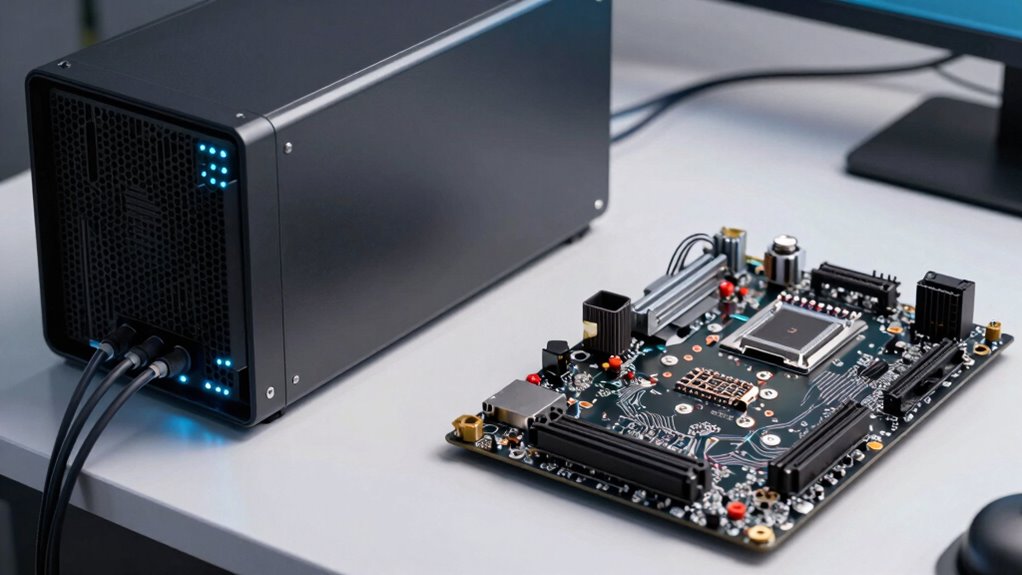

The main difference between barebones servers and finished systems is how much you’re involved in the setup. Barebones servers come as a chassis, power supply, and basic parts, so you can customize and assemble them yourself, offering more control but taking more time. Finished systems are pre-built, fully tested, and ready to use right out of the box, making deployment faster but with less flexibility. Keep exploring to understand which option best fits your needs.

Get business pricing on networking and server gear
- Business-only prices and quantity discounts
- Tax-exempt purchasing
- Multiple users, one account, clear invoices
Key Takeaways
- Barebones servers require user assembly of components, while finished systems come fully assembled and ready to deploy.
- Barebones offer extensive customization options, whereas finished systems have fixed configurations for convenience.
- Maintenance and upgrades are more complex in barebones, with finished systems generally providing manufacturer support.
- Barebones take longer to set up due to assembly, while finished systems enable quick deployment.
- Barebones often cost less initially and allow for tailored upgrades, but finished systems prioritize ease and immediate use.
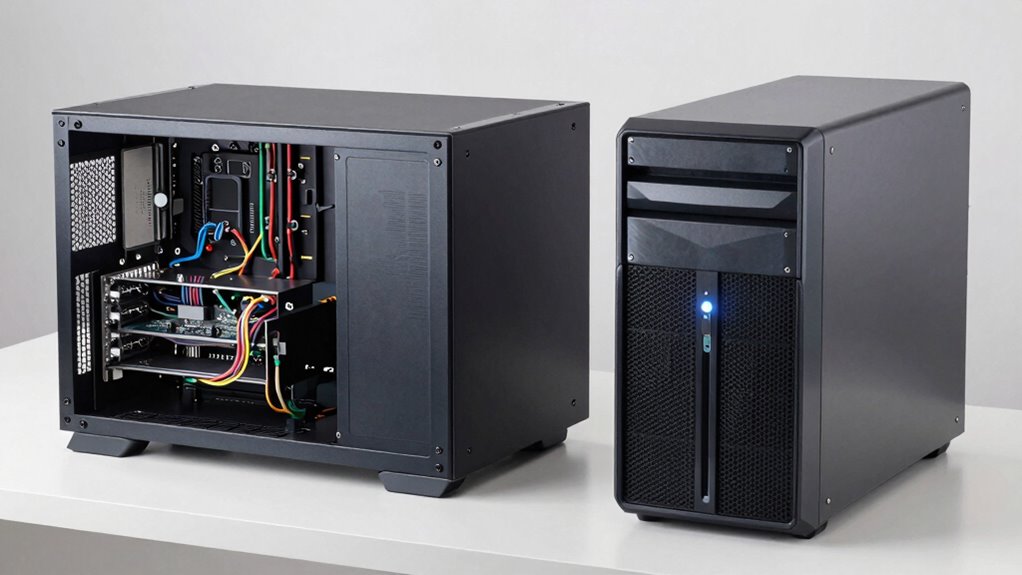
When choosing between barebones servers and finished systems, understanding their fundamental differences can help you make a more informed decision. Barebones servers are essentially the building blocks of a server setup. They come with the chassis, power supply, and basic components, but leave the rest up to you. You’ll need to add memory, storage drives, processors, and networking components yourself. This means you have a high level of customization options, allowing you to tailor the server precisely to your needs. If you’re experienced in hardware assembly and want control over every aspect of your system, a barebones server might be the better choice. However, this also means you’ll face increased maintenance requirements since you’ll be responsible for installing, configuring, and troubleshooting each component. Regular upkeep, component upgrades, and compatibility checks become part of your routine, which can be time-consuming but offers flexibility in the long run. Understanding hardware compatibility is essential when selecting components for a barebones server to ensure everything works seamlessly together. Additionally, staying informed about conservation-friendly practices can help reduce the environmental impact of maintaining and upgrading your hardware over time. Incorporating energy-efficient components can also contribute to this goal. When choosing components, it’s also important to consider power efficiency to minimize operational costs and environmental footprint. A well-chosen configuration can also help optimize your energy consumption, leading to cost savings and a smaller ecological impact over time. Finished systems, on the other hand, are pre-built, fully assembled servers ready to deploy out of the box. They come with all necessary components installed, tested, and optimized by the manufacturer. This significantly reduces your setup time, letting you get your server up and running quickly. The trade-off is limited customization options—these systems usually come with fixed configurations that aren’t easily changed. If your needs are straightforward and don’t require specialized hardware, a finished system offers a hassle-free experience. In terms of maintenance, finished systems tend to be easier to manage initially because the components are selected and installed by experts, and the system often includes manufacturer support. However, since they’re built for a broader audience, upgrading or replacing parts can be more challenging or limited compared to a barebones setup. Additionally, you might pay a premium for the convenience and support. Choosing between the two ultimately depends on your technical expertise, budget, and specific requirements. If you value complete control, customization options, and don’t mind handling maintenance yourself, barebones servers provide a versatile platform. Conversely, if you prefer quick deployment, minimal setup, and straightforward support, finished systems are ideal. Keep in mind that while barebones servers demand more active management, they offer greater flexibility. Finished systems, meanwhile, can save you time at the expense of some customization. By understanding these core differences, you can select the solution that best aligns with your operational needs and technical comfort level.
As an affiliate, we earn on qualifying purchases.
Frequently Asked Questions
How Do Barebones Servers Impact Total Cost of Ownership?
Barebones servers can lower your total cost of ownership by enabling a detailed cost analysis upfront, helping you avoid paying for unnecessary components. They also offer greater upgrade flexibility, so you can customize and expand your system as needed, reducing long-term expenses. This approach allows you to optimize your investment, manage operational costs better, and adapt quickly to changing demands without replacing entire systems.
Are Barebones Servers Suitable for Enterprise-Level Applications?
Yes, barebones servers can be suitable for enterprise-level applications if you prioritize customizability and flexibility. They allow you to select specific hardware components, ensuring compatibility and tailored performance. However, you need to have the technical expertise to configure and maintain them properly. When done right, they offer a scalable, adaptable solution that can meet demanding enterprise needs while optimizing costs and performance.
What Is the Typical Deployment Timeline for Finished Systems?
Finished systems usually have a quick deployment timeline, often within days to a week, thanks to their pre-assembled hardware. This rapid deployment offers you hardware flexibility, as they come ready to run with minimal setup. You won’t need to spend extra time on hardware integration or configuration, allowing you to get your applications up and running faster, reducing downtime and accelerating your project timelines.
Can Barebones Servers Be Upgraded Easily Over Time?
Absolutely, you can upgrade barebones servers with ease, thanks to their modular flexibility and customization options. You might think it’s a intimidating task, but it’s like tweaking a high-performance machine to perfection. You can swap out components, add new drives, or boost memory without tearing down the whole system. These servers are designed for growth, making upgrades simple, quick, and tailored precisely to your evolving needs.
Which Industries Prefer Finished Systems Over Barebones Options?
Industries like healthcare, finance, and retail often prefer finished systems because they offer better customization options and a smoother user experience. These sectors typically need reliable, ready-to-use solutions that minimize setup time and technical complexity. Finished systems guarantee consistent performance and support, which is essential for critical operations. As a result, they reduce downtime and make it easier for users to focus on their core tasks without worrying about hardware compatibility or upgrades.
As an affiliate, we earn on qualifying purchases.
Conclusion
Now that you see the difference, choosing between a barebones server and a finished system is like picking between a blank canvas and a masterpiece. Barebones give you the freedom to customize, but you’ll need to assemble it yourself—think of it as building your own steampunk airship. Finished systems come ready to fly, saving you time and effort. Either way, you’re steering your tech journey—just make certain you’re not flying blind in unfamiliar skies.
As an affiliate, we earn on qualifying purchases.
As an affiliate, we earn on qualifying purchases.
Columbus Day / Indigenous Peoples' Day Picks
long weekend sales
As an affiliate, we earn on qualifying purchases.