
Load balancers manage network traffic by functioning at different levels of the OSI model. Layer 4 load balancers handle traffic based on IP addresses and ports, offering fast, straightforward routing perfect for high-speed applications like streaming or gaming. Layer 7 load balancers inspect data at the application level, allowing content-based decisions, URL routing, and security features. Understanding these differences helps you choose the right type, and exploring more reveals even smarter traffic management options.

Get business pricing on networking and server gear
- Business-only prices and quantity discounts
- Tax-exempt purchasing
- Multiple users, one account, clear invoices
Key Takeaways
- Layer 4 load balancers route traffic based on IP addresses and ports, focusing on transport layer information.
- Layer 7 load balancers analyze application data like HTTP headers and URLs for smarter routing.
- Layer 4 offers high speed and low latency, suitable for simple, high-throughput tasks.
- Layer 7 enables content-based routing, security features, and advanced request handling.
- Choice depends on application needs: Layer 4 for performance, Layer 7 for customization and security.
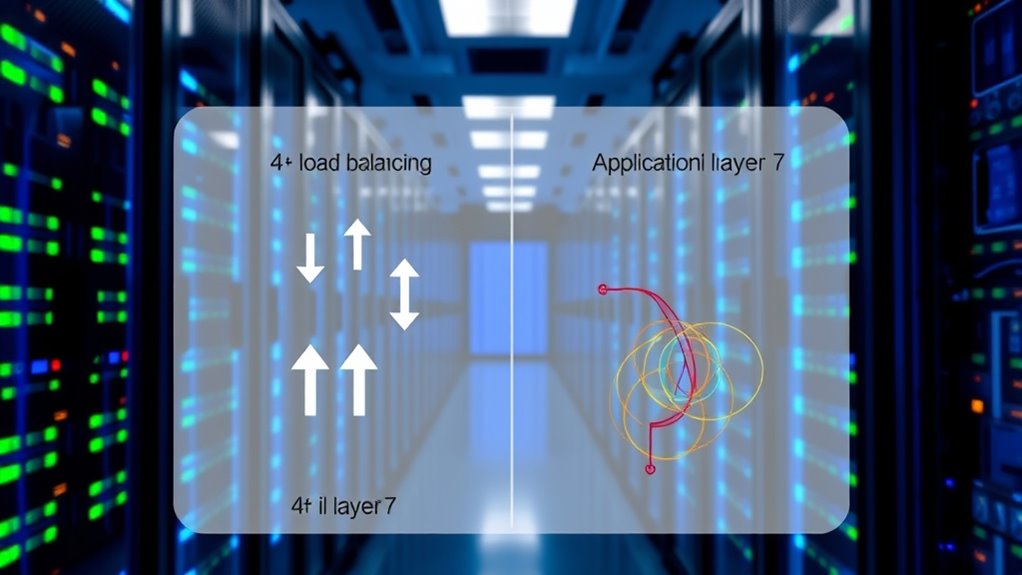
Have you ever wondered how websites handle millions of requests seamlessly and reliably? That’s where load balancers come into play. They distribute incoming network traffic across multiple servers, ensuring no single server gets overwhelmed. This process improves application performance, boosts reliability, and keeps your online experience smooth. Essentially, load balancers act as reverse proxies, managing client-server connections with a virtual IP address. They continuously monitor server health, rerouting traffic away from failing servers and balancing loads to optimize resource use. Whether on-premises or in the cloud, they scale to meet demand, helping applications stay available even during traffic spikes.
Load balancers come in two main types: hardware and software. Hardware load balancers are physical appliances designed for high-performance traffic handling. Software variants run on virtual machines or cloud platforms, offering flexible deployment options. Some combine both, creating virtual load balancers that distribute traffic across different environments. Many are deployed in active-passive setups for redundancy, ensuring continuous service if one component fails. Elastic load balancers automatically scale based on traffic, making them ideal for fluctuating workloads. Load balancers can also be categorized based on their configurations, such as software, hardware, or virtual solutions, which influence their deployment and use cases.
Load balancers can be hardware or software, offering flexible, scalable, and redundant traffic management solutions.
When it comes to how they operate, they fall into two categories: Layer 4 and Layer 7. Layer 4 load balancers work at the transport layer, making routing decisions based on IP addresses and port numbers. They handle TCP, UDP, and even HTTP/HTTPS traffic efficiently because they don’t inspect the actual content of the data packets. This simplicity makes them faster and less resource-intensive, perfect for high-throughput scenarios like gaming, DNS, or streaming. They’re also suitable when you want to keep TLS encryption end-to-end without termination at the load balancer. Additionally, their minimal processing overhead can contribute to lower latency in network communications.
Layer 7 load balancers operate at the application layer. They analyze HTTP headers, URLs, cookies, and request bodies, enabling content-aware routing. This allows them to direct traffic based on specific URL paths, hostnames, or user sessions. They support advanced features such as request rewriting, sticky sessions, web application firewalls, and A/B testing. Because they perform deep packet inspection, they’re slower than Layer 4 but excel in web applications requiring intelligent request handling and security. They’re ideal for microservices architectures or API gateways, where routing depends on detailed request attributes. Their ability to inspect and modify application data provides enhanced security and customization options.
Choosing between Layer 4 and Layer 7 depends on your needs. If you require maximum throughput with minimal latency and don’t need content-based rules, Layer 4 is the way to go. For applications needing sophisticated routing, security, or application-level features, Layer 7 offers more control. Many architectures combine both, using Layer 4 for coarse distribution and Layer 7 for fine-grained, application-specific decisions. By understanding these differences, you can select the right load balancer to optimize your application’s performance and resilience. The integration of energy-efficient cloud solutions can further enhance the sustainability of your overall infrastructure.
As an affiliate, we earn on qualifying purchases.
Frequently Asked Questions
How Do Load Balancers Impact Overall Application Latency?
Load balancers can markedly impact your application’s latency, depending on their configuration. Layer 4 balancers offer lower latency because they route packets without inspecting payloads, making them faster for high-throughput scenarios. Layer 7 balancers introduce more delay due to content inspection, header analysis, and application-level processing. Choosing the right type based on your workload helps optimize latency, balancing speed and feature requirements for your specific application needs.
Can Layer 4 and Layer 7 Load Balancers Be Used Together?
Think of combining Layer 4 and Layer 7 load balancers as building a fortress with a strong outer wall and a detailed inner defense. Yes, you can use them together, with Layer 4 acting as the broad gatekeeper handling high-volume traffic, and Layer 7 as the detailed strategist inspecting requests for content and security. This hybrid approach balances speed and intelligence, optimizing scalability while maintaining fine-grained control over your traffic flow.
What Are the Security Differences Between Layer 4 and Layer 7?
You should know that Layer 7 offers advanced security features like WAF integration, request filtering, and rate limiting based on application data, making it more suitable for protecting web apps. In contrast, Layer 4 mainly provides basic security through TCP/UDP checks and TLS passthrough, which isn’t enough for application-level threats. So, for all-encompassing security, Layer 7 lets you implement detailed protections, while Layer 4 offers minimal security features.
How Does Load Balancer Choice Affect Scalability and Performance?
Your load balancer choice directly impacts scalability and performance. Opting for Layer 4 provides higher throughput and lower latency since it handles simple, connection-based routing, ideal for high-volume, low-latency needs. Conversely, Layer 7 offers richer, content-aware routing but introduces additional CPU load, which can limit scalability. Combining both layers strategically allows you to optimize for maximum performance and scalability based on your workload, traffic patterns, and application requirements.
What Factors Influence Selecting a Load Balancer for Critical Applications?
Imagine you’re steering a ship through turbulent waters; your choice of navigation tools determines your safety. For critical apps, you weigh factors like latency, security, and complexity. You consider whether simple, fast routing (Layer 4) suffices or if you need detailed, application-aware controls (Layer 7). You evaluate traffic patterns, security needs, and scalability to select a load balancer that keeps your system resilient, responsive, and ready for any storm.
software load balancer for cloud
As an affiliate, we earn on qualifying purchases.
As an affiliate, we earn on qualifying purchases.
Conclusion
Now that you’ve seen how Layer 4 and Layer 7 load balancers work, you’re ready to choose the right one for your needs. Think of it like selecting between a trusty horse or a speedy chariot—each offers unique advantages. Just like in the days of chivalry, the right tool depends on your mission. With this knowledge, you can confidently optimize your network’s performance and keep your digital kingdom running smoothly.
Layer 7 application load balancer
As an affiliate, we earn on qualifying purchases.
As an affiliate, we earn on qualifying purchases.
high performance network load balancer
As an affiliate, we earn on qualifying purchases.
As an affiliate, we earn on qualifying purchases.
Columbus Day / Indigenous Peoples' Day Picks
long weekend sales
As an affiliate, we earn on qualifying purchases.