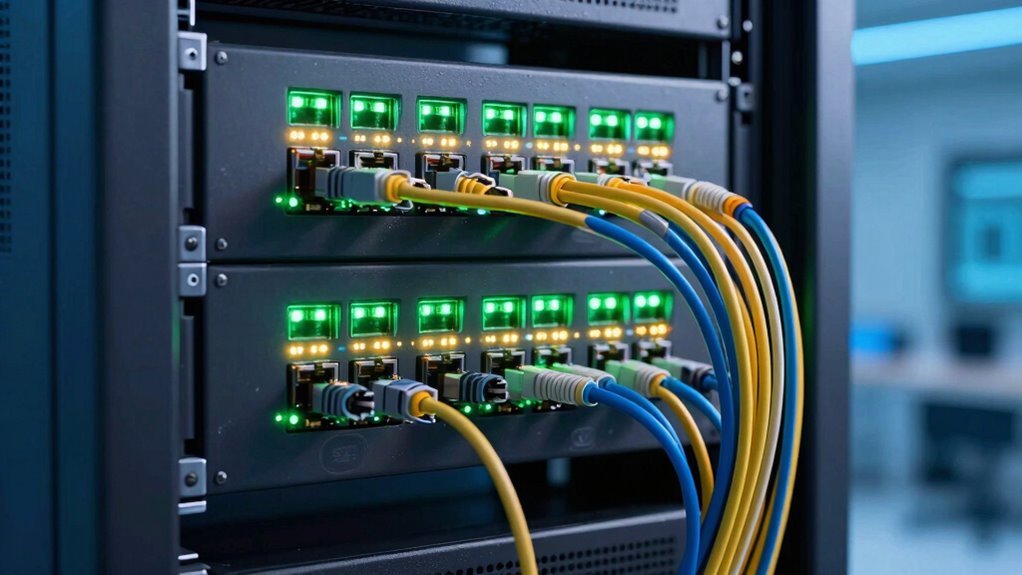

Switch uplinks connect your switches to other switches or routers, helping data move smoothly between different parts of your network. They form the backbone, ensuring devices communicate effectively and preventing slowdowns during traffic surges or failures. Using multiple uplinks can boost performance and add reliability through redundancy, so your network keeps running even if one connection drops. If you want to understand how to create a fast, dependable network with the right uplinks, keep exploring this topic.

Get business pricing on networking and server gear
- Business-only prices and quantity discounts
- Tax-exempt purchasing
- Multiple users, one account, clear invoices
Key Takeaways
- Uplinks connect switches to routers or other switches, forming the main data pathway in a network.
- They ensure devices can communicate across different parts of the network efficiently.
- Multiple uplinks provide redundancy, reducing the risk of network failure or downtime.
- Higher bandwidth uplinks handle more data, preventing slowdowns during heavy usage.
- Combining uplinks through link aggregation boosts capacity and enhances network reliability.
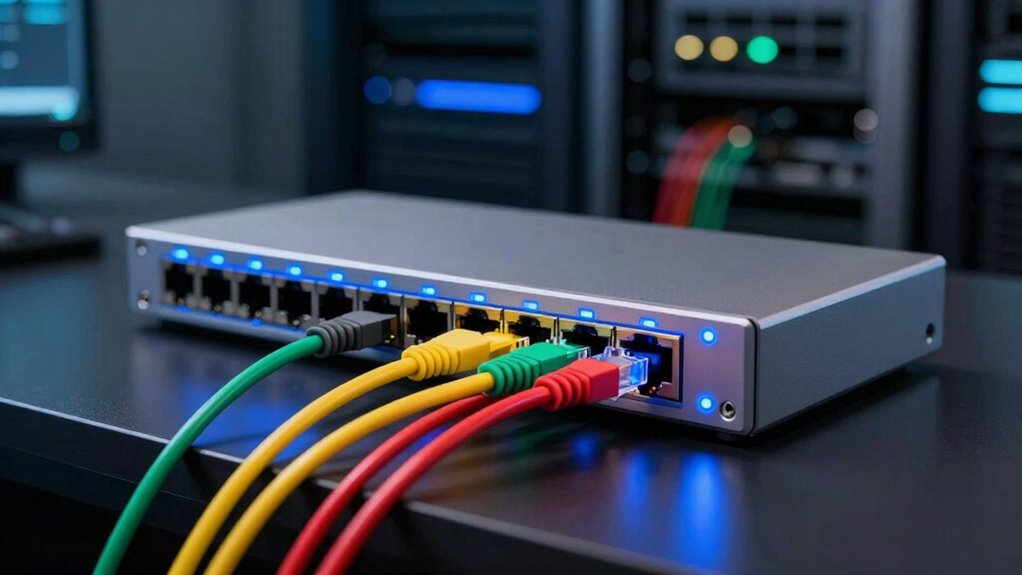
Switch uplinks are the connections that link a network switch to other switches or to a router, forming the backbone of your network. These links are crucial because they carry the data traffic between different parts of your network, ensuring devices can communicate effectively. Without proper uplinks, your network could experience slowdowns or even complete outages when traffic exceeds local switch capacity or if a connection fails. That’s where network redundancy comes into play. By having multiple uplinks, you create a safety net that keeps your network running smoothly even if one link goes down. Redundant uplinks prevent single points of failure, so your network remains resilient and maintains connectivity, which is especially critical for business operations.
Switch uplinks connect switches and routers, enabling reliable communication and preventing network failures through redundancy.
Uplink bandwidth is another key factor to contemplate. It determines how much data can flow through those connections at any given moment. If your uplinks are too narrow or slow, you’ll face bottlenecks, leading to sluggish network performance, especially during peak usage times. Balancing uplink bandwidth with the demands of your network is essential. You want enough capacity to handle your typical data load without overspending on unnecessary speed. For example, if your network handles large file transfers or streaming, you’ll need higher bandwidth uplinks to accommodate that traffic comfortably. Conversely, a smaller office with minimal data needs can operate efficiently with lower-bandwidth uplinks, saving costs without sacrificing performance.
Implementing multiple uplinks not only boosts bandwidth but also enhances network redundancy. Modern switches support link aggregation, which combines several uplinks into a single logical connection. This technique increases total bandwidth and provides a failover mechanism—if one link fails, the others continue to carry traffic seamlessly. This setup ensures your network remains available and responsive, even during hardware failures or maintenance. Additionally, understanding the network topology helps in designing an optimal uplink strategy. Incorporating network design principles can further optimize your uplink deployment for better performance and scalability. Being aware of uplink bandwidth requirements during planning stages can prevent potential bottlenecks down the line. Recognizing the importance of proper planning can help avoid network issues before they occur.
In short, understanding switch uplinks isn’t just about plugging cables into ports; it’s about designing a network that’s fast, reliable, and resilient. Prioritize sufficient uplink bandwidth based on your data needs, and incorporate redundancy to safeguard against failures. When you do this, you’ll create a robust backbone that supports your entire network efficiently and keeps your operations running smoothly.
As an affiliate, we earn on qualifying purchases.
Frequently Asked Questions
Can Switch Uplinks Be Wireless?
Yes, switch uplinks can be wireless, offering flexible connectivity options through wireless alternatives like Wi-Fi or other wireless protocols. However, you’ll need to take into account uplink security, as wireless connections are more vulnerable to interference and unauthorized access. Using secure encryption and strong passwords helps protect your network. While wireless uplinks provide convenience, wired connections typically offer better reliability and security, making them preferable for critical network infrastructure.
What Is the Maximum Number of Uplinks a Switch Can Have?
A switch can typically have multiple uplinks, often up to 8 or more, depending on its port count and design. Each switch port can serve as an uplink, with the uplink capacity determined by the port’s speed, like 1Gbps or 10Gbps. The maximum number of uplinks depends on the switch model, but generally, higher-end switches support more uplinks to guarantee robust network connectivity and redundancy.
How Do Uplinks Affect Network Redundancy?
Uplinks act like bridges in your network topology, connecting switches to create a resilient pathway. They boost network redundancy by enabling multiple routes, so if one link drops, others keep data flowing smoothly. Redundancy protocols, like Spanning Tree Protocol, work alongside uplinks, preventing loops and ensuring reliable connections. Without enough uplinks, your network becomes a fragile web, vulnerable to failures—so, more uplinks mean stronger, more resilient network architecture.
Are There Different Types of Switch Uplinks?
Yes, there are different types of switch uplinks, such as fiber optic and copper Ethernet connections. These uplinks can support VLAN segmentation, allowing you to separate network traffic efficiently. Some uplinks also provide Power over Ethernet (PoE), enabling you to power devices like IP cameras or phones directly through the connection. Choosing the right uplink type depends on your network’s needs for speed, distance, and device power requirements.
How Does Uplink Speed Impact Overall Network Performance?
Uplink speed can make or break your network’s performance, and a slow uplink feels like hitting a wall. Higher bandwidth uplinks reduce bandwidth bottlenecks, allowing data to flow smoothly. They also lessen latency impacts, ensuring quicker response times for your devices. If your uplink is too slow, your entire network slows down, frustrating users and hindering productivity. Upgrading uplink speed is essential for seamless, high-performance networking.
As an affiliate, we earn on qualifying purchases.
Conclusion
So, now you see how switch uplinks gently connect your network’s pieces, creating a seamless flow of information. Think of them as the quiet but essential bridges that keep everything running smoothly behind the scenes. With this understanding, you’re better equipped to appreciate the subtle art of networking. Remember, sometimes the most important links are the ones you don’t immediately notice—yet they hold everything together, quietly ensuring your digital world stays connected and efficient.
As an affiliate, we earn on qualifying purchases.
As an affiliate, we earn on qualifying purchases.
Evergreen bestsellers Picks
bestsellers
As an affiliate, we earn on qualifying purchases.