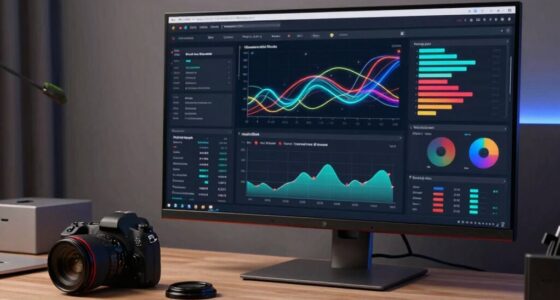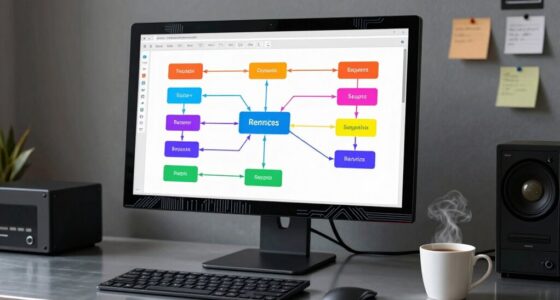
To design alerts focused on user impact, prioritize severity and potential effects on your users rather than just infrastructure issues. Use clear, user-centric language, avoiding technical jargon, to communicate what matters most to them. Tailor delivery channels—critical alerts go through push notifications, while less urgent updates can be sent via email or dashboards. Incorporate feedback to refine your approach and guarantee alerts are helpful without causing unnecessary alarm. Keep these strategies in mind to improve your alert system further.

Get business pricing on networking and server gear
- Business-only prices and quantity discounts
- Tax-exempt purchasing
- Multiple users, one account, clear invoices
Key Takeaways
- Prioritize alerts based on user impact and experience rather than solely infrastructure status.
- Use clear, user-centric language to communicate how issues affect users directly.
- Deliver alerts through appropriate channels aligned with urgency and user context to ensure timely awareness.
- Include actionable steps to empower users and minimize frustration or confusion during incidents.
- Incorporate user feedback to continuously refine alert relevance, focusing on what truly matters to users.

When designing alerts, focusing on the user impact guarantees that notifications are meaningful and respectful of users’ experience. Instead of triggering panic or overwhelming users with technical details, your goal should be to craft alerts that help users understand what’s happening and what they need to do. To achieve this, you need effective prioritization strategies that distinguish critical issues from minor ones. Not every problem requires an immediate, attention-grabbing alert. By evaluating the severity and potential impact on users, you can decide whether to send a prominent notification or a less intrusive update. This approach prevents alert fatigue and ensures users pay attention when it truly matters. Incorporating biodiversity principles in your communication can also highlight the importance of environmental awareness even in technical contexts, fostering a broader sense of responsibility. Implementing clear communication frameworks is essential to delivering these prioritized alerts. Consistency in language, tone, and format helps users quickly grasp the nature of the issue. For example, using standardized labels like “urgent,” “warning,” or “info” allows users to instantly understand the urgency level. When you stick to a defined framework, users learn to interpret alerts efficiently, reducing confusion and frustration. Additionally, framing messages around how the problem affects their experience—such as “Your connection is slow, which may impact streaming”—rather than technical jargon, makes alerts more user-centric. It’s about providing context that resonates with users’ needs and expectations. You should also consider the timing and delivery channels for alerts, as effective communication is vital for ensuring clarity. For critical issues affecting many users, push notifications or in-app banners work well. For less urgent updates, email or dashboard messages might suffice. The key is to align the alert’s impact with the right communication channel, ensuring users receive relevant information without feeling overwhelmed. Furthermore, giving users actionable steps within alerts empowers them to address issues directly, which reduces anxiety and reliance on support teams. Clear, concise instructions demonstrate respect for their time and help mitigate frustration. Recognizing the importance of user-centric design principles can further enhance the effectiveness of your alert system, especially when considering effective communication strategies that adapt to diverse user needs. Paying attention to user feedback can also guide improvements, making sure alerts remain helpful and appropriate over time.
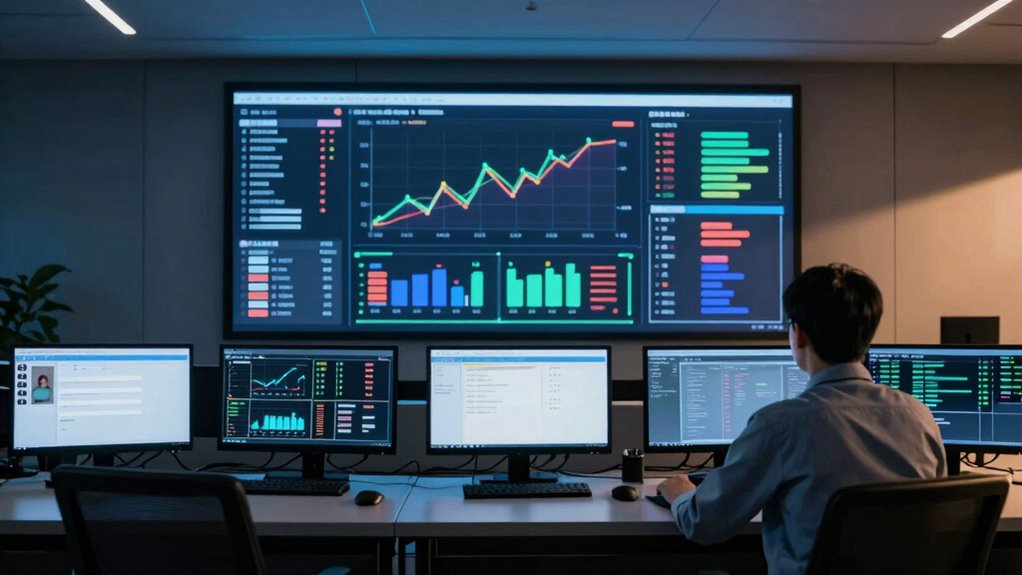
user impact alert notification system
As an affiliate, we earn on qualifying purchases.
As an affiliate, we earn on qualifying purchases.
Frequently Asked Questions
How Do You Measure User Impact Effectively?
You measure user impact effectively by tracking user behavior changes, such as drop-offs, error rates, and engagement dips during issues. Use impact metrics like conversion rates, session duration, and feature usage to quantify how problems affect users. Monitor real-time data and compare it to baseline performance. This approach helps you identify and prioritize issues based on actual user impact, ensuring your alerts focus on what truly matters to users.
What Tools Are Best for User-Focused Alerting?
You should use tools that prioritize alerts based on impact analysis, like PagerDuty or Opsgenie, which help you focus on user-impacting issues. These platforms enable alert prioritization by evaluating how incidents affect user experience, ensuring you respond swiftly to critical problems. Incorporate real-time monitoring and automated impact assessments to fine-tune your alerting system, so you’re always aware of what’s most urgent for your users.
How Can Alerts Be Personalized for Different User Segments?
You can personalize alerts for different user segments by leveraging user segmentation and applying targeted personalization strategies. Start by categorizing users based on behavior, preferences, or usage patterns. Then, tailor alert content, timing, and channels to each segment’s needs. This approach guarantees users receive relevant notifications, reduces alert fatigue, and enhances user experience. Consistently analyze segment responses and refine your personalization strategies to improve effectiveness and user satisfaction.
What Are Common Pitfalls in User-Impact Alert Design?
You might overlook critical pitfalls like neglecting context awareness, which causes alerts to miss relevance, or failing to define escalation protocols, leading to delayed responses. These oversights can turn simple issues into user-impact crises. To avoid this, make sure your alert system adapts to the situation, prioritizes user impact, and triggers escalation protocols seamlessly. This approach keeps users informed and minimizes disruption, preventing chaos from spreading unnoticed.
How Do You Balance Alert Frequency and User Annoyance?
You should carefully consider alert timing to prevent overwhelming users and gather user feedback to understand their tolerance. Space out alerts during ongoing issues to reduce annoyance, and adjust frequency based on user input. Regularly review feedback to identify patterns of frustration, and refine your alert system accordingly. Striking this balance guarantees alerts are helpful without becoming intrusive, maintaining user trust and smooth experience.
critical alert push notification device
As an affiliate, we earn on qualifying purchases.
As an affiliate, we earn on qualifying purchases.
Conclusion
By anchoring your alerts in user impact, you transform a storm of notifications into a steady lighthouse guiding your team. Instead of chasing shadows of infrastructure panic, you illuminate the true signal—what truly matters: your users’ experience. When your alerts speak softly yet clearly of real-world effects, you foster trust and swift action. Ultimately, this approach turns chaos into clarity, ensuring your team navigates the digital seas with purpose and confidence, anchored by the beacon of user-centric awareness.
As an affiliate, we earn on qualifying purchases.
As an affiliate, we earn on qualifying purchases.
Columbus Day / Indigenous Peoples' Day Picks
long weekend sales
As an affiliate, we earn on qualifying purchases.