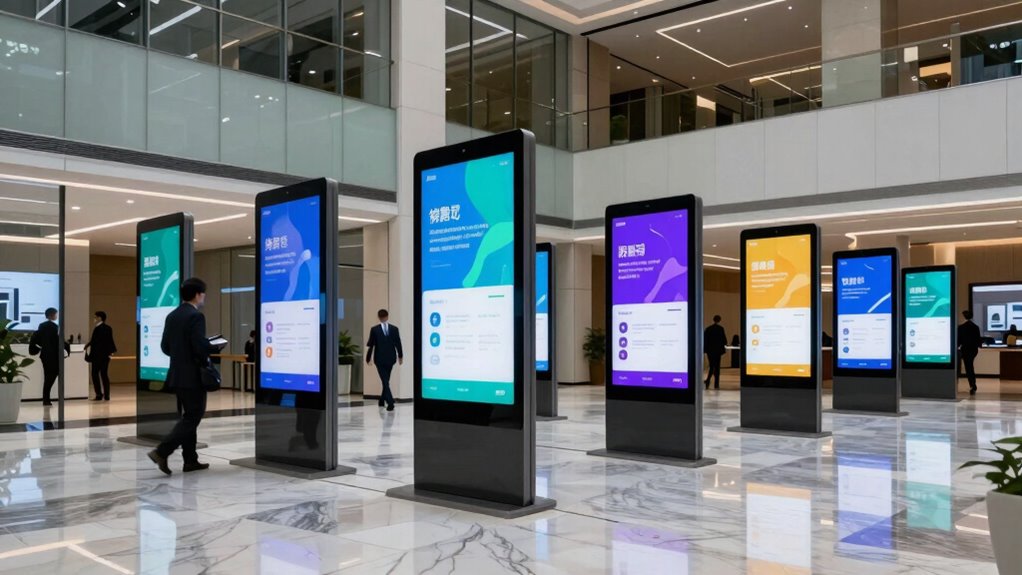

To guarantee a successful digital signage rollout in your corporate space, focus on strategic content that engages and informs your audience, using interactive elements like touchscreens or QR codes. Choose durable hardware compatible with your existing systems and manage it centrally for updates. Prioritize user-friendly interfaces and train staff to handle content management smoothly. Keep your messaging current with a clear content strategy and analytics. Continue exploring how these factors come together to create an effective and lasting digital signage solution.

Get business pricing on networking and server gear
- Business-only prices and quantity discounts
- Tax-exempt purchasing
- Multiple users, one account, clear invoices
Key Takeaways
- Develop a clear content strategy with regular updates and audience feedback integration.
- Ensure hardware durability and seamless integration with existing corporate systems.
- Prioritize user-friendly interfaces and interactive elements to enhance engagement.
- Train staff thoroughly for efficient management and timely content updates.
- Plan for ongoing maintenance, analytics tracking, and system troubleshooting.
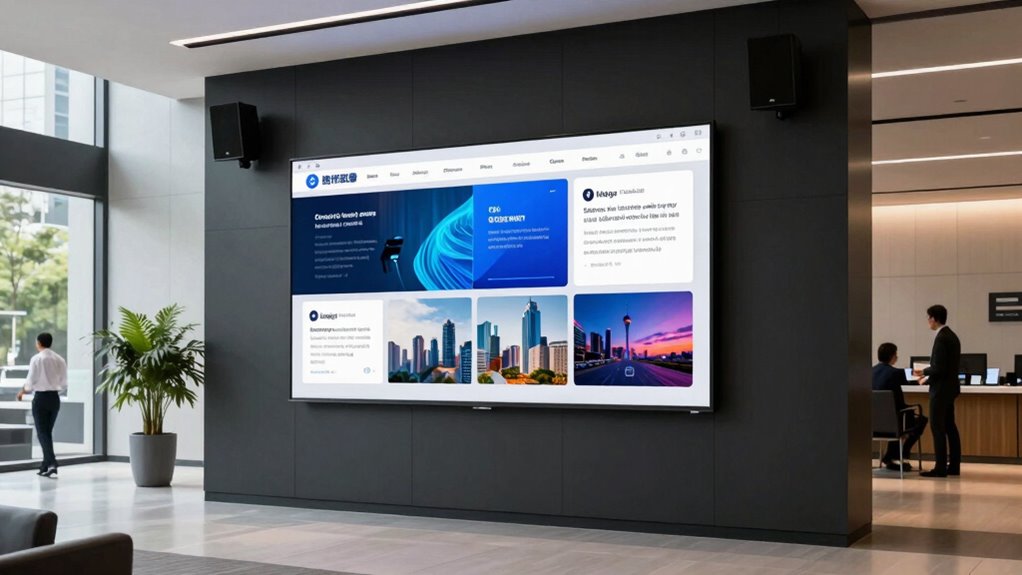
Implementing digital signage in corporate spaces has become a strategic move for businesses looking to enhance communication and engagement. To guarantee your rollout is successful, you need to focus on creating a seamless experience that captures attention and delivers messages effectively. One key aspect is designing interactive content that invites your audience to engage directly with the displays. Instead of static information, include touchscreens or QR codes that allow employees or visitors to access additional details, provide feedback, or even participate in surveys. Interactive content keeps your audience involved, makes information more memorable, and encourages ongoing engagement with your brand or internal initiatives.
Equally important is hardware integration. Your digital signage system should work smoothly with existing infrastructure, including network systems, hardware devices, and software platforms. When you plan your rollout, make sure the hardware you select is compatible with your network and can be managed centrally for updates and troubleshooting. This integration simplifies maintenance, reduces downtime, and ensures your content stays current. It’s also essential to choose durable, high-quality screens that can withstand the environment—whether it’s a busy reception area or a manufacturing floor—so your investment lasts long-term. Additionally, considering hardware durability from the outset can prevent costly replacements and interruptions. Incorporating reliable hardware components can further enhance overall system stability and longevity. Proper planning and thorough testing can help identify potential challenges early and address them proactively, ensuring a smooth deployment process.
A good digital signage rollout also depends on clear content strategy and regular updates. You want your messages to be relevant and timely, which means establishing a content calendar and using analytics to track what resonates with your audience. When you combine engaging, interactive content with consistent updates, your signage becomes a dynamic communication tool rather than just a static display. Incorporating content management systems can streamline this process and help maintain fresh, relevant messaging. Moreover, understanding your audience’s preferences and feedback can inform your content choices and improve overall effectiveness.
Furthermore, user experience should be at the forefront of your planning. Guarantee your displays are easy to navigate, with intuitive interfaces and clear call-to-actions. If you’re using touchscreens, test them thoroughly to avoid frustrating users. The goal is to make information accessible and engaging without creating confusion or delays. Prioritizing user experience design ensures your digital signage is both functional and appealing, encouraging ongoing interaction.
Finally, train your team on how to manage and update the digital signage effectively. Having dedicated staff or a well-designed management system ensures your content remains fresh and relevant without requiring constant technical intervention. When all these elements—interactive content, hardware integration, strategic planning, and user-friendly interfaces—come together, your digital signage rollout will not only inform but also inspire and motivate your corporate audience. This exhaustive approach helps you maximize the impact of your investment and achieve your communication goals efficiently.
interactive digital signage touchscreen
As an affiliate, we earn on qualifying purchases.
As an affiliate, we earn on qualifying purchases.
Frequently Asked Questions
How Do I Measure the ROI of Digital Signage?
You measure the ROI of digital signage by tracking how well content personalization and audience targeting engage viewers. Use metrics like increased foot traffic, sales, or website clicks linked to your signage campaigns. Analyzing viewer interactions and feedback helps you understand effectiveness. Comparing these results to your investment costs gives a clear picture of ROI, showing how digital signage drives business goals and enhances overall communication.
What Are Common Technical Challenges During Rollout?
During a digital signage rollout, you often face technical challenges like guaranteeing content synchronization across screens, so messages stay consistent and timely. Hardware compatibility issues can also arise, making it tricky to integrate new displays with existing systems. To overcome these, test thoroughly beforehand, choose compatible equipment, and set up reliable network connections. Proactively addressing these challenges helps guarantee a smooth, successful deployment that meets your corporate communication goals.
How to Ensure Content Stays Relevant and Engaging?
Think of your digital signage as a lively conversation; to keep it engaging, you need to speak directly to your audience. Use content personalization and audience targeting to tailor messages that resonate. Regularly update your content, analyze viewer interactions, and adapt to changing preferences. This approach guarantees your digital displays stay fresh, relevant, and compelling, encouraging your audience to stay engaged and absorb your message effectively.
What Are Best Practices for Staff Training?
To boost staff engagement and guarantee training effectiveness, you should create interactive, hands-on sessions that demonstrate how digital signage benefits their daily tasks. Keep training sessions concise and relevant, offering follow-up support and resources. Encourage open feedback to address concerns and questions. By fostering a collaborative learning environment, you help staff feel confident and motivated to utilize digital signage effectively, ensuring a successful rollout.
How to Update Signage Remotely and Securely?
You might think remote updates compromise security, but with proper content management systems, they’re safe. To update signage securely, guarantee your platform uses encrypted connections and multi-factor authentication. Regularly monitor remote access logs and keep software up-to-date. Prioritize remote security by implementing strict permissions and using reliable content management tools, so you can confidently manage digital signage from anywhere without risking data breaches or unauthorized access.
durable commercial display screens
As an affiliate, we earn on qualifying purchases.
As an affiliate, we earn on qualifying purchases.
Conclusion
So, after all this talk about planning, content, and tech, you’d think a digital signage rollout is straightforward. But here’s the irony—you can have the best screens and slickest content, yet if you overlook the human element, it all falls flat. Remember, it’s not just about installing tech; it’s about engaging your people. Because nothing says “success” like a digital display that’s perfectly visible, but utterly ignored. Now, go make your rollout unforgettable—preferably for the right reasons.
content management system for digital signage
As an affiliate, we earn on qualifying purchases.
As an affiliate, we earn on qualifying purchases.
digital signage hardware with remote management
As an affiliate, we earn on qualifying purchases.
As an affiliate, we earn on qualifying purchases.
Halloween Picks
halloween
As an affiliate, we earn on qualifying purchases.