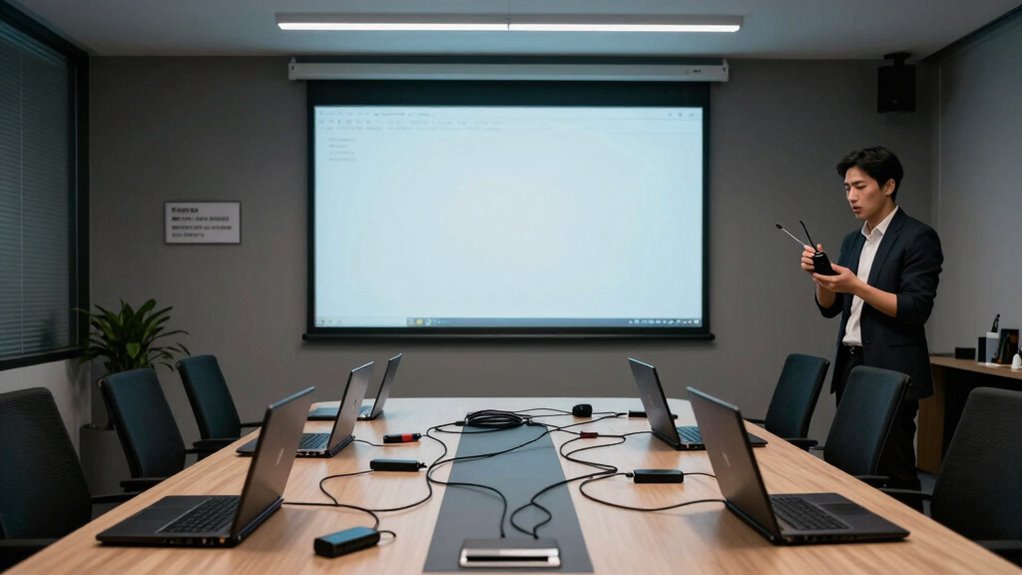

Without proper governance, your wireless presentation system can become chaotic and unreliable. If you lack clear access rules, anyone can connect, disrupting meetings and causing distractions. Compatibility issues with different devices or operating systems lead to connection failures. Without oversight, technical problems and disorganized sharing increase, wasting your time and lowering productivity. Developing solid policies helps you maintain control, ensuring smooth, focused presentations. Keep going to discover how establishing effective governance can prevent these issues altogether.

Get business pricing on networking and server gear
- Business-only prices and quantity discounts
- Tax-exempt purchasing
- Multiple users, one account, clear invoices
Key Takeaways
- Lack of user access controls leads to unauthorized connections, causing disruptions and security risks.
- Absence of device compatibility policies results in connection failures and increased technical issues.
- Without active oversight, unmanaged systems become chaotic, reducing reliability and meeting efficiency.
- Unregulated sharing and access overwhelm systems, causing delays and decreasing collaboration effectiveness.
- Inadequate governance prevents quick resolution of issues, leading to prolonged disruptions during presentations.
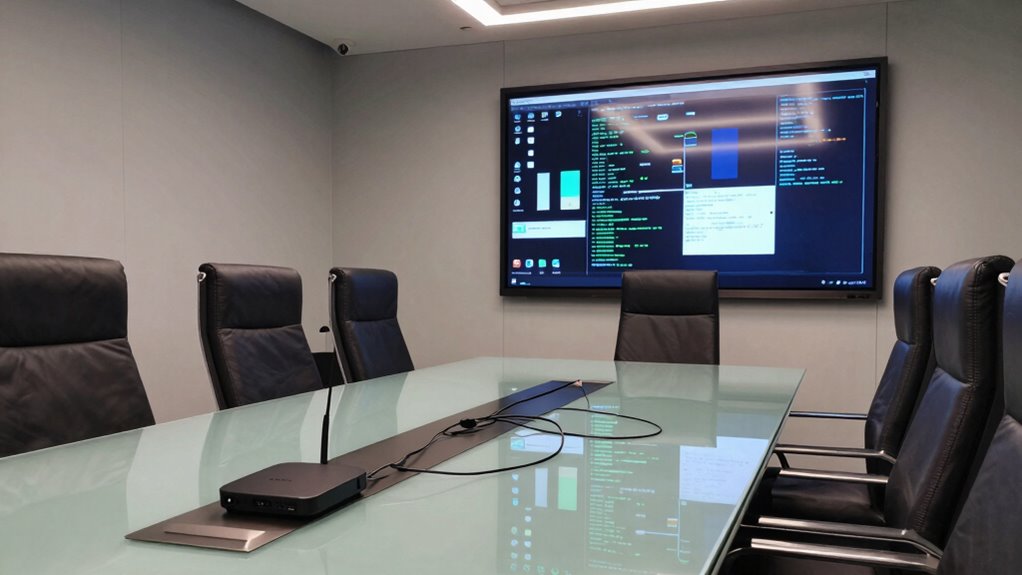
Wireless presentation systems can revolutionize how you share ideas, but without proper governance, they often lead to chaos rather than collaboration. When you don’t have clear rules for user access, anyone can connect, which quickly results in cluttered screens and disrupted meetings. Without controls, unauthorized users might join the presentation, causing distractions and compromising security. Managing who can connect and when becomes essential to keep meetings focused and productive. Establishing user access policies ensures only authorized personnel can share content, preventing accidental or malicious disruptions. You need to define who has permission to connect, whether it’s everyone in the room or specific individuals, to avoid chaos and maintain control over the presentation environment.
Device compatibility is another critical factor that often causes systems to fail without governance. Different users bring a variety of devices—laptops, tablets, smartphones—that may not all work seamlessly with your wireless presentation setup. Without a clear strategy for device compatibility, you could face frequent connection issues, delays, or even total failure of the system during important meetings. To prevent this, you need to ensure that your system supports multiple operating systems and device types. Providing guidance on compatible devices or offering standardized connection methods, such as dedicated apps or adapters, can help streamline the process. When device compatibility isn’t addressed, frustration grows, productivity drops, and meetings become inefficient. Additionally, system monitoring can help identify and resolve compatibility issues quickly, maintaining smooth operation and preventing unnecessary system failures.
Effective governance isn’t just about setting rules; it’s about actively managing and enforcing them. Without it, user access becomes a free-for-all, and device compatibility issues become persistent headaches. You might think that technology is enough to keep everything running smoothly, but without policies and oversight, the system quickly becomes unreliable. When governance is in place, you create a structured environment where users know what’s expected, and technical issues are minimized. Clear protocols for user access and device compatibility reduce downtime and ensure that sharing content is straightforward and secure. Implementing system oversight also allows for quick responses to emerging issues, further minimizing disruptions and maintaining system integrity. Recognizing the importance of content management can also help streamline operations and keep meetings focused on objectives.
In the end, wireless presentation systems are powerful tools when managed properly. Without governance, they turn into sources of frustration, confusion, and lost productivity. You’re better off investing time into establishing clear policies for user access and ensuring device compatibility upfront. Doing so creates a reliable, seamless sharing experience that truly enhances collaboration rather than undermines it. Proper cloud server management can support these governance strategies by centralizing control and monitoring system usage.
wireless presentation system with device compatibility
As an affiliate, we earn on qualifying purchases.
As an affiliate, we earn on qualifying purchases.
Frequently Asked Questions
How Does Governance Impact Wireless Presentation System Security?
Governance is vital for wireless presentation system security because it guarantees proper controls like encryption protocols and user authentication are in place. Without governance, you risk unauthorized access, data breaches, and compromised content. When you implement clear policies, you make certain encryption protocols protect your data and user authentication verifies identities. This proactive approach helps you safeguard sensitive information and maintain a secure, reliable presentation environment.
What Are Common Governance Policies for Wireless Presentation Systems?
You probably think strict governance policies are unnecessary, but they’re essential for wireless presentation systems. Common policies include ensuring device compatibility, so only approved devices connect securely, and providing user training to prevent mishaps. Ironically, neglecting these policies often leads to failures. When you set clear rules for device use and educate users, you safeguard your system and keep presentations running smoothly, avoiding chaos caused by unregulated access.
Can Wireless Systems Operate Effectively Without Centralized Control?
Wireless systems can operate without centralized control, but your experience may suffer due to device interoperability issues and signal interference. Without governance, devices might not connect seamlessly, causing delays and frustration. Signal interference from other wireless networks can further disrupt presentations. To guarantee smooth operation, you need proper oversight, which helps manage device compatibility and minimizes interference, ultimately delivering a more reliable and efficient wireless presentation experience.
How Is User Access Managed in Governed Wireless Presentation Environments?
Imagine a secure, well-lit doorway where only trusted friends can enter. In a governed wireless presentation environment, you manage user access through user authentication and access restrictions. You verify identities before allowing connections, guaranteeing only authorized personnel share content. This controlled approach prevents chaos, maintains data security, and guarantees smooth presentations. By actively managing user access, you create a safe, efficient space where collaboration thrives without the risk of unauthorized disruptions.
What Are the Risks of Unmanaged Wireless Presentation Systems?
Unmanaged wireless presentation systems pose risks like device compatibility issues and network bandwidth congestion. When you don’t enforce governance, unapproved devices may connect, leading to security vulnerabilities. Additionally, multiple devices streaming simultaneously can strain your network, causing lag or disruptions. Without oversight, you risk data breaches, reduced presentation quality, and compromised network stability, all threatening your organization’s productivity and security.
wireless display adapter for multiple devices
As an affiliate, we earn on qualifying purchases.
As an affiliate, we earn on qualifying purchases.
Conclusion
Without proper governance, wireless presentation systems are like a ship without a rudder—liable to drift off course. You might think they’re seamless, but chaos lurks just below the surface. When policies and controls aren’t in place, security risks and technical mishaps become inevitable. To keep your presentations sailing smoothly, you need clear guidelines and oversight. Otherwise, you’re steering into stormy waters, risking more than just a failed connection.
presentation system with user access controls
As an affiliate, we earn on qualifying purchases.
As an affiliate, we earn on qualifying purchases.
wireless screen sharing app for conference rooms
As an affiliate, we earn on qualifying purchases.
As an affiliate, we earn on qualifying purchases.
Halloween Picks
halloween
As an affiliate, we earn on qualifying purchases.