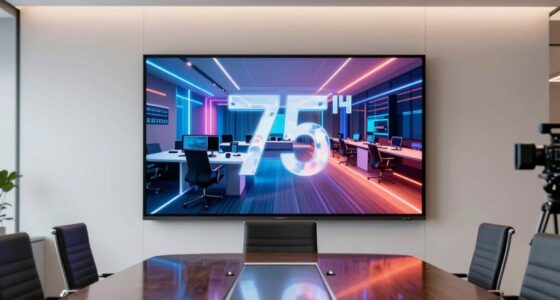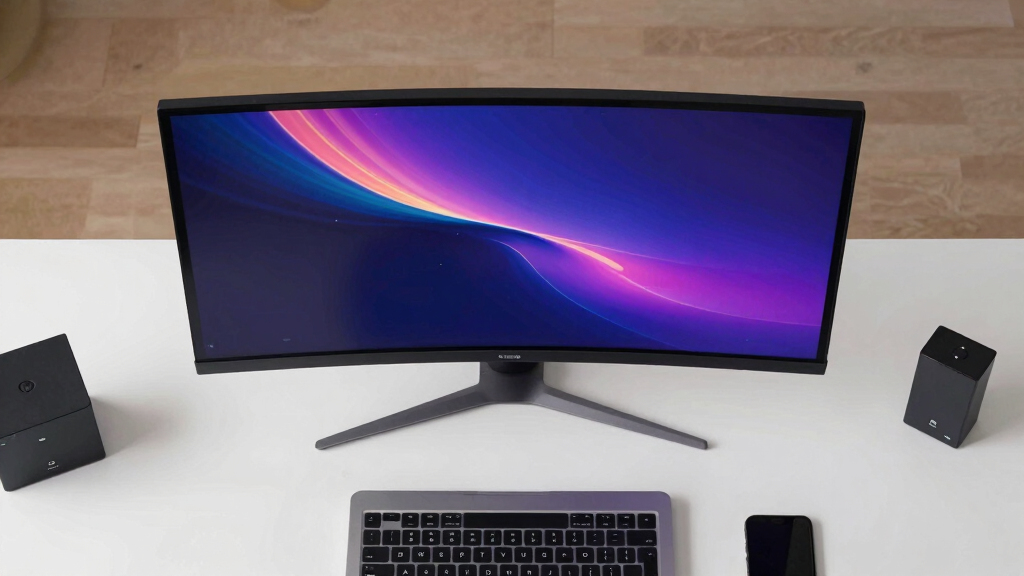
Finding the best video wall display for network operations centers requires balancing image clarity, bezel size, connectivity, and ease of management. The LG 55-Inch FHD Video Wall stands out for its ultra-narrow bezels and integrated WebOS, making it a top overall pick. The Samsung 55” VHC-E Series offers high brightness and reliable performance for busy control rooms, while the Watchman WM-ND9800NP provides a massive 98-inch 4K display ideal for large-scale setups. Buyers face tradeoffs between resolution, bezel width, and control features—continue reading for a detailed breakdown to find your best fit.

Get business pricing on networking and server gear
- Business-only prices and quantity discounts
- Tax-exempt purchasing
- Multiple users, one account, clear invoices
Key Takeaways
- Narrow bezel-to-bezel spacing significantly improves the seamlessness of multi-screen setups, with the LG and Samsung models excelling here.
- Brightness levels of 700 nits or higher are vital for visibility in well-lit control rooms, a feature found in Samsung’s VHC-E Series.
- Integrated control options like WebOS or Web GUI simplify management, but may add cost or complexity for smaller setups.
- LED and LCD options serve different needs: LED walls like the Linsn X102 are flexible and scalable, while large LCDs like the Watchman 98-inch suit massive displays.
- Tradeoffs often involve resolution, ease of installation, and control features—prioritize based on your operational scale and technical expertise.
| LG 55-Inch FHD Video Wall with 1.74mm Bezel-to-Bezel Spacing and WebOS 4.1 |  | Best Overall for Versatile Control Rooms | Screen Size: 55 inches | Resolution: Full HD | Bezel-to-Bezel Spacing: 1.74mm | VIEW LATEST PRICE | See Our Full Breakdown |
| ToVi X2 Series AV IP Video Control Box, KVM, RS-232, IR, GPIO, PoE, Web GUI |  | Best for Advanced AV Management and Remote Control | Video Support: H.264/H.265 | Network Ports: Dual 1G | Control Interfaces: RS-232, IR, GPIO | VIEW LATEST PRICE | See Our Full Breakdown |
| Samsung 55” VHC-E Series 700nit FHD Video Wall with Narrow Bezels |  | Best Brightness and Visual Impact | Size: 55 inches | Brightness: 700 nits | Bezel Width: 1.74mm | VIEW LATEST PRICE | See Our Full Breakdown |
| Watchman WM-ND9800NP 98-Inch 4K UHD Commercial PC Security CCTV LED Monitor |  | Best for Large-Scale Security and Digital Signage | Size: 98 inches | Resolution: 3840 x 2160 (4K UHD) | Response Time: 8ms | VIEW LATEST PRICE | See Our Full Breakdown |
| Linsn X102 LED Video Wall Processor – All-in-One Video Controller for LED Display Screen, Dual Output, HDMI/DVI/VGA/USB, Scene Recall, 1.3MP Support, Upgraded Version of Linsn X100 |  | Best for LED Video Walls with Reliable Control | Resolution Support: up to 3840×1920 | Maximum Pixels: 1.3MP | Outputs: Dual HDMI, DVI, VGA | VIEW LATEST PRICE | See Our Full Breakdown |
| 55-inch UHD Video Wall Display with Ultra-Narrow Bezel |  | Best for Seamless Large-Scale Visuals in Bright Environments | Size: 55 inches | Brightness: 700 nits | Bezel-to-Bezel: 3.5mm | VIEW LATEST PRICE | See Our Full Breakdown |
| video wall display for network operations center | Size |
|---|---|
| LG 55-Inch FHD Video Wall with | — |
| ToVi X2 Series AV IP Video Con | — |
| Samsung 55” VHC-E Series 700ni | 55 inches |
| Watchman WM-ND9800NP 98-Inch 4 | 98 inches |
| Linsn X102 LED Video Wall Proc | — |
| 55-inch UHD Video Wall Display | 55 inches |
More Details on Our Top Picks
LG 55-Inch FHD Video Wall with 1.74mm Bezel-to-Bezel Spacing and WebOS 4.1
This LG 55-inch FHD video wall stands out for its ultra-thin 1.74mm bezel-to-bezel spacing, offering a seamless visual experience critical for network operations centers. Compared to the Samsung VHC-E series, which boasts higher brightness, LG’s edge lies in its smart WebOS 4.1 platform, enabling easy content management and remote updates. However, its lower brightness and contrast details might limit visibility in bright or high-ambient environments. Its multiple connectivity options and VESA mounting make it adaptable, but the overall cost can be significant for larger arrays. This model is well-suited for control rooms needing flexible, integrated display solutions, especially when smart features are valued over extreme brightness.
Pros:- Ultra-thin bezel for nearly seamless multi-screen setup
- Multiple connectivity options for flexible integration
- Built-in WebOS 4.1 for smart content management
- VESA mounting compatibility for easy installation
Cons:- Limited information on brightness and contrast performance
- Higher cost may be prohibitive for very large configurations
Best for: Network operations centers seeking a versatile, smart-enabled display with seamless visuals and multiple inputs.
Not ideal for: Outdoor or high-brightness environments where superior luminance is essential, as details on brightness are limited.
- Screen Size:55 inches
- Resolution:Full HD
- Bezel-to-Bezel Spacing:1.74mm
- Connectivity:HDMI(2), USB 2.0(1), DP(1), DVI(1), LAN
- Mounting:VESA 600 x 400
- Operating System:WebOS 4.1
Our verdict“This LG model fits well in control centers that prioritize smart features and flexible connectivity over maximum brightness.”
ToVi X2 Series AV IP Video Control Box, KVM, RS-232, IR, GPIO, PoE, Web GUI
The ToVi X2 Series stands out for its robust AV-over-IP management capabilities, supporting secure remote access and complex multi-display setups, making it ideal for enterprise control centers. While the Samsung VHC-E and LG models focus on display quality, the X2 excels in managing multiple sources and devices through its web GUI, providing a deeper level of control. Its support for KVM, RS-232, and GPIO interfaces enables seamless integration with existing control systems, but setup can be technically demanding, requiring skilled personnel. This device makes the most sense for organizations that need centralized, remote control of large, multi-source video walls with high reliability.
Pros:- Supports advanced video and audio management over IP
- Secure remote access via web GUI for easy configuration
- Robust build with surge and ESD protection
- Versatile control interfaces including RS-232, IR, GPIO
Cons:- Setup complexity may require technical expertise
- No integrated display — designed as a control device rather than a visual panel
Best for: Network operations centers requiring sophisticated video wall management and remote control capabilities.
Not ideal for: Small setups or environments without technical staff, due to complex configuration requirements.
- Video Support:H.264/H.265
- Network Ports:Dual 1G
- Control Interfaces:RS-232, IR, GPIO
- PoE:Yes (802.3af PD)
- Power Supply:12V
- Mounting:Rack-mountable (1U/6U)
Our verdict“This control box is suited for technically skilled teams managing complex, multi-source video walls in enterprise settings.”
Samsung 55” VHC-E Series 700nit FHD Video Wall with Narrow Bezels
The Samsung VHC-E series offers a 55-inch FHD display with 700 nits brightness, making it ideal for environments where high luminance enhances visibility and impact. Its ultra-narrow 1.74mm bezels create a nearly seamless visual, comparable to LG’s model but with a focus on vibrant visuals. Compared to the LG, which emphasizes smart features, Samsung’s high brightness makes it better suited to brightly lit control rooms or public displays. Its wide viewing angles and non-glare panels improve usability across large teams or open spaces, but the high cost and limited connectivity details suggest this is best for high-end installations where visual impact is paramount.
Pros:- Ultra-narrow bezels for seamless multi-screen arrays
- High brightness of 700 nits for daylight visibility
- Wide viewing angles and anti-glare panels
- Easy calibration for consistent visuals
Cons:- Limited connectivity options detailed in specs
- Potentially high price for larger wall configurations
Best for: Control rooms and command centers needing vibrant, high-brightness displays for daylight conditions.
Not ideal for: Cost-sensitive projects or setups requiring extensive connectivity options, as details are limited.
- Size:55 inches
- Brightness:700 nits
- Bezel Width:1.74mm
- Cabinet Depth:70.4mm
- Display Type:FHD
- View Angles:Wide
Our verdict“Perfect for environments where high brightness and visual clarity are prioritized over advanced smart features.”
Watchman WM-ND9800NP 98-Inch 4K UHD Commercial PC Security CCTV LED Monitor
The Watchman WM-ND9800NP excels in providing a massive 98-inch 4K UHD display, making it ideal for large-scale security and control applications. Compared with smaller commercial displays like LG or Samsung, its size enables a single view for monitoring extensive zones, while its 4K resolution ensures detailed visuals. Designed for 24/7 operation, it offers durability and multiple connectivity options like HDMI, DVI, and VGA, though its weight and size make installation more challenging. Its high power consumption and primary focus on security and signage mean it’s less suitable for standard control room setups that prioritize flexibility and compactness. This display is best suited for environments where size and clarity for critical monitoring are non-negotiable.
Pros:- Enormous 98-inch 4K UHD resolution for detailed visuals
- Designed for continuous 24/7 operation
- Supports multiple connectivity options including HDMI, DVI, VGA
- Durable all-metal chassis for industrial environments
Cons:- Very heavy and difficult to install without professional assistance
- High power consumption typical of large commercial displays
- Primarily suited for security and signage, less flexible for standard video wall use
Best for: Large security control rooms or digital signage environments demanding massive, high-resolution displays.
Not ideal for: Small or typical network operations centers where space and power efficiency are priorities.
- Size:98 inches
- Resolution:3840 x 2160 (4K UHD)
- Response Time:8ms
- Connectivity:HDMI 2.0, DVI, VGA
- Design:All-metal chassis
- Border:Ultra-narrow 6mm
Our verdict“This massive monitor is ideal where size and resolution are critical for monitoring large areas or high-impact signage.”
Linsn X102 LED Video Wall Processor – All-in-One Video Controller for LED Display Screen, Dual Output, HDMI/DVI/VGA/USB, Scene Recall, 1.3MP Support, Upgraded Version of Linsn X100
The Linsn X102 is engineered for LED wall operators who need dependable, high-resolution processing with flexible input options. Its support for up to 1.3MP resolution and dual outputs makes it suitable for mid-sized LED displays, outperforming basic controllers like the X100 with advanced scene recall and brightness adjustment features. While its compact design and USB media playback add convenience, it lacks Wi-Fi or network connectivity, making it less ideal for remote management. For LED displays that require consistent performance and easy scene management, the X102 offers a clear advantage, although it’s less suitable for very large or network-dependent setups.
Pros:- Supports high-resolution video up to 1.3MP
- Dual HDMI, DVI, VGA outputs for flexible display connections
- Scene recall and brightness control for dynamic management
- Compact and durable for continuous operation
Cons:- Limited to medium-sized LED walls, not suitable for very large displays
- No built-in Wi-Fi or network connectivity for remote access
- Setup requires technical knowledge and familiarity with LED control systems
Best for: LED display operators managing medium-sized, high-resolution LED video walls needing reliable scene recall and control.
Not ideal for: Very large LED installations or environments requiring wireless control, due to lack of Wi-Fi and scalability limits.
- Resolution Support:up to 3840×1920
- Maximum Pixels:1.3MP
- Outputs:Dual HDMI, DVI, VGA
- Inputs:2 HDMI, DVI, VGA, CVBS, USB
- Power Consumption:15W
- Scenes Stored:up to 100
Our verdict“This processor is a reliable choice for medium-sized LED walls where scene management and stability are priorities, not remote connectivity.”
55-inch UHD Video Wall Display with Ultra-Narrow Bezel
This 55-inch UHD display stands out for its ultra-narrow 3.5mm bezel, enabling nearly seamless multi-screen configurations that are ideal for high-density network operation centers needing large, cohesive visuals. Compared to the Samsung VHC-E Series, which offers FHD resolution, this model’s UHD clarity provides sharper details vital for complex data monitoring. However, the need for an external video wall controller adds complexity and cost, unlike all-in-one solutions like the LG FHD series. Its 700 nits brightness ensures visibility even in brightly lit rooms, making it suitable for busy environments. The long lifespan of over 50,000 hours supports 24/7 operation, but installation may require additional accessories and setup time, especially if hydraulic mounts are needed. This display makes the most sense for centers prioritizing high-resolution, seamless visuals with flexibility for custom configurations.
Pros:- Ultra-narrow 3.5mm bezel enables nearly seamless multi-screen configurations
- 700 nits brightness provides excellent visibility in bright indoor spaces
- Flexible modular setup allows various video wall arrangements
- Designed for 24/7 operation with a long lifespan of over 50,000 hours
Cons:- Requires a separate video wall controller, increasing complexity and cost
- Hydraulic mounts are optional and not included, adding to setup effort
- Installation might involve additional accessories and time
Best for: Network operations centers that require high-resolution, seamless multi-screen displays in well-lit environments with continuous operation.
Not ideal for: Organizations seeking an all-in-one display solution with integrated control, or those with limited installation resources, since additional accessories and controller setup are needed.
- Size:55 inches
- Brightness:700 nits
- Bezel-to-Bezel:3.5mm
- Viewing Angle:178°
- Lifespan:50,000+ hours
- Operation:24/7
Our verdict“This display is ideal for centers needing high-resolution, seamless, bright visuals with flexible configurations, provided they can accommodate the extra setup and equipment costs.”
How We Picked
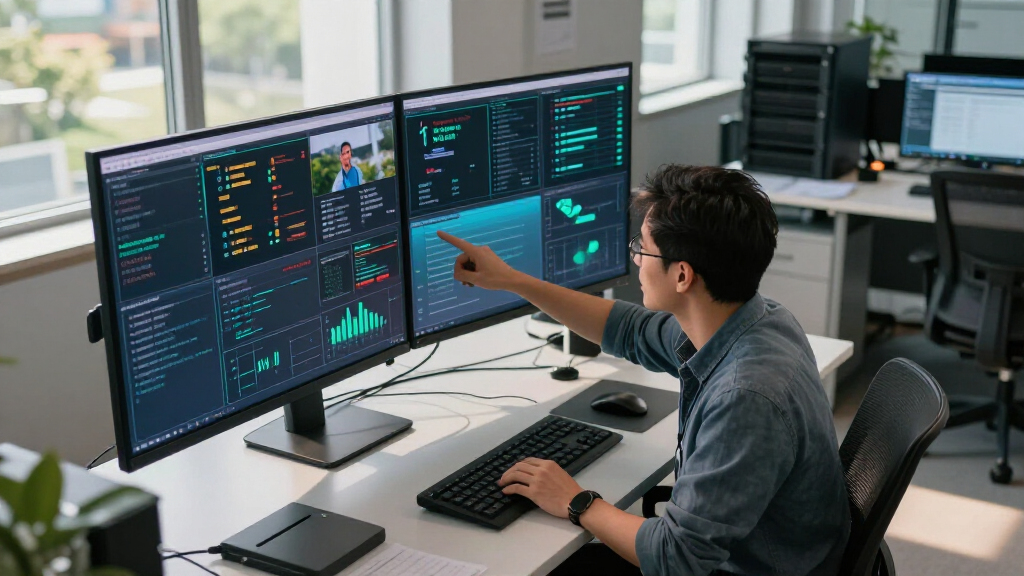
The products in this roundup were selected based on their relevance for network operations centers, focusing on performance, display quality, control features, scalability, and ease of integration. We evaluated each option’s resolution, bezel thickness, brightness, connectivity options, and management capabilities. Cost-effectiveness and build quality were also key factors, ensuring the picks are suitable for demanding environments. These criteria helped us rank the displays according to their suitability for real-world control room applications, balancing features with value and reliability.Factors to Consider When Choosing Best Video Wall Display For Network Operations Centers
Choosing the right video wall display for a network operations center involves several critical considerations. Beyond just size and resolution, factors like bezel width impact the visual continuity, while brightness and contrast influence visibility under different lighting conditions. Connectivity options are essential for integrating multiple data sources seamlessly. Ease of management, including control and remote access, can save time and reduce operational complexity. Understanding these broader factors helps prevent common pitfalls, such as underestimating installation requirements or choosing displays that don’t scale well with your control room’s needs.Display Resolution and Size
Higher resolution displays like 4K or UHD provide sharper images, which are crucial for detailed data visualization in network operations centers. Size matters too—larger screens or arrays of smaller screens should be balanced to fit your control room’s spatial constraints. Keep in mind that bigger isn’t always better if it hampers viewing angles or creates installation challenges. Carefully assess your room’s dimensions and viewing distances to select a display that maximizes clarity without overwhelming the space.
Bezel Width and Seamless Viewing
Thin bezels are a must for creating a cohesive, uninterrupted visual experience across multiple screens. Bezel-to-bezel spacing under 2mm is ideal, as seen in models like the LG and Samsung options. Larger bezels can disrupt data flow and distract viewers, especially in high-stakes environments. However, ultra-narrow bezels can increase cost and complexity, so weigh the visual benefits against your budget and technical capabilities.
Brightness and Visibility
Brightness levels of 700 nits or more are essential for clarity in well-lit control rooms or environments with ambient light. Lower brightness can result in washed-out images, reducing the effectiveness of your display. Consider the lighting conditions and whether additional shading or dimming controls are necessary. High-brightness screens tend to cost more but can drastically improve visibility and reduce eye strain during extended shifts.
Connectivity and Control Features
Reliable connectivity options like HDMI, DVI, and Ethernet are critical for integrating multiple data sources. Built-in control systems, such as WebOS or web-based GUIs, simplify management tasks, especially for large deployments. Beware of displays that lack flexible control options, as they can complicate routine maintenance or emergency adjustments. Investing in models with remote management capabilities can save time and prevent operational downtime.
Scalability and Maintenance
Think about how your display setup will grow over time. Modular LED walls like the Linsn X102 offer scalability, but require more complex installation and calibration. Large LCD panels are easier to set up initially but may be less flexible for future expansion. Regular maintenance, including cleaning and software updates, should also factor into your decision—choose models known for durability and straightforward servicing.
Frequently Asked Questions
How do I decide between LED and LCD video walls for my operations center?
LED walls generally provide higher brightness, better scalability, and wider viewing angles, making them suitable for large, high-ambient-light environments. LCD walls tend to be more affordable, easier to install, and support higher resolutions at smaller sizes. Your choice depends on your room’s lighting, size, and budget, but a common decision point is whether you prioritize scale and brightness (LED) or resolution and ease of setup (LCD).
What is the ideal bezel width for a seamless video wall?
For a nearly seamless visual experience, bezel widths under 2mm are recommended. Narrow bezels reduce visual interruptions, making data easier to interpret across multiple screens. Bezel widths above 3mm can create noticeable gaps, which may hinder quick comprehension in critical control environments. Keep in mind that ultra-narrow bezel displays often come at a premium, so balance your visual needs with your budget.
How much brightness is necessary for a control room display?
Brightness levels of at least 700 nits are advisable for most control rooms, especially if ambient lighting is strong or variable. Higher brightness ensures that images and data are visible without glare or washed-out effects, reducing eye strain during long shifts. If your room has controlled lighting, lower brightness levels may suffice, but investing in brighter displays provides flexibility and future-proofing.
Can I control multiple displays remotely?
Yes, most modern video wall displays include remote management features, such as web GUIs or integrated control systems like WebOS. These tools allow for centralized adjustments, updates, and troubleshooting, which are invaluable in busy operational centers. Selecting displays with robust remote control capabilities can greatly reduce downtime and simplify maintenance, especially in large or complex setups.
What should I consider for future scalability?
Look for modular options like LED panels that can be expanded or reconfigured as your needs grow. For LCD-based setups, consider whether additional screens can be added or replaced without major rework. Planning for scalability involves assessing your long-term data volume, resolution requirements, and physical space. Choosing flexible, future-ready technology can save costs and minimize disruptions down the line.
Conclusion
For organizations seeking the best overall performance, the LG 55-Inch FHD Video Wall offers a balanced mix of narrow bezels, smart management, and reliable display quality. Those prioritizing high brightness and large-scale visuals may prefer the Samsung VHC-E Series, ideal for bright control rooms. Beginners or smaller operations should consider more straightforward, easy-to-manage displays like the 55-inch UHD Video Wall with ultra-narrow bezels. For large, expandable setups, LED options such as the Linsn X102 provide scalability, while specialized needs like security monitoring might find the Watchman 98-inch best suited. Tailor your choice to your operational scale, lighting conditions, and future growth plans to ensure your network operations center remains efficient and effective.