

To successfully roll out an edge server in a branch office, start by evaluating secure connection methods like TLS and VPNs, and implement IAM solutions for strict access control. Next, segment your network using VLANs or SDN to limit breach scope. Verify hardware and software compatibility, develop a detailed deployment plan, and guarantee thorough testing. Once live, use monitoring tools like IDS/IPS and update security measures regularly. If you keep exploring, you’ll uncover more essential steps to optimize your rollout.

Get business pricing on networking and server gear
- Business-only prices and quantity discounts
- Tax-exempt purchasing
- Multiple users, one account, clear invoices
Key Takeaways
- Verify hardware compatibility and performance requirements before deployment.
- Establish secure connection methods (TLS, VPNs) for edge server communication.
- Implement network segmentation to isolate edge servers from the core network.
- Conduct thorough testing and validation during installation to ensure proper configuration.
- Set up ongoing monitoring with IDS/IPS and regular security audits post-deployment.
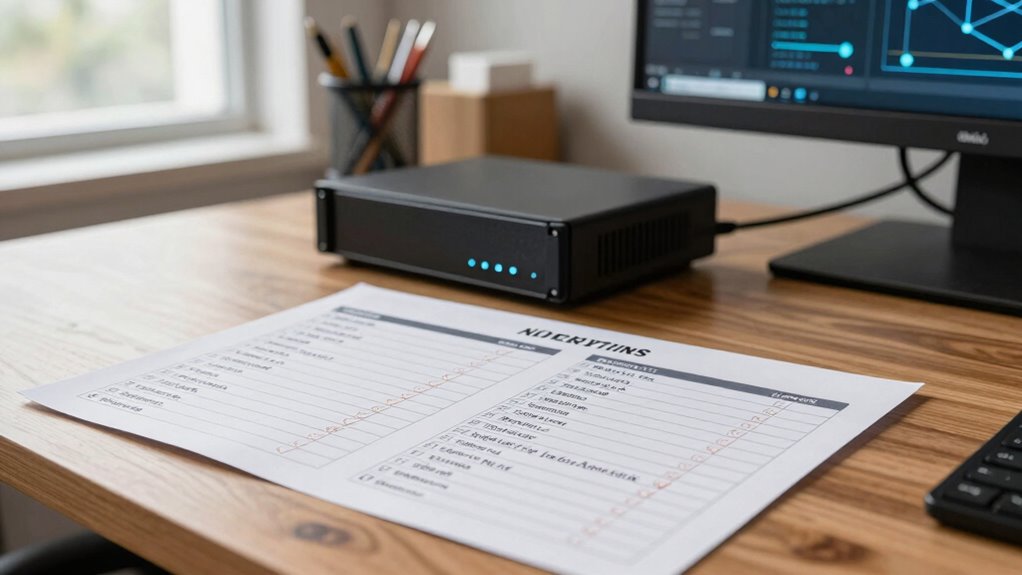
Deploying edge servers to branch offices can considerably enhance local processing and improve network efficiency, but it requires careful planning to guarantee a smooth rollout. One of the most critical aspects is ensuring cloud security. You need to evaluate how the edge servers will connect to your cloud infrastructure and establish secure channels that prevent unauthorized access. Implementing encryption protocols, such as TLS and VPNs, is essential to protect data in transit. Additionally, you should consider integrating identity and access management (IAM) solutions to restrict who can access the servers and manage permissions effectively. Regular security audits and updates are necessary to address emerging threats and vulnerabilities.
Secure cloud connections with encryption, IAM, and regular audits to protect edge servers and data in transit.
Another essential step involves network segmentation. By properly segmenting your network, you can isolate the edge servers from your core network, reducing the risk of lateral movement in case of a breach. Segmenting also helps in managing traffic flows more efficiently, ensuring that sensitive data stays within designated boundaries. Use VLANs or software-defined networking (SDN) to create these segments, and implement strict firewall rules to control communication between segments. This way, you prevent potential attackers from reaching critical systems if an edge server gets compromised. Proper segmentation also simplifies monitoring and troubleshooting, as you can track issues within specific segments without affecting the entire network. Incorporating security best practices during setup can further enhance your defense posture and help mitigate risks associated with deployment.
Before deploying, you need to verify that the hardware and software configurations are compatible with your existing infrastructure. This includes checking that the servers meet performance requirements and that your network equipment supports the necessary segmentation and security features. It’s also wise to establish a detailed deployment plan that details each step—from installation to testing and validation. During deployment, closely monitor the installation process to address issues immediately and minimize downtime. Conducting thorough compatibility checks ensures a smoother transition and reduces the risk of unforeseen issues. Incorporating security best practices during setup can further enhance your defense posture and create a resilient deployment environment.
Post-deployment, continuous monitoring plays an indispensable role in maintaining a secure and efficient environment. Use intrusion detection systems (IDS) and intrusion prevention systems (IPS) to identify suspicious activity. Regularly review logs to detect anomalies early. As your network evolves, update your security policies and segmentation strategies accordingly, keeping cloud security at the forefront. Educate your team on best practices for managing and maintaining the edge servers, emphasizing the importance of security protocols and proper segmentation. Incorporating ongoing security assessments into your routine ensures that your defenses remain effective against emerging threats.
As an affiliate, we earn on qualifying purchases.
Frequently Asked Questions
How Do I Determine the Optimal Hardware Specifications for My Edge Server?
You determine the ideal hardware specs by first evaluating your workload needs and ensuring hardware compatibility with your server components. Conduct performance benchmarking to evaluate how different configurations handle your applications, focusing on CPU, memory, and storage. Consider future growth to avoid frequent upgrades. Balancing performance and cost is key, so choose hardware that meets your current demands while leaving room for scalability.
What Security Protocols Should Be Implemented on the Edge Server?
You should implement robust security protocols on your edge server by enabling strong encryption protocols like TLS and IPsec to protect data in transit. Additionally, set strict access controls, including multi-factor authentication and role-based permissions, to limit who can access sensitive information. Regularly update your security patches and monitor logs for suspicious activity. Combining encryption and access controls guarantees your edge server remains secure against threats.
How Do I Ensure Seamless Integration With Existing Network Infrastructure?
Think of your network as a symphony—every instrument must harmonize. To guarantee seamless integration, focus on network optimization by fine-tuning configurations for compatibility testing. Document your existing infrastructure thoroughly, update firmware, and verify that the edge server supports current protocols. Collaborate with your IT team to run pilot tests, identify potential conflicts early, and adjust settings accordingly. This approach guarantees your edge server blends effortlessly into your network’s rhythm.
What Are Common Troubleshooting Steps for Edge Server Deployment Issues?
To troubleshoot edge server deployment issues, first check network latency, as high latency can cause slow responses or failures. Make sure firmware updates are current, since outdated firmware might lead to compatibility problems. Restart the server to clear temporary glitches, verify network configurations, and review logs for error messages. Also, test connectivity to critical resources, and if problems persist, consult vendor support for advanced diagnostics.
How Should I Plan for Future Scalability and Upgrades?
Imagine your network as a growing city skyline, stretching taller and wider with each new building. To support future growth, you craft a flexible upgrade strategy, selecting scalable hardware and planning for seamless updates. You monitor traffic patterns and anticipate capacity needs, ensuring your edge server infrastructure can adapt effortlessly. By planning ahead, you keep your network resilient, ready to expand without disruption, supporting your branch office’s evolving demands.
network segmentation VLAN switch
As an affiliate, we earn on qualifying purchases.
As an affiliate, we earn on qualifying purchases.
Conclusion
With this checklist in hand, you’re the captain steering your branch office’s tech voyage. Each item is a star guiding you through the night, ensuring a smooth, secure journey. When you cross the finish line, you’ll have a robust edge server setup that’s ready to conquer challenges and keep your network sailing seamlessly. Trust this roadmap, and watch your branch flourish like a well-tended garden—blooming with connectivity and confidence.
IDS IPS security monitoring system
As an affiliate, we earn on qualifying purchases.
As an affiliate, we earn on qualifying purchases.
As an affiliate, we earn on qualifying purchases.
Fall Picks
fall essentials
As an affiliate, we earn on qualifying purchases.






![Rails World 2026 Opening Keynote [Video]](https://eucloudservers.com/wp-content/uploads/2026/09/rails-world-2026-opening-keynote-video-featured-260x140.jpg)