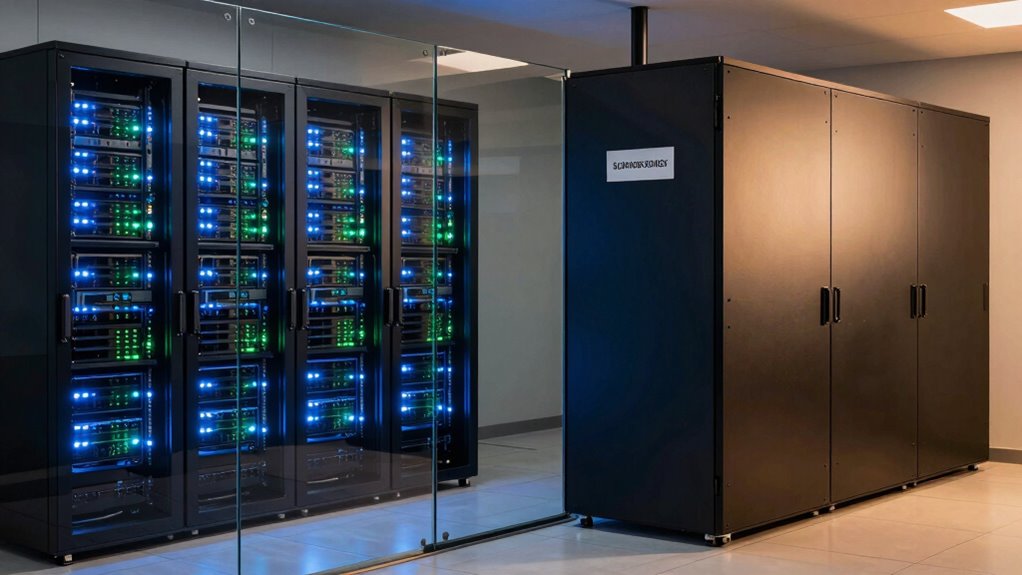

To separate backup storage from your production storage, use dedicated physical or virtual servers to prevent shared points of failure. Make sure backups are isolated during transfer with encryption and stored in secure, offsite or cloud environments that offer geographic redundancy. Automate backups and periodically test your disaster recovery plan to confirm everything remains accessible and functional. Following these steps helps maintain data security and resilience—continue to explore how to implement these strategies effectively.

Get business pricing on networking and server gear
- Business-only prices and quantity discounts
- Tax-exempt purchasing
- Multiple users, one account, clear invoices
Key Takeaways
- Use separate physical or virtual servers for production and backup environments to prevent single points of failure.
- Ensure data is encrypted during transfer and at rest for both production and backup storage.
- Store backups offsite or in the cloud with geographic redundancy to protect against regional disasters.
- Automate regular backups and periodically test disaster recovery procedures to ensure backup integrity and separation effectiveness.
- Avoid sharing storage systems between production and backups to minimize risks of data compromise or corruption.
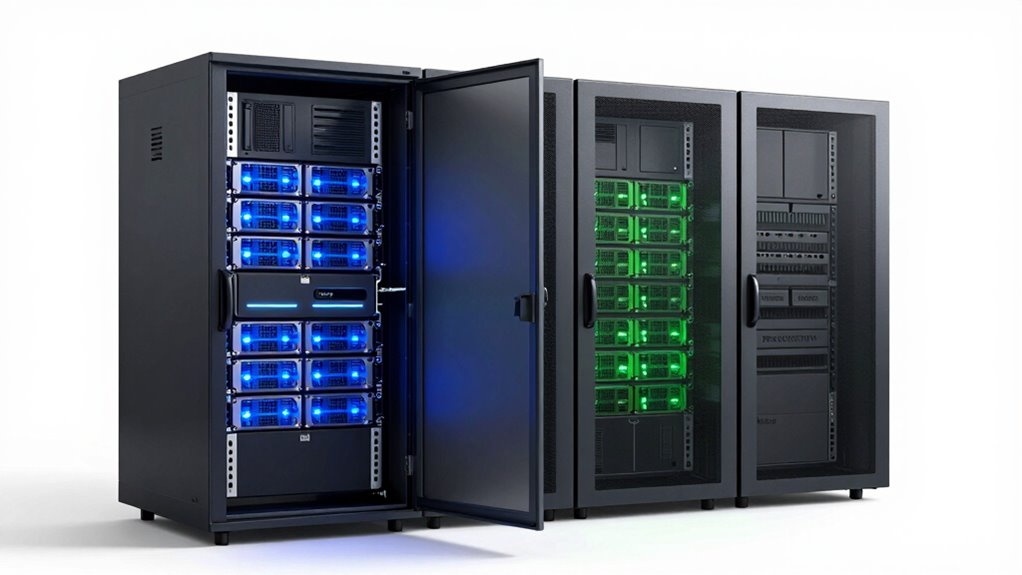
Separating backup storage from production storage is fundamental for guaranteeing data security and minimizing downtime. When you keep backups isolated from your main systems, you reduce the risk of both hardware failures and malicious attacks compromising your entire data set. Cloud backup plays an essential role here, offering an offsite, scalable solution that safeguards your data against local disasters. By leveraging cloud backup, you guarantee that your backups are stored securely in a remote location, which is critical for effective disaster recovery strategies. This separation ensures that even if your primary systems face a breach, hardware failure, or ransomware attack, your backups remain untouched and readily accessible for recovery.
To implement this separation properly, start by designing a clear architecture that distinguishes your production environment from your backup environment. Use separate physical or virtual servers for production and backup storage, avoiding shared storage systems that can become a single point of failure. When you utilize cloud backup, confirm that your data is encrypted both during transfer and at rest, adding an extra layer of security. This encryption prevents unauthorized access, especially during transit over the internet, and guarantees that your data remains confidential even if the cloud provider’s infrastructure is targeted. Incorporating cloud security strategies further enhances your data protection across different platforms.
You should also automate regular backups to maintain consistency and reduce human error. Automated backup schedules, combined with real-time or near-real-time replication, help keep your backup data current without manual intervention. This is particularly important for disaster recovery, as up-to-date backups are indispensable for restoring operations swiftly after an incident. Keep in mind that your backup storage should be geographically dispersed, especially when relying on cloud backup. This geographic diversity minimizes the risk of data loss due to regional outages, natural disasters, or network disruptions. Incorporating geographic redundancy ensures your data remains protected in multiple locations. Implementing redundant storage systems further minimizes potential points of failure, adding an extra layer of resilience to your backup strategy. Additionally, understanding the importance of offsite storage can significantly improve your disaster preparedness.
Finally, test your backup and disaster recovery procedures periodically. Simulate different failure scenarios to verify that your separation strategy effectively supports quick recovery. Regular testing ensures that your backup storage remains accessible, intact, and functional, giving you confidence that, in an emergency, you can restore your systems efficiently. Remember, the key to a resilient data management strategy is not just separating your backup storage but actively maintaining and testing that separation. When you do this right, you create a robust safety net that keeps your business running smoothly, no matter what unforeseen disruptions come your way.
enterprise backup storage server
As an affiliate, we earn on qualifying purchases.
As an affiliate, we earn on qualifying purchases.
Frequently Asked Questions
What Are the Common Mistakes to Avoid When Separating Storage?
You should avoid common mistakes like neglecting proper storage segmentation and data isolation. Failing to clearly separate backup from production storage can lead to data breaches, performance issues, and recovery challenges. Don’t overlook the importance of implementing strict access controls and regular testing. Guarantee your segmentation strategy effectively isolates sensitive data, minimizing risks and maintaining system integrity. Proper planning and adherence to best practices prevent costly errors and safeguard your data assets.
How Does Separation Impact Data Recovery Speed?
You might find it surprising, but separation can both speed up or slow down data recovery, depending on how you implement it. Proper separation reduces contention and improves recovery speed by isolating backup workloads from production. However, if not managed well, it can cause delays due to increased complexity or network bottlenecks. The separation impact, consequently, hinges on your configuration, ensuring quick data recovery when needed, without unnecessary obstacles.
What Security Measures Are Essential for Backup Storage?
You should implement strong security measures like encryption protocols and access controls for your backup storage. Encryption protects your data both at rest and during transfer, preventing unauthorized access. Access controls ensure only authorized personnel can view or modify backups. Regularly update your security protocols, monitor access logs, and use multi-factor authentication to reinforce your defenses. These steps help safeguard your backups against cyber threats and data breaches effectively.
How Often Should Backup Storage Be Tested or Validated?
You should test and validate your backup storage at least quarterly to guarantee data integrity and reliability. Regular backup frequency checks help identify issues early, preventing data loss. Storage validation involves restoring backups to verify they work correctly and are up-to-date. By consistently scheduling these tests, you ensure your backup system remains robust, minimizing risks during data recovery and maintaining confidence in your disaster recovery plan.
What Are the Costs Associated With Different Separation Methods?
Different separation methods come with varying costs. For example, using separate physical devices involves higher capital expenses, while cloud-based solutions may incur ongoing subscription fees. Conducting a cost analysis helps you compare these options, ensuring you stay within your budget. Budget planning becomes easier when you understand the associated costs, allowing you to choose a separation method that balances security needs and financial constraints effectively.
cloud backup solution with geographic redundancy
As an affiliate, we earn on qualifying purchases.
As an affiliate, we earn on qualifying purchases.
Conclusion
So, next time you’re tempted to toss your backups right next to production data, remember—nothing says “smart” like risking your entire operation just for convenience. Separating backup storage isn’t just a best practice; it’s your insurance policy against chaos. Ironically, the very act of keeping them apart could save you from a disaster that makes your worst nightmare look like a minor hiccup. Stay safe, stay separated—your data will thank you.
encrypted external hard drive for backups
As an affiliate, we earn on qualifying purchases.
As an affiliate, we earn on qualifying purchases.
automated backup software for small business
As an affiliate, we earn on qualifying purchases.
As an affiliate, we earn on qualifying purchases.
Halloween Picks
halloween
As an affiliate, we earn on qualifying purchases.