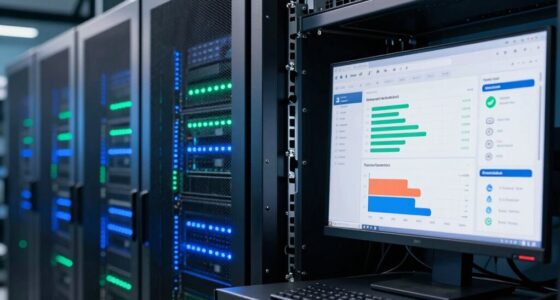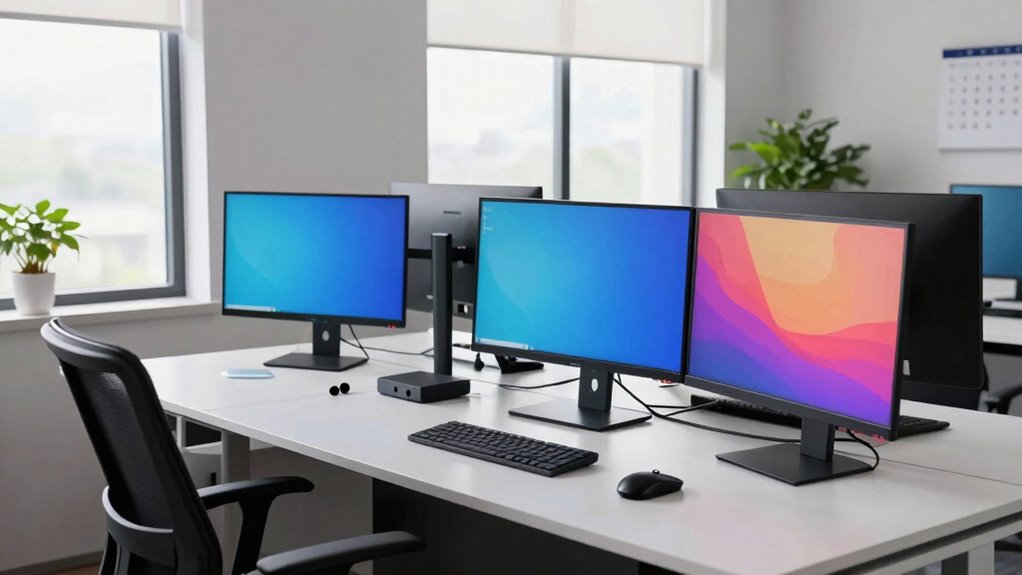

Your workstation should be refreshed when your computer slows down, crashes often, or can’t support the latest software updates. If you’re experiencing discomfort, poor posture, or fatigue from your setup, it’s time to upgrade your ergonomic features. Outdated hardware also increases security risks and hampers productivity. Recognizing these signs early helps prevent disruptions and health issues. Keep going to discover more key points that signal it’s time for a workstation upgrade.

Get business pricing on networking and server gear
- Business-only prices and quantity discounts
- Tax-exempt purchasing
- Multiple users, one account, clear invoices
Key Takeaways
- When hardware performance hampers productivity due to slow speeds or frequent crashes.
- If outdated hardware no longer receives security updates, increasing vulnerability risks.
- When physical discomfort or ergonomic issues arise from non-adjustable or poorly designed workstations.
- As hardware approaches or exceeds its typical lifespan, leading to compatibility and support problems.
- To ensure compliance and reduce security risks by upgrading outdated systems with current technology standards.

Knowing when to refresh your workstations is crucial for maintaining productivity and security, especially as technology evolves rapidly. One of the most obvious signs is when your current hardware begins to hinder your work. If your computers are slow, crash frequently, or can’t support the latest software, it’s time to contemplate a refresh. Outdated hardware not only impacts efficiency but also poses security risks, as older systems may no longer receive critical updates. Additionally, hardware compatibility becomes a concern; new applications or operating systems might not run smoothly or at all on outdated machines. When you find yourself struggling to keep up with software demands, it’s a clear indicator that your workstations need an upgrade.
Another critical trigger point is the physical comfort and health of your workspace. If your current setups cause discomfort or strain, it’s time for ergonomic upgrades. Poor ergonomic design can lead to fatigue, musculoskeletal issues, and decreased productivity. Modern workstations often come with adjustable desks, ergonomic chairs, and accessories like monitor stands and keyboard trays that promote better posture. If your current setup doesn’t support your physical well-being, upgrading your workstation with ergonomic features can make a significant difference in your daily comfort and long-term health. Recognizing hardware obsolescence and its impact on security and performance can help guide timely upgrades to stay current with technological standards. Additionally, upgrading to ergonomic equipment can be a proactive step toward preventing work-related injuries and enhancing overall well-being. Staying informed about technology standards ensures your work environment remains up-to-date and efficient. Regularly reviewing your hardware lifespan can help you anticipate future upgrades and avoid unexpected disruptions. It’s also beneficial to stay aware of security vulnerabilities associated with outdated hardware to better protect your work and data.
As an affiliate, we earn on qualifying purchases.
Frequently Asked Questions
How Often Should I Evaluate My Workstation for Upgrades?
You should evaluate your workstation for upgrades every 6 to 12 months. During this time, check hardware compatibility to guarantee your equipment meets the latest software updates, which often require newer hardware features. Regular assessments help you stay current with technology, avoid performance issues, and optimize productivity. If you notice slowdowns or compatibility problems, consider upgrading sooner. Staying proactive keeps your workstation efficient and aligned with evolving software demands.
What Are Signs My Workstation Is Hindering Productivity?
If your workstation’s slowing you down, it’s probably time for a reality check—like, does your ergonomic accessories suddenly feel more like torture devices? Are software upgrades now rarer than a unicorn? When multitasking feels like wading through molasses or your screen freezes more than a bad date, it’s clear your setup’s hindering productivity. Time to refresh your gear, upgrade software, and smile at the efficiency you deserve.
How Do Budget Constraints Affect Refresh Timing?
Budget constraints can delay your workstation refresh, but you should still prioritize hardware compatibility and software integration. When funds are limited, you might stretch your current equipment longer, risking outdated hardware that hampers productivity. To make informed decisions, weigh the cost of potential productivity loss against upgrade expenses. Planning refreshes around available budgets guarantees you maintain efficient hardware and smooth software integration without overspending, ultimately supporting your work goals.
Are There Specific Workstation Features to Prioritize?
You should prioritize ergonomic accessories and hardware compatibility when choosing features for your workstation. Ergonomic accessories, like adjustable chairs and keyboard stands, boost comfort and productivity. Ensuring hardware compatibility prevents issues with upgrades or peripherals, saving you time and money. Focus on a powerful processor, ample RAM, and reliable storage, but never overlook ergonomic comfort and compatibility, which are essential for long-term efficiency and user well-being.
How Does Employee Feedback Influence Refresh Decisions?
Employee feedback plays a vital role in your refresh decisions by highlighting ergonomic improvements needed and preferences for technology upgrades. When you listen to your team, you can identify pain points and areas where comfort and productivity can improve. Incorporating their insights guarantees that ergonomic improvements are prioritized, and technology upgrades meet actual needs. This collaborative approach helps you make smarter, more targeted refresh choices, ultimately boosting satisfaction and efficiency.
As an affiliate, we earn on qualifying purchases.
Conclusion
Think of your workstation like a car—you wouldn’t keep driving it well past its prime without risking breakdowns. Just like you’d schedule tune-ups after certain miles, recognizing your trigger points ensures smooth performance. When you notice lagging software or hardware struggles, it’s time for a refresh. Addressing these signs early keeps your productivity running flawlessly, much like changing the oil before the engine seizes. Stay proactive, and your workstation will serve you reliably for miles to come.
monitor stand for ergonomic setup
As an affiliate, we earn on qualifying purchases.
As an affiliate, we earn on qualifying purchases.
As an affiliate, we earn on qualifying purchases.
Columbus Day / Indigenous Peoples' Day Picks
long weekend sales
As an affiliate, we earn on qualifying purchases.