
You need to take into account ergonomics in IT asset planning because it directly impacts employee health, comfort, and productivity. Properly designed workstations with adjustable chairs, monitor stands, and ergonomic keyboards reduce musculoskeletal issues and minimize sick days. By creating a holistic workspace that supports physical well-being, you foster a healthier environment and lower long-term healthcare costs. Exploring how smart equipment choices align with standards can help you optimize your space—if you continue, you’ll find out more.

Get business pricing on networking and server gear
- Business-only prices and quantity discounts
- Tax-exempt purchasing
- Multiple users, one account, clear invoices
Key Takeaways
- Ergonomic hardware reduces employee discomfort and health issues, leading to fewer sick days and increased productivity.
- Properly planned ergonomic assets enhance overall workspace efficiency and promote sustained employee well-being.
- Customizable equipment supports diverse physical needs, ensuring inclusivity and reducing long-term health risks.
- Ergonomic assessments help identify potential issues early, minimizing costly health-related disruptions and asset replacements.
- Integrating ergonomics into IT planning fosters a healthier, more comfortable work environment, boosting morale and retention.
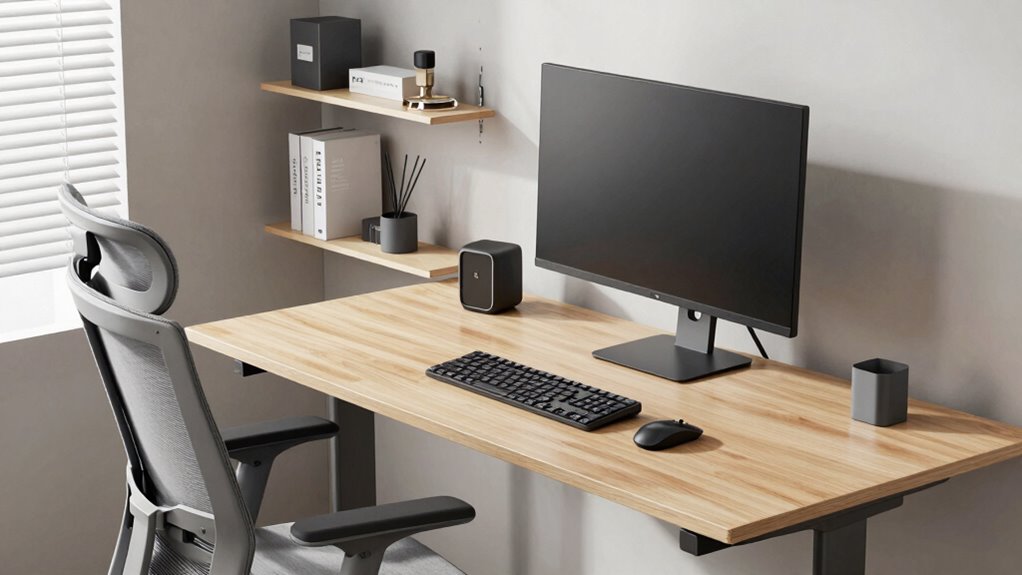
Effective IT asset planning goes beyond just procurement and maintenance; it also involves considering ergonomics to guarantee a healthy and productive work environment. When you think about workplace comfort, you’re not just aiming for a pleasant space—you’re actively reducing the risk of injuries, fatigue, and long-term health issues. Proper ergonomic planning ensures that your hardware supports your team’s physical well-being, which directly impacts productivity. If your employees are comfortable at their workstations, they’re more likely to stay focused, work efficiently, and experience fewer discomfort-related distractions.
Prioritizing ergonomics in IT planning boosts productivity and supports employee well-being through comfortable, customized workstations.
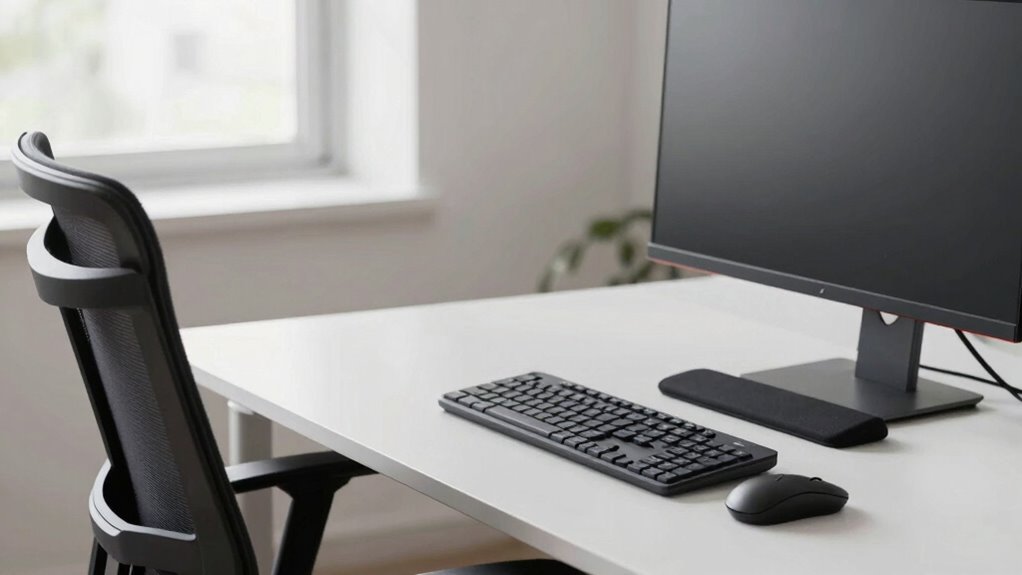
Hardware customization plays an essential role in this process. Not everyone has the same ergonomic needs, and a one-size-fits-all approach can lead to discomfort or even injury over time. When you customize hardware, you tailor desks, chairs, monitors, and accessories to fit individual users’ requirements. Adjustable chairs that support proper posture, monitor stands that align screens at eye level, and keyboard trays that allow natural hand positioning are all examples of hardware customization. These adjustments don’t just enhance comfort—they also prevent musculoskeletal issues that could lead to increased sick days or decreased productivity.
Incorporating ergonomic considerations into your IT asset planning means you’re proactively addressing potential health hazards before they become costly problems. For example, investing in adjustable monitors and ergonomic keyboards can save your organization money in the long run by reducing the need for medical leave or ergonomic interventions. It’s about creating a work environment where comfort isn’t an afterthought but an integral part of asset selection. When your IT assets support ergonomics, you’re fostering a culture that values employee well-being, which can boost morale and retention.
Moreover, considering ergonomics during the planning phase encourages you to evaluate the entire workspace setup, not just individual devices. This holistic approach helps optimize space utilization and ensures that every workstation promotes proper posture and ease of use. It also encourages the purchase of versatile equipment that can be easily adjusted or customized, accommodating diverse needs across your team. Additionally, understanding biodiversity principles can lead to healthier and more sustainable workspace environments, benefiting both employees and the planet. Recognizing the ergonomic standards set by industry guidelines can further ensure that your workspace aligns with best practices, reducing risks of injury and increasing overall comfort. Incorporating ergonomic assessments into your planning process can also help identify potential issues early, saving costs and improving overall employee satisfaction. A focus on ergonomic customization can also contribute to a more inclusive work environment, supporting diverse physical needs. Ultimately, making ergonomic principles a core part of IT asset planning emphasizes that technology isn’t just about performance—it’s about supporting the people who use it. By doing so, you create a healthier, more efficient work environment that benefits everyone involved.
ergonomic adjustable office chair
As an affiliate, we earn on qualifying purchases.
As an affiliate, we earn on qualifying purchases.
Frequently Asked Questions
How Does Ergonomics Affect Employee Productivity in IT Environments?
You’ll notice that good ergonomics boosts your productivity by reducing discomfort and fatigue. When you have a properly customized workstation, you can work more efficiently. Ergonomic training teaches you how to set up your space correctly and maintain good posture. This combination minimizes health issues, keeps you focused, and enhances your overall performance, making sure your work environment supports your best performance every day.
What Are the Legal Implications of Poor Ergonomic IT Setups?
Picture a worker hunched over an outdated desk, risking injury and legal trouble. Poor ergonomic setups can lead to violations of legal compliance, exposing you to liability risks. If injuries occur, you might face lawsuits, fines, or workers’ compensation claims, damaging your reputation and finances. Ensuring ergonomic compliance isn’t just about comfort—it’s a legal safeguard that protects your organization from costly legal consequences.
How Can Companies Measure Ergonomic Improvements in IT Asset Planning?
You can measure ergonomic improvements by tracking employee comfort levels through surveys and feedback, noting reductions in reported discomfort or injuries. Monitor productivity metrics and decrease in absenteeism linked to ergonomic issues. Conduct regular ergonomic assessments that focus on ergonomic design principles, ensuring setups support employee well-being. These strategies help you evaluate how well your IT assets promote ergonomic design and employee comfort, ultimately leading to a healthier, more engaged workforce.
Are Ergonomic Assessments Necessary for Remote IT Staff?
Yes, ergonomic assessments are essential for remote IT staff. When working in a remote workspace, employees might not have access to ergonomic tools or setups that prevent discomfort or injury. Regular assessments help identify ergonomic issues and recommend improvements, ensuring your team stays healthy and productive. Providing ergonomic tools and guidance tailored to remote work environments demonstrates your commitment to employee well-being and minimizes potential health risks.
What Are Cost-Effective Ergonomic Solutions for Small Businesses?
You can implement cost-effective ergonomic solutions for your small business by investing in ergonomic accessories like adjustable chairs, keyboard trays, and monitor stands. These items improve comfort and productivity without breaking the bank. Additionally, prioritize workspace customization by arranging desks to promote proper posture and reduce strain. These simple, affordable adjustments create a healthier environment, showing your commitment to employee well-being and potentially lowering long-term health-related costs.
monitor stand for ergonomic workspace
As an affiliate, we earn on qualifying purchases.
As an affiliate, we earn on qualifying purchases.
Conclusion
Remember, prioritizing ergonomics in your IT asset planning isn’t just about comfort—it’s about productivity and safety too. Did you know that poor ergonomics can lead to a 50% increase in workplace injuries? By integrating ergonomic considerations into your IT strategy, you’ll reduce downtime and boost employee well-being. So, make ergonomic assessments a key part of your planning process—you’ll see the benefits in both performance and health.
ergonomic keyboard and mouse set
As an affiliate, we earn on qualifying purchases.
As an affiliate, we earn on qualifying purchases.
As an affiliate, we earn on qualifying purchases.
Columbus Day / Indigenous Peoples' Day Picks
long weekend sales
As an affiliate, we earn on qualifying purchases.