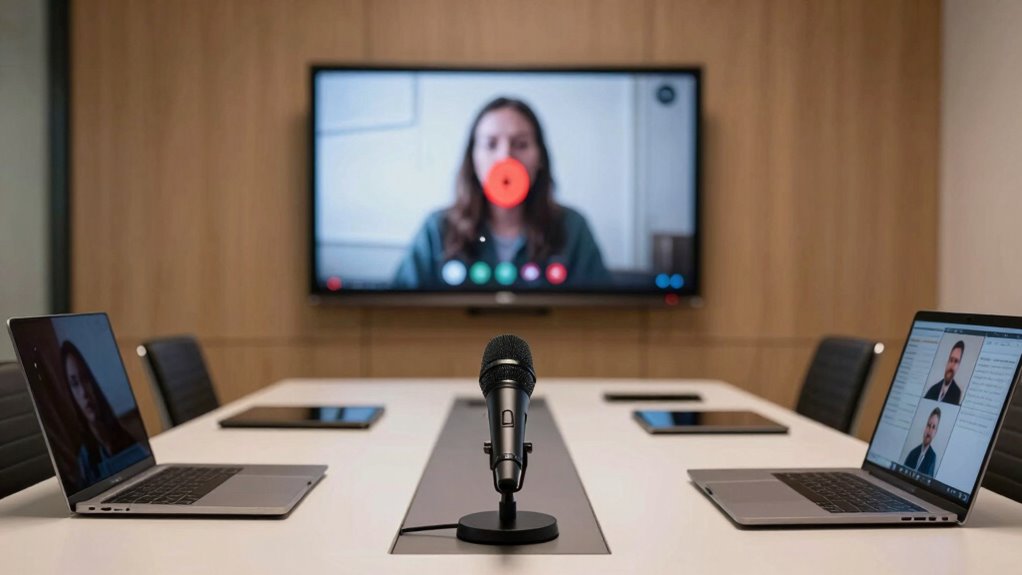

Audio tends to break first in hybrid meetings because it’s more sensitive to network issues and requires low latency for clear, real-time communication. When bandwidth drops or network congestion occurs, audio quality degrades quickly, causing dropped words, distortion, or lag. Video can often buffer or recover more easily, but audio issues are often an early sign of network problems. Keep exploring to find out how you can prevent these issues and guarantee smoother meetings.
Key Takeaways
- Audio is more sensitive to network congestion, leading to quicker degradation than video during bandwidth issues.
- Microphone feedback and poor acoustics can cause immediate audio disruptions, which are less common with video.
- Real-time audio transmission requires lower latency and is more affected by network delays than video.
- Prioritizing audio traffic on networks helps maintain audio quality, preventing early breakdowns.
- Audio equipment and setup directly influence stability, making audio more prone to issues before video.
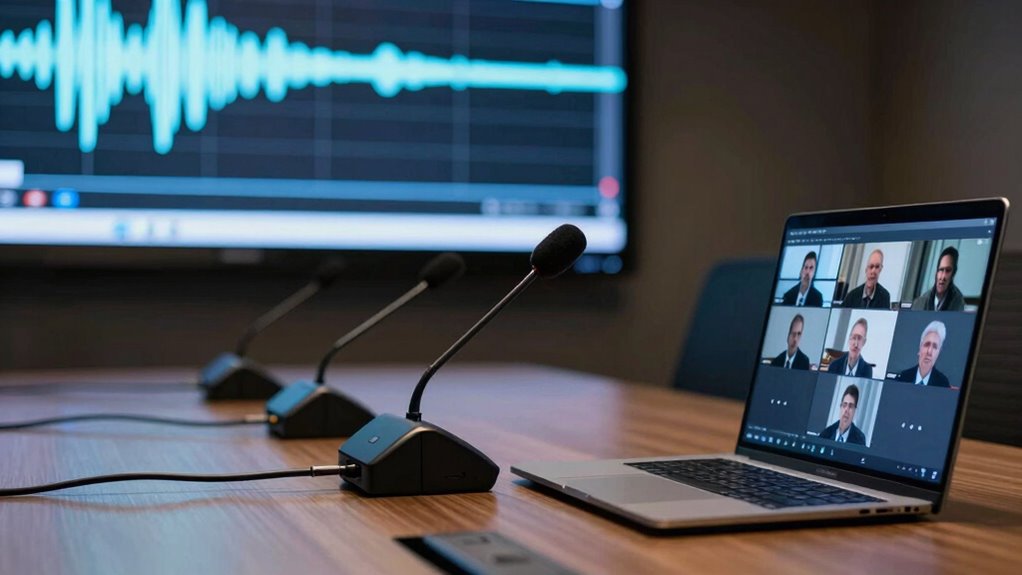
Despite the increasing emphasis on high-quality video in hybrid meetings, audio often fails first—and for good reason. You might notice that even when your video feed runs smoothly, the sound can become choppy, echo, or cut out altogether. This isn’t just a coincidence; it’s rooted in the way audio systems and network infrastructure handle data. Audio is inherently more sensitive to issues like network congestion, which can quickly degrade sound quality. When your internet connection becomes overloaded, the bandwidth that supports video streaming often remains sufficient, but audio data can suffer. As a result, you experience dropped words, distorted voices, or lag that disrupts the flow of conversation. Network congestion is a common culprit here, especially in hybrid setups where multiple users connect from different locations, all competing for limited bandwidth.
Another factor that contributes to early audio failure is microphone feedback. This occurs when a microphone picks up sound from speakers and feeds it back into the system in a loop. It creates that unpleasant screeching noise and can cause audio to cut out entirely if the system detects a feedback loop. Microphone feedback is especially problematic in rooms with poor acoustics or improperly configured audio systems. You may notice that turning up the volume to compensate for low audio amplifies the feedback, making it impossible to hear clearly. This phenomenon not only disrupts the meeting but can also damage equipment over time. Managing microphone feedback requires careful placement of microphones and speakers, as well as proper audio settings, which many organizations overlook. Additionally, understanding network infrastructure is crucial because it directly impacts the stability and quality of audio transmission during hybrid meetings. Properly managing network traffic can help mitigate some of these issues and ensure clearer audio. Furthermore, utilizing quality audio equipment designed for conferencing can significantly improve reliability and reduce the chances of early audio failures. It’s also important to consider the priority of audio data on your network to ensure it receives the necessary bandwidth for uninterrupted communication. A well-designed network topology can also help prevent bottlenecks that lead to audio issues.
Unlike video, which relies on visual data that can tolerate some buffering or minor lag, audio demands real-time precision. Even small delays or interruptions can make conversations awkward or unintelligible. Network congestion exacerbates this because audio packets are smaller and more sensitive to delays, while video can often recover more gracefully from minor hiccups. That’s why, in many hybrid meetings, the first sign of trouble is audio distortion or silence, signaling that something is wrong beneath the surface. Your team might be able to see each other on the screen, but if the sound is broken, the entire flow of communication suffers. To keep audio reliable, you need to understand these vulnerabilities and implement measures like prioritizing audio traffic, optimizing network resources, and ensuring proper microphone setup.

EMEET M0 Plus Conference Speaker and Microphone, 4 Mics 360° Voice Pickup
- 360° Voice Pickup: Four AI microphones for all-around clarity
- Noise and Echo Cancellation: Filters background noise and echoes
- Clear Audio Quality: 3W speaker delivers even, natural sound
As an affiliate, we earn on qualifying purchases.
As an affiliate, we earn on qualifying purchases.
Frequently Asked Questions
How Can Audio Issues Be Prevented in Hybrid Meetings?
To prevent audio issues in hybrid meetings, you should follow proper audio etiquette, like muting when not speaking and speaking clearly. Make certain microphone ergonomics are optimized—use quality microphones placed correctly to pick up sound effectively. Test audio equipment beforehand and encourage participants to do the same. Clear communication and well-maintained devices help maintain smooth meetings, reducing disruptions caused by audio problems.
What Are the Common Causes of Audio Failures?
Think of your meeting like a symphony—when one instrument falters, the whole harmony suffers. Common causes of audio failures include poor sound calibration, which leaves volume and clarity off-key, and improper microphone placement that causes feedback or muffling. If you guarantee your equipment is calibrated correctly and microphones are positioned properly, you can keep the audio crisp and reliable, avoiding disruptions that can derail your meeting.
Why Is Audio More Sensitive to Network Issues?
Audio is more sensitive to network issues because even slight latency can cause noticeable delays, making conversations feel disjointed. You might experience microphone feedback or audio dropouts if the network struggles, disrupting the flow. Unlike video, which can often buffer and recover, audio requires real-time transmission. This makes it more prone to issues like audio latency and feedback, especially when network stability isn’t ideal, impacting the overall meeting experience.
How Does Audio Quality Impact Meeting Productivity?
Think of your meeting like a symphony—sound clarity is key. Poor microphone quality clouds communication, causing misunderstandings and delays. When audio quality drops, it’s like tuning a piano off-key; productivity falters. Clear sound guarantees everyone stays engaged, ideas flow smoothly, and decisions are made swiftly. High-quality microphones capture every nuance, keeping your hybrid meetings harmonious and effective—so you can focus on collaboration, not technical struggles.
What Tools Improve Audio Reliability in Hybrid Setups?
To improve audio reliability in hybrid setups, you should invest in tools focusing on audio optimization and sound calibration. Use high-quality microphones and guarantee proper placement to capture clear sound. Regularly calibrate your audio equipment to minimize disruptions. Additionally, employing automatic echo cancellation and background noise suppression features can enhance clarity. These tools help create a stable, seamless audio experience, reducing the chances of audio issues disrupting your meetings.

TONOR Conference USB Microphone, Omnidirectional Condenser PC Mic G11
- Omnidirectional Pickup Pattern: Captures sound from all directions up to 11.5 ft
- Ideal for Video Conferences: Suitable for meetings, court reports, and remote training
- Plug & Play Compatibility: No drivers needed for Windows and macOS
As an affiliate, we earn on qualifying purchases.
As an affiliate, we earn on qualifying purchases.
Conclusion
In the symphony of hybrid meetings, audio often stumbles first, like a delicate melody disrupted before the visuals catch your eye. You now see how audio’s fragility can throw the entire composition off balance, making it essential to fine-tune your sound setup. Think of your meeting as a finely-tuned orchestra—when the audio falters, the harmony collapses, leaving the visuals to play a silent tune. Prioritize your audio to keep the entire performance in perfect harmony.

SIUNIMAS One Pair Pro Network RJ45 RCA Stereo Audio Extender Box Signal Converters Build-in Audio Isolators Connecting Over Cat5 / Cat6 etc with Quality Nylon Braided RCA Cords
- Audio Signal Extension: Uses network cables for long-distance audio transmission
- Reduces Noise: Built-in isolators eliminate ground loop hum
- Protects Equipment: Prevents damage from potential differences and arcing
As an affiliate, we earn on qualifying purchases.
As an affiliate, we earn on qualifying purchases.

MAONO P2 Hybrid USB Audio Interface Dual XLR for PC Phone iPad Guitar
- Hybrid USB Connectivity: Connects PC, phone, and iPad simultaneously
- Universal Compatibility: Works with Mac, PC, iPhone, Android, cameras
- Studio-Grade Audio Quality: 24-bit/192kHz recording with -130dB EIN
As an affiliate, we earn on qualifying purchases.
As an affiliate, we earn on qualifying purchases.