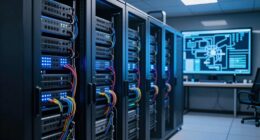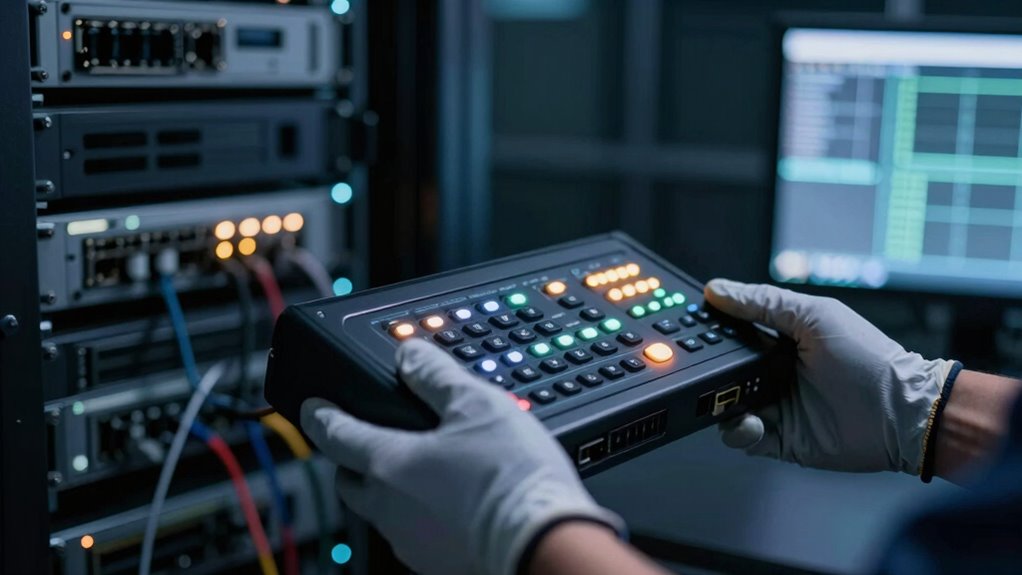
When your network is down, console access becomes your lifeline. It lets you connect directly to your devices, bypassing network disruptions. You can quickly troubleshoot, reboot, or reconfigure hardware without relying on remote tools that depend on network stability. This guarantees you stay in control and can resolve issues fast. If you want to discover how to leverage console access effectively during outages, you’ll find valuable insights below.
Key Takeaways
- Provides direct hardware control when network connectivity is lost, enabling immediate troubleshooting.
- Allows access to device logs and status for quick diagnosis of hardware issues.
- Supports essential tasks like rebooting or reconfiguring devices without relying on network-based tools.
- Acts as a reliable fallback, ensuring continuous management during emergencies or outages.
- Minimizes downtime by enabling rapid problem resolution and restoring normal operations swiftly.
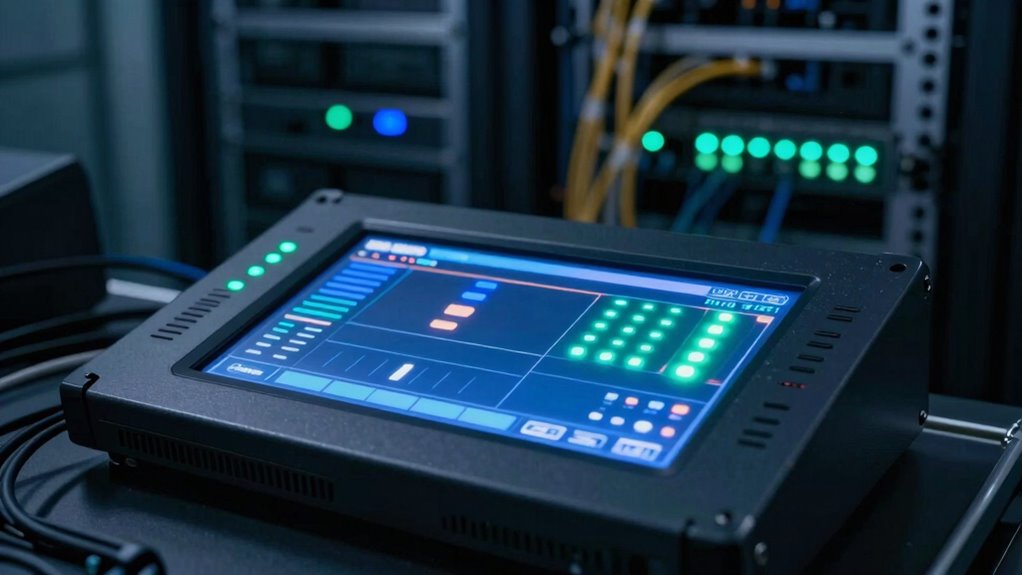
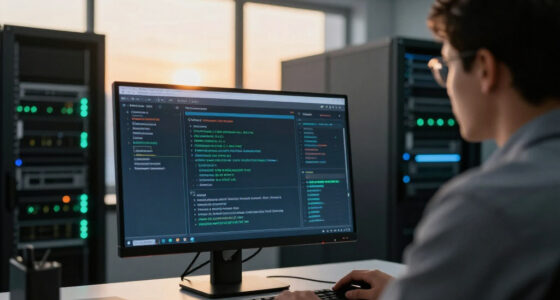
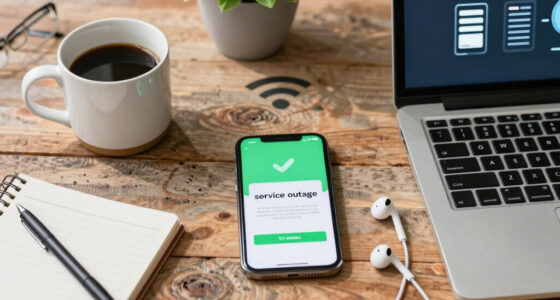
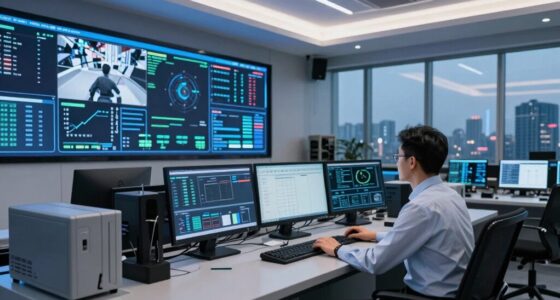
During outages, having reliable console access is essential for diagnosing and resolving issues quickly. When your network goes down, you can’t rely on remote troubleshooting tools that depend on an active network connection. Instead, console access provides a direct line to your hardware, allowing you to see what’s happening even when the network is unresponsive. This immediate visibility helps you identify whether the problem lies with a switch, router, or server, enabling faster decision-making and problem resolution. Without console access, you might be left guessing or waiting for external support, which can prolong downtime and impact your operations.
Console access becomes especially crucial for hardware management during outages. In situations where remote management tools fail due to network disruptions, a console port gives you control over the device itself. You can perform essential tasks such as rebooting equipment, changing configurations, or troubleshooting hardware failures directly from a terminal interface. This level of control is invaluable because it bypasses network dependencies, ensuring that you can manage your infrastructure without relying on external systems or software that might also be affected by the outage. As a result, you don’t have to wait for the network to come back online to start fixing issues.
When you’re faced with an outage, the ability to connect via console means you can troubleshoot hardware issues right at their source. If a switch isn’t passing traffic, you can log into the console to check logs, examine hardware statuses, or reset devices as needed. This is often the fastest route to pinpointing the root cause, especially when remote troubleshooting options are unavailable. Plus, console access allows you to perform firmware updates or reconfigure devices directly, which can be essential for restoring network functionality swiftly. It’s a dependable fallback that keeps you in control, even when the entire network infrastructure is temporarily inaccessible.
Having consistent console access also means you’re better prepared for hardware management during emergencies. You don’t have to rely solely on network-based management tools that might be compromised or offline during outages. Instead, you maintain a direct connection to your devices, giving you peace of mind that you can act immediately when problems arise. This proactive approach minimizes downtime, preserves productivity, and reduces the risk of prolonged outages. Fundamentally, console access acts as your safety net—ensuring that, no matter what happens to your network, you retain the ability to troubleshoot, manage hardware, and restore normal operations swiftly and effectively.
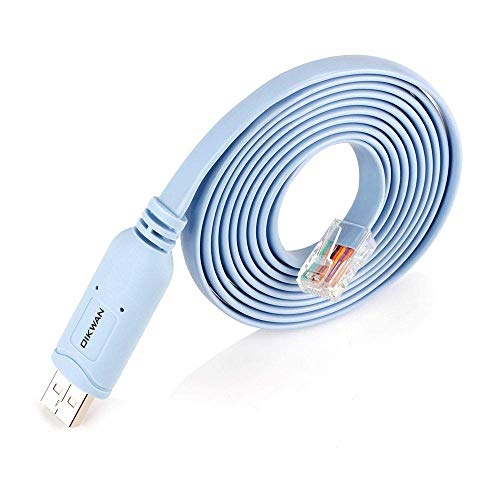
OIKWAN USB Console Cable,USB to RJ45 Console Cable for Cisco Routers/AP Router/Switch Windows, Mac, Linux(1.8m,Blue)
- Length: 1.8 meters (6 feet)
- Compatibility: Supports Windows, Mac, Linux
- Function: USB to RJ45 console connection
As an affiliate, we earn on qualifying purchases.
As an affiliate, we earn on qualifying purchases.
Frequently Asked Questions
Can Console Access Be Used Remotely During Outages?
Yes, console access can be used remotely during outages if you have proper setup. You’ll need local access initially to configure remote access, like setting up a console server or management interface. Make certain hardware requirements are met, such as a dedicated console port and network connectivity. Once configured, you can manage network devices remotely, maintaining control even when the main network is down, saving you time and effort during outages.
What Equipment Is Needed for Console Access?
Did you know that 85% of network administrators rely on console access during outages? To set it up, you’ll need specific hardware like a console server or terminal, along with the right cable types such as RJ-45 or USB-to-serial adapters. Your hardware setup includes a console port on your device, connecting it securely to your management station. This simple yet vital equipment guarantees you can troubleshoot and regain control during critical network disruptions.
How Secure Is Console Access During Network Failures?
Console access remains highly secure during network failures if you prioritize physical security and robust authentication methods. By restricting physical access to console ports and using strong password policies or multi-factor authentication, you prevent unauthorized entry. Regularly monitoring and updating access controls guarantee your console remains protected, even when network connectivity is down. This layered approach guarantees that only authorized personnel can manage critical systems during outages.
Does Console Access Work With All Network Devices?
Yes, console access works with most network devices, but hardware compatibility and protocol limitations can affect its universal applicability. You might find that older or specialized equipment lacks standard console ports or supports different protocols, making setup more complex. To guarantee seamless access, verify your device’s hardware compatibility and confirm it supports common console protocols like RS-232 or USB. This way, you can rely on console access during critical network issues.
How Does Console Access Differ From Remote Management Tools?
Think of console access like a direct line to your network’s heartbeat, unlike remote management tools that rely on active network connections. Console access uses out-of-band management via physical connectivity, giving you control even when the network’s down. It’s like having a backup key to your server room—you can troubleshoot and configure hardware directly, bypassing network issues entirely, ensuring you’re never locked out during outages.
OIKWAN USB Console Cable,USB to RJ45 Console Cable for Cisco Routers/AP Router/Switch Windows, Mac, Linux(1.8m,Blue)
- Length: 1.8 meters (6 feet)
- Compatibility: Supports Windows, Mac, Linux
- Function: USB to RJ45 console connection
As an affiliate, we earn on qualifying purchases.
As an affiliate, we earn on qualifying purchases.
Conclusion
So, next time your network crashes and chaos erupts, remember that console access is your secret weapon. It’s like having a superhero’s power to bypass the blackout and restore order. Without it, you’re flying blind in a storm of confusion. Keep this tool close, and you’ll never be powerless in a crisis. With console access in your arsenal, you’re basically invincible—ready to conquer even the fiercest network outages with ease.

Jonard Tools UUT-425 Ubiquiti WiFi Access Point Base Unlock & Reset Tool
- Quickly releases Ubiquiti access points: Unlocks base in seconds
- Eases reset button access: Press and hold hard-to-reach buttons
- Durable steel braid ring: For secure tethering
As an affiliate, we earn on qualifying purchases.
As an affiliate, we earn on qualifying purchases.
OIKWAN USB Console Cable,USB to RJ45 Console Cable for Cisco Routers/AP Router/Switch Windows, Mac, Linux(1.8m,Blue)
- Length: 1.8 meters (6 feet)
- Compatibility: Supports Windows, Mac, Linux
- Function: USB to RJ45 console connection
As an affiliate, we earn on qualifying purchases.
As an affiliate, we earn on qualifying purchases.