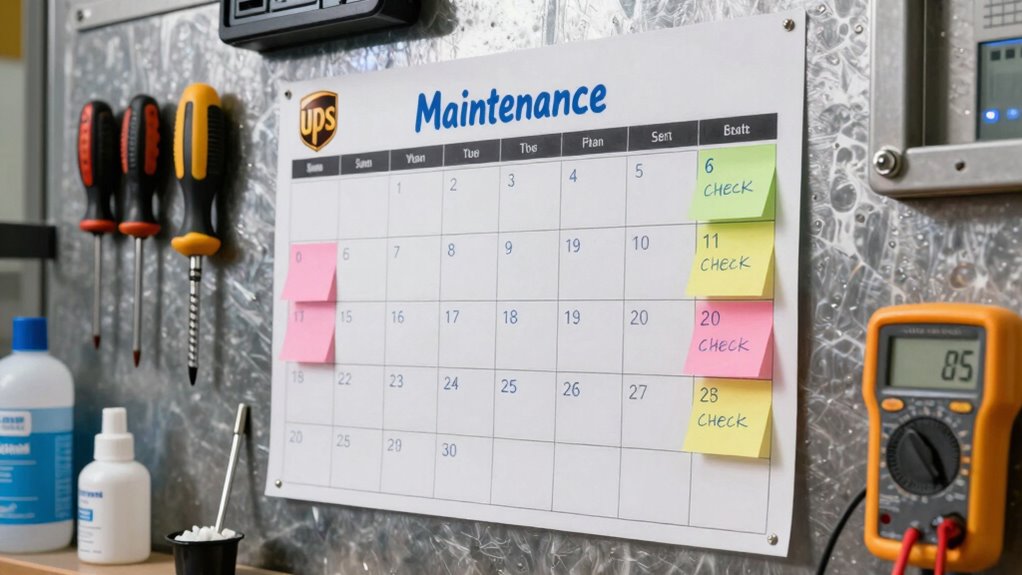

A good UPS maintenance calendar includes monthly tasks like visual inspections, cleaning, and battery checks, with quarterly load testing and firmware updates. Annually, you should conduct thorough system reviews and replace batteries as needed. Set reminders to stay on schedule and keep detailed records for trend analysis. Consistently following this plan helps prevent failures and extends system lifespan. Keep going to discover more tips for creating an effective maintenance routine.

Get business pricing on networking and server gear
- Business-only prices and quantity discounts
- Tax-exempt purchasing
- Multiple users, one account, clear invoices
Key Takeaways
- Schedule regular battery testing (biannual or quarterly) with detailed record-keeping for trend analysis.
- Incorporate monthly visual inspections and cleaning to detect physical issues early.
- Plan firmware updates and system checks annually to ensure security and optimal performance.
- Monitor load capacity monthly, performing load tests periodically to verify system reliability.
- Set reminders for all maintenance tasks to ensure consistent adherence and prevent system failures.
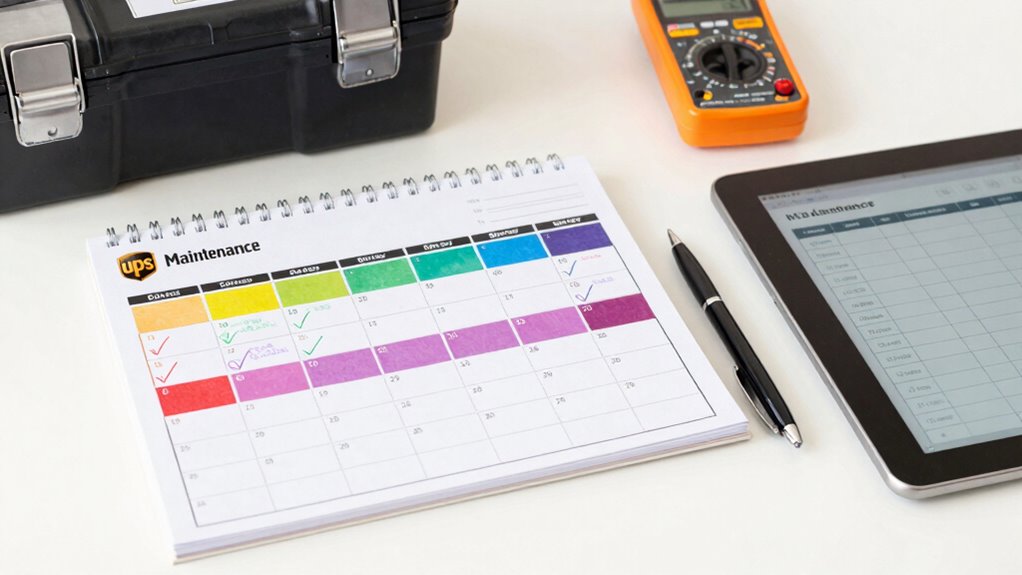
Are you confident your UPS system is ready to handle power disruptions? Having a well-structured UPS maintenance calendar is essential to guarantee your system remains reliable and efficient. A good maintenance plan isn’t just about sporadically checking your UPS; it’s about establishing a consistent schedule that covers all key components, including battery testing and load management. These elements are essential because they directly impact your UPS’s ability to protect your equipment during outages.
You should start with regular battery testing, ideally at least twice a year. Batteries are the heart of your UPS, and their health can decline without obvious signs. Conducting thorough battery testing allows you to identify weak or failing batteries before they cause a failure during an outage. This proactive approach prevents unexpected downtime and costly repairs. Keep detailed records of each test, noting the battery’s capacity, voltage, and overall condition. This data helps you spot trends over time and plan replacements accordingly. Understanding battery lifespan is crucial to maintaining a reliable power backup. Additionally, understanding battery chemistry can help you choose the best replacement options when needed. Knowing the battery maintenance requirements can further extend the lifespan of your batteries and ensure optimal performance.
Load management is another key aspect of a solid maintenance calendar. Overloading your UPS can lead to overheating, reduced runtime, or even system failure. Regularly review the load on your UPS to ensure it stays within its specified capacity. This involves monitoring the power draw from connected equipment and redistributing or upgrading hardware if necessary. Load testing, which involves simulating power outages under controlled conditions, can also help verify that your UPS can handle the maximum expected load. Incorporating load testing procedures into your schedule is crucial to confirm that your system can sustain your critical operations during an outage.
Beyond battery testing and load management, your calendar should include visual inspections, firmware updates, and cleaning. Visual inspections help you spot physical issues like corrosion, loose connections, or dust buildup, all of which can impair performance. Firmware updates are essential to keep your system secure and functioning efficiently, especially as manufacturers release patches. Regular cleaning prevents dust accumulation, which can cause overheating. Additionally, understanding UPS system components is vital to effectively maintain and troubleshoot your system.
To keep your UPS running smoothly, set reminders for these tasks at appropriate intervals—monthly, quarterly, or annually depending on your system’s importance. This organized approach ensures nothing falls through the cracks and that your UPS remains in peak condition. A well-crafted maintenance calendar is your best tool to safeguard your infrastructure, minimize unexpected failures, and extend the lifespan of your UPS system.
As an affiliate, we earn on qualifying purchases.
Frequently Asked Questions
How Often Should I Replace UPS Batteries?
You should replace UPS batteries every 3 to 5 years, but keep an eye on battery testing results and environmental factors like temperature and humidity. Regular testing helps identify declining performance, while extreme environmental conditions can accelerate battery wear. If testing shows reduced capacity or you notice swelling or leaks, replace the batteries sooner. Maintaining a consistent schedule guarantees your UPS stays reliable and prevents unexpected outages.
What Signs Indicate My UPS Needs Immediate Maintenance?
You’ll want to act immediately if your UPS shows signs like frequent power surges, or if the battery lifespan is nearing its end, typically around 3-5 years. Watch for warning beeps, reduced backup time, or difficulty in maintaining power during outages. These signs indicate your UPS needs urgent maintenance to prevent data loss or equipment damage, especially when batteries weaken or are close to failing.
How Do I Prioritize Maintenance Tasks for My UPS?
Think of your UPS as a well-oiled machine, where each part plays a crucial role. Prioritize tasks by starting with battery testing, ensuring your power source stays reliable. Next, focus on load balancing to prevent overloads. Address any urgent issues first, then schedule regular maintenance like inspections and firmware updates. This proactive approach keeps your UPS running smoothly, avoiding surprises and extending its lifespan.
Can I Perform UPS Maintenance Myself or Need a Professional?
You can perform basic UPS maintenance yourself, like battery testing and firmware updates, if you follow safety guidelines and have technical knowledge. However, for complex tasks such as internal inspections or system repairs, it’s best to hire a professional. Regularly testing batteries and updating firmware helps keep your UPS reliable, but always prioritize safety and consult the manufacturer’s instructions before attempting any maintenance tasks.
What Records Should I Keep for UPS Maintenance?
Think of your UPS as the hero in your data fortress—keeping records is vital. You should log battery testing results, firmware updates, and maintenance actions, including dates and technician details. Tracking battery health checks helps prevent surprises, while documenting firmware updates ensures your system’s security and efficiency. Keeping thorough records allows you to spot trends, schedule timely maintenance, and prove compliance, guaranteeing your UPS remains a reliable defender.
As an affiliate, we earn on qualifying purchases.
Conclusion
Think of your UPS maintenance calendar as the heartbeat of your power system. When you stay consistent—like clockwork—you’re ensuring your backup power is always ready, much like a well-tuned engine that keeps a racecar on track. I once neglected regular checks, and a sudden outage caught me off guard. Don’t let unexpected failures be your wake-up call. Stick to your schedule, and you’ll keep your systems running smoothly, no matter what surprises come your way.
As an affiliate, we earn on qualifying purchases.
As an affiliate, we earn on qualifying purchases.
Fall Picks
fall essentials
As an affiliate, we earn on qualifying purchases.