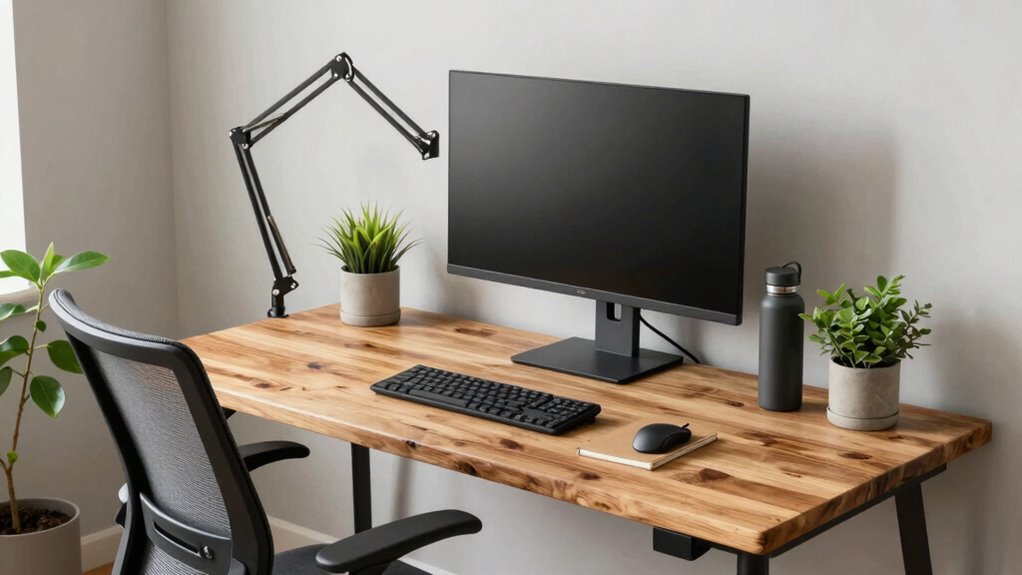
To keep your workstation sustainable over three years, choose ENERGY STAR-certified devices, energy-efficient lighting, and smart power strips to reduce energy use. Select ergonomic furniture made from recycled materials that support health and can be easily upgraded or repaired. Opt for durable equipment designed for longevity and recyclability, and plan for responsible disposal or donation of old gear. If you want practical tips on maintaining sustainability throughout this cycle, there’s more to discover ahead.
Key Takeaways
- Choose energy-efficient, ENERGY STAR-certified devices to reduce environmental impact and operational costs over three years.
- Select durable, repairable equipment with upgrade options to extend lifespan and minimize replacement frequency.
- Incorporate ergonomic, sustainable furniture made from recycled or responsibly sourced materials for health and longevity.
- Plan for regular maintenance and component upgrades, like batteries or screens, to prolong device usefulness.
- Recycle or donate outdated equipment responsibly, ensuring eco-friendly disposal aligned with sustainable procurement practices.
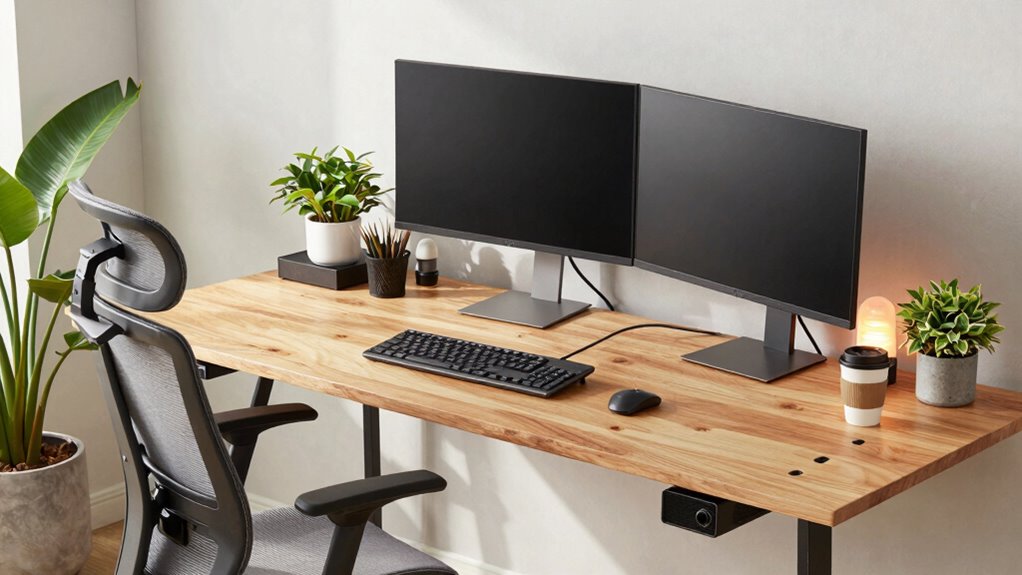
Creating a sustainable workstation setup is vital for reducing your environmental impact while enhancing productivity. Over a three-year refresh cycle, the key lies in prioritizing energy efficiency and ergonomic design. By choosing equipment and materials that last and adapt, you can minimize waste and guarantee your workspace remains functional and comfortable throughout its lifespan.
Start by selecting energy-efficient devices. Look for computers, monitors, and peripherals with ENERGY STAR certifications. These products consume less power, which reduces your carbon footprint and lowers energy bills over time. Incorporate smart power strips or automatic shutoff systems to prevent standby energy drain when devices aren’t in use. Opting for LED lighting instead of traditional bulbs further cuts down on energy consumption and extends the lifespan of your lighting fixtures. When you invest in energy-efficient tools, you’re not just reducing environmental impact but also creating a more cost-effective workspace over the long term.
Choose ENERGY STAR devices and smart power solutions to cut energy use and save costs over time.
Ergonomic design plays a vital role in making your workstation sustainable. Choose adjustable desks and chairs that support proper posture, reducing strain and preventing discomfort or injury. An ergonomic setup promotes health and productivity, decreasing the need for replacements or upgrades due to wear and tear. Position your monitor at eye level and keep your keyboard and mouse within easy reach to encourage natural movements. Using sustainable materials for furniture, such as recycled or responsibly sourced wood, adds an eco-friendly layer to your setup. Incorporating modular components that can be easily repaired or upgraded means you won’t need to replace entire systems every few years, reducing waste and conserving resources. Regular maintenance and device longevity practices can further extend the lifespan of your equipment. Additionally, selecting equipment with durability and recyclability in mind ensures your setup remains sustainable over the long haul. Staying informed about eco-friendly manufacturing processes can help guide better purchasing decisions. Being aware of sustainable sourcing practices can also help ensure that your equipment supports environmentally responsible supply chains.
When planning a three-year refresh, consider the durability and recyclability of your equipment. Select products designed for longevity, with replaceable parts or upgrade options. This way, you can update elements like batteries, memory, or screens instead of discarding whole units. Maintain your devices properly, cleaning and servicing them regularly to extend their lifespan. Additionally, organize your workspace to make future upgrades easier—this minimizes downtime and prevents the impulse to buy entirely new setups. Choosing durable equipment ensures that your investments remain functional throughout the entire cycle.
Finally, adopt sustainable practices in your procurement and disposal routines. Buy from vendors committed to eco-friendly manufacturing, and recycle or donate old equipment responsibly. By staying mindful about your choices and focusing on energy efficiency and ergonomic design, you guarantee your workstation remains sustainable over a three-year cycle. This approach not only benefits the environment but also creates a healthier, more productive workspace that adapts to your evolving needs.
ENERGY STAR certified computer monitor
As an affiliate, we earn on qualifying purchases.
As an affiliate, we earn on qualifying purchases.
Frequently Asked Questions
How Can I Measure the Environmental Impact of My Workstation?
To measure your workstation’s environmental impact, start with a lifecycle assessment to evaluate its entire lifespan, from manufacturing to disposal. Track its energy consumption and calculate the carbon footprint associated with usage. You can also compare the environmental effects of different components or brands. Using these methods helps you identify areas to reduce emissions, making your workstation setup more sustainable over a 3-year refresh cycle.
What Are the Best Practices for Recycling Old Workstation Components?
Recycling old workstation components is essential for e-waste reduction and environmental health. You should donate or sell functioning parts, ensuring they’re reused instead of dumped. Use reusable packaging when shipping equipment for recycling, reducing waste. Partner with certified e-waste recycling centers that responsibly dismantle and recycle components. Avoid landfilling, as it’s like filling the planet with mountains of electronic waste. Your proactive approach keeps e-waste out of landfills and promotes a sustainable tech future.
How Does Energy Efficiency Influence Workstation Sustainability?
Energy efficiency profoundly impacts your workstation’s sustainability by reducing power consumption and supporting energy conservation. Using components designed for low energy use and integrating renewable power sources like solar or wind can cut down your carbon footprint. When you prioritize energy-efficient hardware and renewable energy, you not only lower operational costs but also contribute to a greener environment, making your workstation setup more sustainable over its three-year lifespan.
Are There Eco-Friendly Materials Suitable for Workstation Furniture?
Choosing eco-friendly materials matters. You’ll find biodegradable plastics and recycled wood are superb sustainable solutions for workstation furniture. Biodegradable plastics break down naturally, reducing landfill waste, while recycled wood reuses resources, minimizing deforestation. By selecting these environmentally sound options, you support sustainability, save resources, and set a responsible example. This simple switch fosters a future-friendly workstation that’s both functional and environmentally fabulous, reinforcing your commitment to eco-conscious choices.
What Certifications Should I Look for When Choosing Sustainable Tech Products?
You should look for eco labels like ENERGY STAR, EPEAT, and TCO Certified, which guarantee the products meet strict sustainability standards. Focus on green manufacturing practices, such as reduced emissions and responsible resource use. These certifications indicate your tech products are environmentally friendly and energy-efficient, helping you maintain a sustainable workstation setup over the years. Prioritizing these labels supports eco-conscious choices and promotes sustainable industry practices.
ergonomic adjustable standing desk
As an affiliate, we earn on qualifying purchases.
As an affiliate, we earn on qualifying purchases.
Conclusion
By choosing sustainable workstation setups now, you’re not just making a smart choice — you’re potentially saving the planet from an environmental apocalypse! Every eco-friendly component you select could be the difference between a future where forests flourish and one where mountains of e-waste bury the Earth. So, take charge today, and transform your 3-year refresh cycle into a heroic act of sustainability. Because, honestly, the fate of the world might just depend on your next workstation upgrade!
smart power strip with energy monitoring
As an affiliate, we earn on qualifying purchases.
As an affiliate, we earn on qualifying purchases.
As an affiliate, we earn on qualifying purchases.