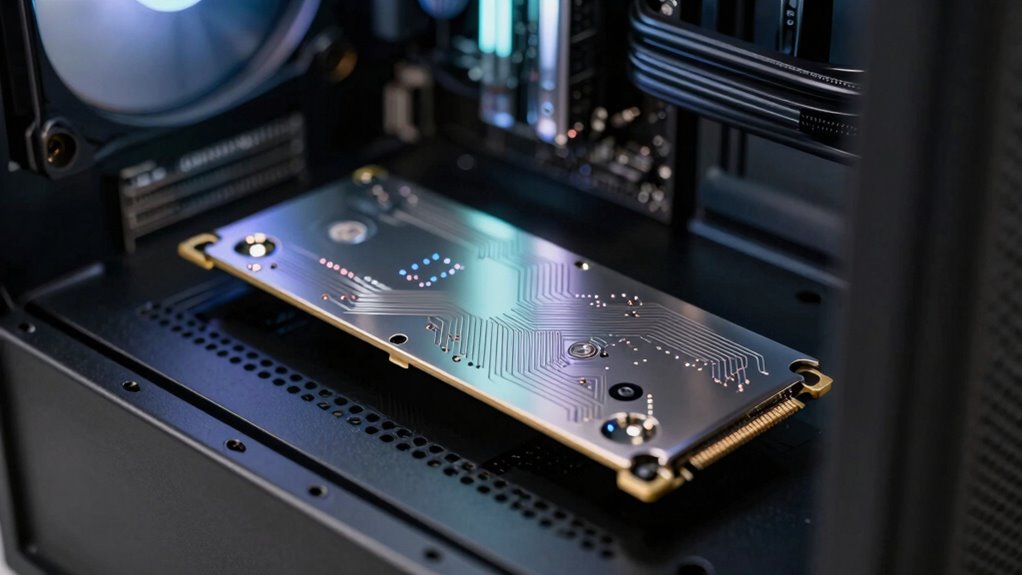

SSD caching can speed up access to frequently used data, but it’s not a magic fix for all performance issues. It doesn’t address core bottlenecks like CPU limits or slow network connections. Plus, caches are volatile and can risk data loss without safeguards. Investing in SSD cache might not be worth it for your situation, especially if other system parts need upgrades. Keep going to discover how understanding these limits can help you make smarter choices.
Key Takeaways
- SSD caching improves access times but doesn’t resolve core system bottlenecks like CPU or network limitations.
- Cached data is volatile and can be lost during power failures without additional safeguards.
- The cost of implementing SSD cache may outweigh performance benefits for small-scale or cost-sensitive users.
- Effectiveness depends on workload; it offers limited gains for large, sequential data transfers or infrequent access.
- Upgrading main storage or infrastructure often provides more substantial and reliable performance improvements.

While SSD caching can boost your system’s speed, it’s not a magic fix for all performance issues. You might see quicker data access times and reduced latency, but that doesn’t mean your entire system is optimized. SSD cache acts as a high-speed buffer for frequently accessed data, which can improve performance for certain tasks. However, it doesn’t address underlying bottlenecks like CPU limitations, inefficient software, or slow network connections. Relying solely on SSD cache can give a false sense of overall system health, especially if other components are outdated or underperforming.
One critical aspect often overlooked is data reliability. SSD caches are volatile by nature—if power fails unexpectedly, you risk losing cached data before it’s written to the main storage. This means that, while SSD caching can enhance speed, it may introduce a layer of uncertainty in data integrity, especially if proper safeguards aren’t in place. Ensuring your data remains reliable requires additional measures, such as battery-backed cache modules or uninterruptible power supplies, which can add to your overall costs. These cost implications shouldn’t be underestimated because implementing reliable caching solutions often involves investing in higher-quality hardware and backup systems. Moreover, understanding the limitations of SSD cache is crucial to making informed decisions about your storage infrastructure.
Furthermore, the perceived performance gains from SSD caching can come with significant cost implications. While SSDs are generally cheaper than high-end enterprise storage, adding cache modules or specialized software can increase your expenses. For small businesses or individual users, these costs might outweigh the benefits, especially if your workload doesn’t heavily rely on frequent, repetitive data access. It’s also important to consider the costs of unnecessary caching, which can lead to inefficient resource utilization if not properly evaluated. It’s essential to evaluate whether the speed improvements justify the investment. Sometimes, upgrading the main storage device or optimizing your existing infrastructure provides a better return than adding a cache layer. Additionally, the cost-effectiveness of SSD caching varies based on specific usage scenarios, making it vital to analyze your needs carefully before investing.
Additionally, SSD caching isn’t a one-size-fits-all solution. Its effectiveness varies depending on your workload and usage patterns. If your tasks involve large, sequential data transfers or infrequent access to the same files, the cache might not provide noticeable benefits. In such cases, you might be better off focusing on other performance-tuning strategies, like upgrading RAM or optimizing software configurations. Recognizing the limitations of SSD cache can help you determine whether it aligns with your overall performance goals. Relying solely on SSD cache risks neglecting these other crucial aspects of system performance.
As an affiliate, we earn on qualifying purchases.
Frequently Asked Questions
How Does SSD Cache Impact Power Consumption?
SSD cache can slightly increase power consumption because it requires additional energy to operate the SSD during data access. However, it can improve energy efficiency by speeding up data retrieval, reducing the overall time the system’s components are active. Better power management strategies help balance performance gains with energy use, ensuring that the cache benefits don’t come at a significant cost to power efficiency.
Can SSD Cache Improve Gaming Performance Significantly?
SSD cache can improve gaming performance, but it mainly aids in gaming optimization by reducing latency, leading to smoother load times. However, it doesn’t drastically boost frame rates or overall gameplay speed. If you seek significant gaming gains, focus on other hardware upgrades like a better GPU or CPU. SSD cache helps with quick data access, but it’s not a magic solution for all gaming performance issues.
What Are the Failure Risks Associated With SSD Cache?
Think of your SSD cache as a fragile bridge, vulnerable to the wear of daily traffic. You face risks like cache longevity issues, where the cache wears out faster than expected, and data integrity concerns if sudden failures occur. These risks can cause data loss or corruption, especially if you neglect proper maintenance or backups. Regular checks and quality hardware can help fortify this delicate link, ensuring your system remains resilient.
How Does SSD Cache Interact With Different Types of Storage Drives?
You’ll find that SSD cache interacts differently with various storage drives through cache algorithms and data tiering. For HDDs, the cache accelerates frequently accessed data, but with SSDs, it primarily reduces latency and boosts throughput. In data tiering, the cache intelligently moves hot data to faster storage, optimizing performance across drive types. However, the effectiveness depends on proper cache management and the underlying storage architecture.
Is SSD Cache Beneficial for Small Business Servers?
You might think an SSD cache instantly boosts your small business server’s performance, but the truth is more complex. It can help with faster access to frequently used data, enhancing server scalability and reducing latency. However, it doesn’t replace robust data redundancy or solve all bottlenecks. Carefully assess your workload; in some cases, SSD cache offers tangible benefits, but relying on it solely might lead to unmet expectations.
uninterruptible power supply for SSD cache
As an affiliate, we earn on qualifying purchases.
As an affiliate, we earn on qualifying purchases.
Conclusion
While SSD cache can boost your system’s speed, don’t expect it to be a magic fix for all performance issues. It’s a helpful tool, but its effectiveness depends on your workload and configuration. Notably, studies show that only about 30% of users see significant improvements with SSD caching, highlighting the importance of understanding its limitations. So, approach SSD cache as a useful enhancement—not a guaranteed performance miracle.
As an affiliate, we earn on qualifying purchases.
enterprise SSD caching solutions
As an affiliate, we earn on qualifying purchases.
As an affiliate, we earn on qualifying purchases.