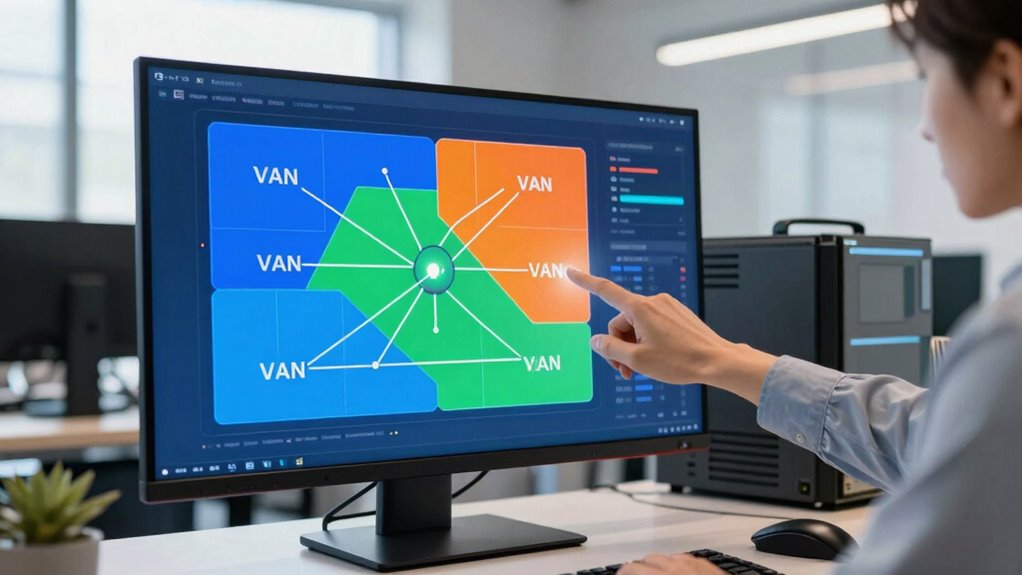

To save pain later, start your VLAN planning by understanding your current network structure and needs. Use existing documentation and network maps to identify key groups and devices, ensuring logical VLAN assignments. Follow best practices for security and scalability, and group users based on roles and requirements. This strategic approach helps prevent future reconfigurations, improves performance, and keeps your network organized. Keep exploring to discover more tips on creating a resilient VLAN plan.

Get business pricing on networking and server gear
- Business-only prices and quantity discounts
- Tax-exempt purchasing
- Multiple users, one account, clear invoices
Key Takeaways
- Leverage existing network documentation to inform VLAN segmentation and avoid rework.
- Group devices by roles and security needs for logical, scalable VLAN assignment.
- Plan VLANs based on current network architecture to minimize future reconfiguration.
- Incorporate best practices for security and scalability from the start.
- Use clear, consistent VLAN IDs aligned with organizational structure for easier management.
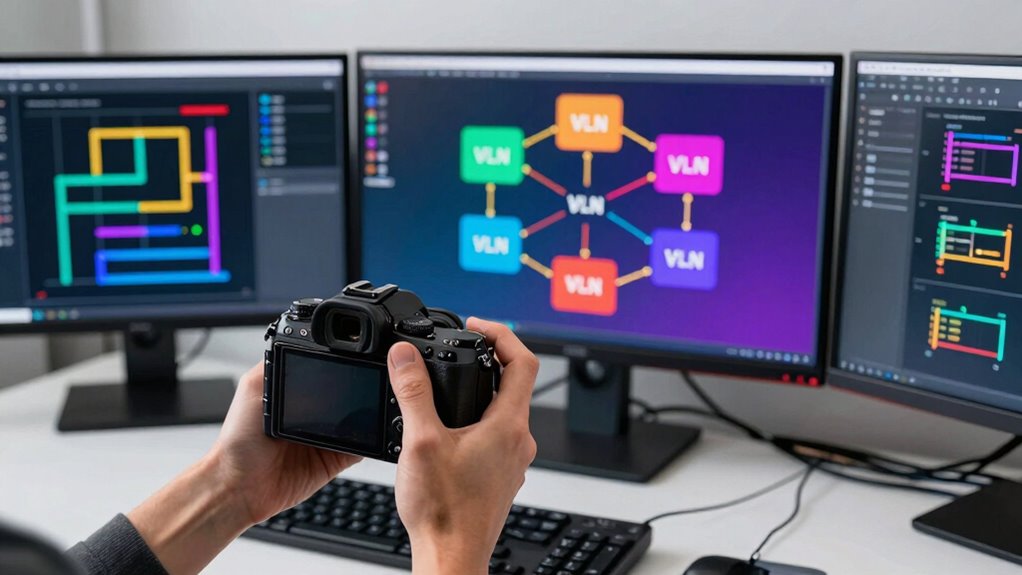
Are you looking for a quicker way to plan VLANs without sacrificing accuracy? If so, you’re in the right place. Effective VLAN planning is essential for optimizing your network’s performance, ensuring proper network segmentation, and implementing security enhancements. But the process can often become complex and time-consuming, especially if you try to map everything out manually. That’s where a strategic shortcut can save you a lot of pain later on.
Simplify VLAN planning with strategic shortcuts to save time and enhance network security.
The key is to start with a clear understanding of your network’s structure and future needs. Instead of diving straight into configuration, take a step back to identify your main user groups, devices, and critical assets. Group these logically based on their roles and security requirements. This initial categorization simplifies the process of network segmentation, making it easier to assign VLANs that reflect your organizational structure. When you do this first, you ensure that each VLAN serves a specific purpose, reducing the risk of overlapping traffic and potential security vulnerabilities.
Next, leverage existing documentation or network maps, if available. Many organizations overlook this step, but it can dramatically speed up your VLAN planning. By reviewing what’s already in place, you can avoid unnecessary rework and identify areas that need immediate attention. When you integrate this with a well-thought-out plan, you’ll find it easier to assign VLAN IDs logically, avoiding confusion later when you start configuring switches and routers. Additionally, understanding your current network architecture can help prevent future reconfiguration issues and streamline your overall planning process. Incorporating network documentation into your planning can also serve as a reference point, ensuring consistency and clarity throughout the process. Moreover, considering best practices for VLAN design can further enhance your network’s security and scalability. Recognizing network design principles early on ensures your VLANs are both effective and adaptable to future growth.
As an affiliate, we earn on qualifying purchases.
Frequently Asked Questions
How Do VLANS Improve Network Security?
VLANs improve network security by enabling network segmentation and security isolation. You can separate sensitive data traffic from general network activity, reducing the risk of unauthorized access. By isolating different departments or user groups within VLANs, you limit potential attack vectors. This segmentation makes it harder for threats to spread across your network, allowing you to manage access controls more effectively and protect critical resources from cyber threats.
Can VLANS Be Configured Across Multiple Switches?
Yes, you can configure VLANs across multiple switches. To facilitate inter switch communication, you set up VLAN trunking, which allows multiple VLANs to travel over a single physical link. By properly configuring trunk ports and allowing VLAN IDs on these links, your switches can share VLAN information seamlessly. This setup guarantees your VLANs span across switches, providing consistent network segmentation and improved management without sacrificing connectivity.
What Are Common VLAN Planning Mistakes to Avoid?
You want seamless VLAN segmentation, but avoid common pitfalls that can turn network segmentation into chaos. Don’t overlook planning for scalability; skipping this step can cause future headaches. Never forget to document your VLAN layout clearly—imagine it as a map guiding your network’s journey. Also, avoid overlapping VLAN IDs, which can create confusing traffic paths. Proper planning guarantees your network runs smoothly, avoiding costly reconfigurations later.
How Does VLAN Design Impact Network Performance?
Your VLAN design directly impacts network performance through effective VLAN scalability and segmentation. When you plan for scalability, it guarantees your network can grow without bottlenecks, maintaining speed and reliability. Proper segmentation isolates traffic, reducing congestion and improving security. If you overlook these aspects, you risk slower performance, increased latency, and security vulnerabilities. Thoughtful VLAN design optimizes traffic flow, enhances network efficiency, and supports future expansion seamlessly.
What Tools Assist in VLAN Planning and Management?
You can use tools like Cisco Prime or SolarWinds Network Configuration Manager to assist in VLAN planning and management. These tools help you implement VLAN tagging and optimize network segmentation effectively. They allow you to visualize your network, automate VLAN configurations, and monitor performance, reducing errors and downtime. By leveraging these tools, you guarantee your VLANs are well-organized, scalable, and secure, making network management smoother and more efficient.
As an affiliate, we earn on qualifying purchases.
Conclusion
By following this VLAN planning shortcut, you’ll master network segmentation faster than you can blink, saving yourself from endless headaches and network chaos. Think of it as your secret weapon against the chaos of misconfigured VLANs—turning what could be a nightmare into a smooth, streamlined process. Trust me, once you’ve nailed this approach, you’ll wonder how you ever managed without it. Get ready to conquer your network like a true VLAN wizard!
As an affiliate, we earn on qualifying purchases.
As an affiliate, we earn on qualifying purchases.
Halloween Picks
halloween
As an affiliate, we earn on qualifying purchases.