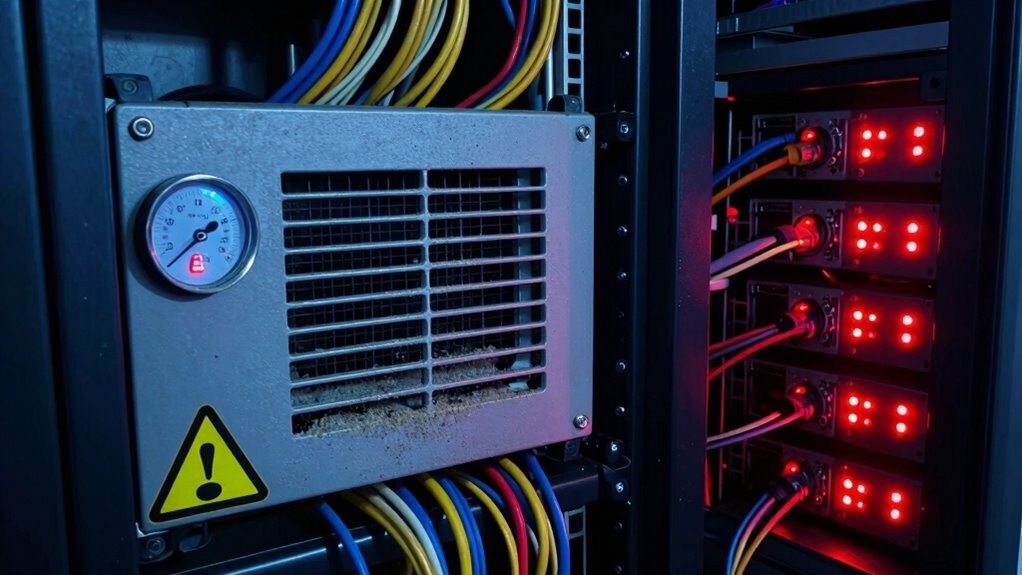

You should never ignore signs like rising temperatures, hot servers, or unusual noises from cooling units, as they indicate ventilation problems or overheating risks. Also, watch out for strange odors, excessive dust, or inconsistent airflow, which can compromise your equipment’s safety and performance. Addressing these issues early helps prevent costly downtime or hardware failure. If you keep paying attention, you’ll discover more essential tips to protect your network closet efficiently.
Key Takeaways
- Elevated temperatures or hot-to-touch servers indicate potential overheating and cooling system failure.
- Unusual noises or high fan speeds suggest ventilation issues or cooling equipment strain.
- Burning or musty odors signal overheating components or electrical problems requiring immediate attention.
- Dust accumulation blocking vents reduces airflow and cooling efficiency, risking hardware damage.
- Temperature fluctuations and inconsistent airflow patterns are signs of ventilation inefficiencies needing prompt action.
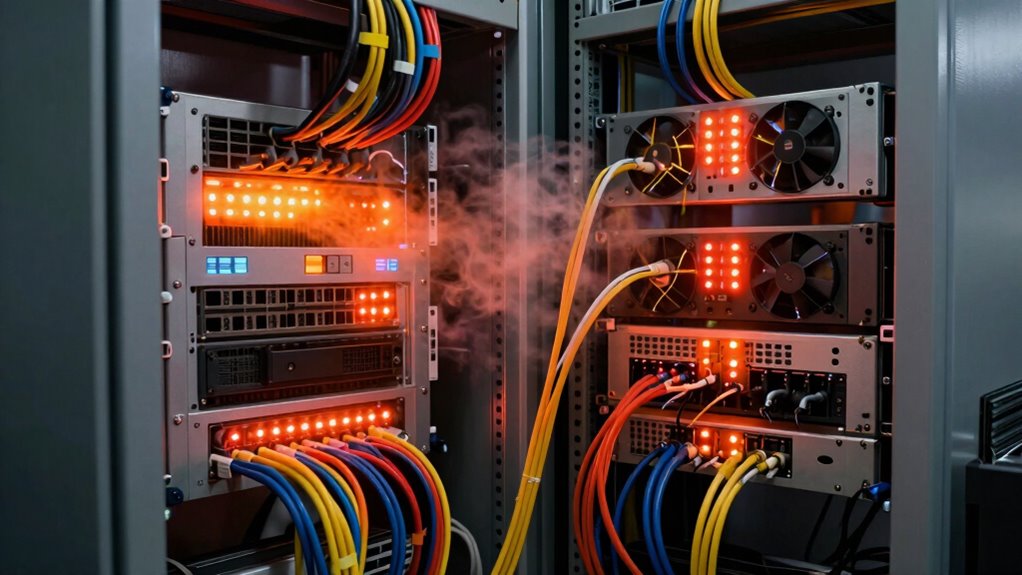
Network closets generate considerable heat, and if cooling isn’t maintained properly, it can lead to serious equipment issues. When your server room ventilation isn’t adequate, your equipment can overheat, causing shutdowns, hardware failures, or even data loss. Recognizing the warning signs early can save you from costly repairs and downtime. One of the most obvious indicators is a consistent rise in temperature within the closet. If you notice your servers feeling hot to the touch or if your temperature monitoring systems report elevated levels, it’s time to investigate. Temperature fluctuations often point to inadequate ventilation or malfunctioning cooling equipment.
Regularly monitor server temperatures to prevent overheating and equipment failure.
Another sign to watch for is unusual noise coming from your cooling units or fans. Increased noise levels can indicate that fans are working overtime to compensate for poor airflow. When airflow is restricted, equipment heats up faster, and cooling systems strain to keep up. If you observe that cooling fans are constantly running at high speeds or if there’s inconsistent airflow, it’s a clear signal that your server room ventilation needs attention. Ignoring these signs can lead to overheating, which accelerates equipment degradation and increases the risk of hardware failure. Regularly inspecting your cooling units and monitoring airflow patterns can help identify ventilation issues early. Being aware of airflow patterns can help you optimize your cooling setup before problems arise.
Smell is another vital warning sign. A burning or musty smell could mean your cooling system is malfunctioning or that components are overheating. These odors should never be ignored, as they suggest overheating components or electrical issues that could escalate into fires or other hazards. Regularly inspecting your server room environment, combined with reliable temperature monitoring systems, helps you catch such problems early. These systems provide real-time alerts, allowing you to react before damage occurs. Additionally, maintaining a clean environment and preventing dust buildup can significantly improve cooling efficiency, reducing the risk of overheating.
Dust accumulation is often overlooked but can greatly impair cooling efficiency. Dust can clog vents and filters, reducing airflow and causing hardware to overheat. If you notice increased dust or debris in your server room, it’s time to clean and maintain your ventilation pathways. Proper server room ventilation is vital for maintaining ideal temperatures. Upgrading or repairing ventilation systems, ensuring adequate airflow, and monitoring temperature levels consistently help prevent heat buildup. Additionally, understanding air quality management can contribute to maintaining a healthier environment for your equipment. Regular cleaning and maintenance can prevent dust buildup and extend the lifespan of cooling components.
Ultimately, the key is vigilance. Regularly checking your server room environment, listening for unusual sounds, inspecting for odors, and relying on temperature monitoring systems can alert you to cooling issues before they turn into major problems. When these warning signs appear, act swiftly. Proper cooling and ventilation aren’t just about comfort—they’re essential for the health and longevity of your equipment. Ignoring these signs risks costly downtime and hardware failure that could be easily avoided with proactive monitoring and maintenance.

Room Alert 3S Environment Monitor – Smart Temperature Monitoring System
Compact & Affordable: Saves space and budget while monitoring temperature and 2 additional environmental factors.
As an affiliate, we earn on qualifying purchases.
As an affiliate, we earn on qualifying purchases.
Frequently Asked Questions
How Often Should Network Closet Cooling Systems Be Inspected?
You should inspect your network closet cooling systems at least quarterly to guarantee ideal hardware maintenance and cooling efficiency. Regular inspections help identify dust buildup, malfunctioning fans, or leaks early, preventing overheating. Keep an eye on temperature readings and airflow, and perform necessary cleaning or repairs promptly. Consistent checks help maintain the equipment’s longevity, prevent costly downtime, and ensure your network runs smoothly without overheating issues.
Can Improper Airflow Cause Equipment Failure?
Yes, improper airflow can cause equipment failure. When airflow obstruction occurs, equipment overheating becomes a real risk, leading to potential hardware damage or shutdowns. You need to guarantee proper ventilation and check for obstructions regularly. If airflow isn’t maintained, your network equipment may overheat, reducing lifespan and increasing the chance of costly failures. Keeping airflow unobstructed helps prevent overheating and keeps your system running smoothly.
What Are the Long-Term Risks of Ignored Cooling Issues?
Ignoring cooling issues can lead to equipment failure that’s as devastating as a catastrophe. Over time, your equipment’s lifespan shrinks drastically, risking costly replacements. Additionally, inefficient cooling spikes energy consumption, wasting resources and increasing expenses. If you neglect these signs, you not only jeopardize your network’s reliability but also face long-term financial and operational consequences that could cripple your organization’s growth and productivity.
Are There Cost-Effective Cooling Solutions for Small Closets?
Yes, there are cost-effective cooling solutions for small closets. You can improve energy efficiency by installing small, dedicated air conditioning units or portable fans. Additionally, enhancing ventilation options like adding vents or exhaust fans helps keep the space cool without high costs. These solutions are affordable, easy to implement, and help prevent overheating, ensuring your network equipment stays protected while keeping energy use minimal.
How Does Ambient Room Temperature Affect Network Closet Cooling?
Ambient room temperature directly impacts network closet cooling, as higher temperatures increase heat buildup. You should monitor humidity levels to prevent excess moisture, which can damage equipment. Implement effective ventilation strategies like exhaust fans or vents to improve airflow and maintain ideal conditions. Keeping the room cooler and properly ventilated helps your network equipment run efficiently, reducing the risk of overheating and prolonging its lifespan.
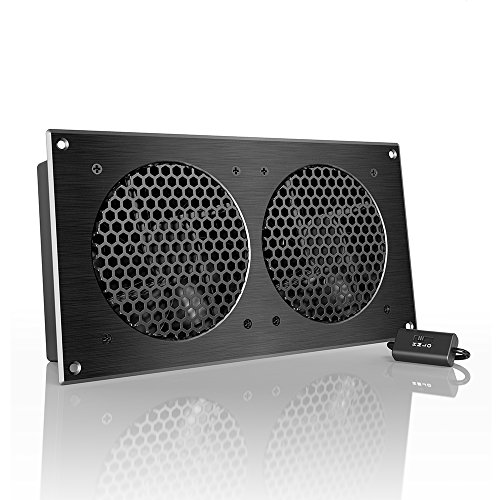
AC Infinity AIRPLATE S7, Quiet Cooling Fan System 12" with Speed Control, for Home Theater AV Cabinets
An ultra-quiet UL-certified fan system designed for cooling cabinets that requires minimal noise.
As an affiliate, we earn on qualifying purchases.
As an affiliate, we earn on qualifying purchases.
Conclusion
Ignoring cooling warning signs in your network closet is like turning a blind eye to a smoldering ember; it’s only a matter of time before disaster strikes. Stay vigilant and address issues promptly to prevent overheating and equipment failure. Remember, proactive maintenance isn’t just smart—it’s essential. By catching these signs early, you keep your network running smoothly, safeguarding your investments. Don’t let neglect turn a small flicker into a blazing catastrophe—stay alert, stay protected.

AC Infinity CLOUDPLATE T9-N, Rack Mount Fan Panel 3U, Intake Airflow, for Cooling AV, Home Theater, Network 19” Racks
An intelligent fan system designed for cooling audio video, DJ, server, network, and IT equipment racks.
As an affiliate, we earn on qualifying purchases.
As an affiliate, we earn on qualifying purchases.

Server Rack Dust Cover Kit, 3D mesh Ventilation but Prevents dust and Debris from Entering, Easy to Install, Removable and Washable for Repeated use.
Core Advantage: Provides exceptional dust protection while ensuring optimal airflow and heat dissipation for equipment—an ideal solution for…
As an affiliate, we earn on qualifying purchases.
As an affiliate, we earn on qualifying purchases.