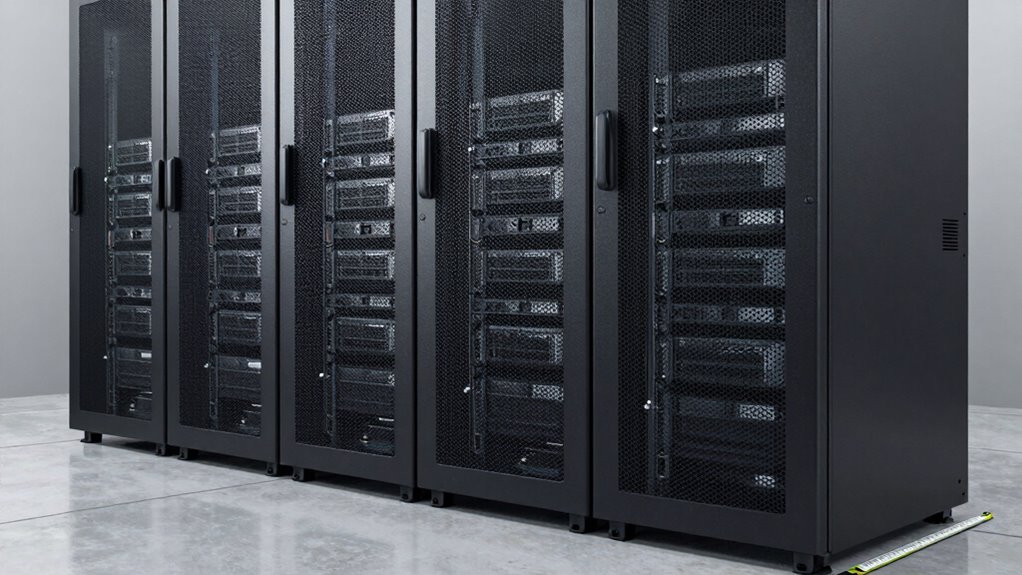

To size a server rack without wasting space, start by evaluating your current equipment and projecting future growth, leaving a 20-30% buffer for expansion. Choose a rack that supports your hardware’s size and power needs while allowing room for upgrades. Focus on efficient cable management and airflow to avoid overcrowding. Properly planning these elements guarantees the best use of space and flexibility; continue exploring each step for detailed guidance.

Get business pricing on networking and server gear
- Business-only prices and quantity discounts
- Tax-exempt purchasing
- Multiple users, one account, clear invoices
Key Takeaways
- Assess current and future equipment needs, including expansion buffers of 20-30%, to determine appropriate rack size.
- Measure existing hardware dimensions and plan for scalability to prevent overcrowding or wasted space.
- Incorporate integrated cable management to optimize airflow and maintain organized, efficient use of space.
- Choose racks with sufficient power outlets and PDU capacity for current and future hardware requirements.
- Select a rack size that supports efficient airflow, easy maintenance, and seamless upgrades without excess unused space.
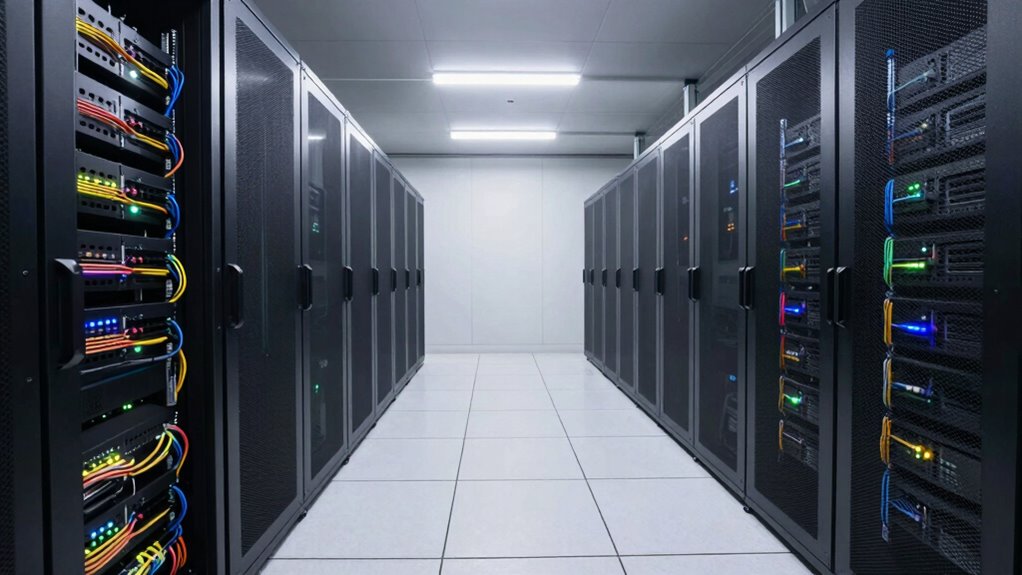
Choosing the right server rack size is essential to optimize space and guarantee efficient equipment management. When you pick the correct size, you ensure your setup remains functional, organized, and scalable. A well-sized rack minimizes wasted space, reduces clutter, and makes future upgrades smoother. To do this effectively, you need to consider not only the number of servers and networking gear but also how you’ll handle cable management and power distribution. These two factors are vital in maximizing your rack’s efficiency and avoiding the pitfalls of overcrowding or underutilized space.
Start by evaluating your current equipment requirements. Count the devices you already have and project future growth. Avoid overestimating to prevent ending up with a rack that’s too large, wasting valuable space, or underestimating, which can lead to overcrowding and inadequate airflow. When selecting the rack size, think about leaving room for expansion—roughly 20-30% extra space is a good rule of thumb. This buffer lets you add equipment without needing a complete rack overhaul soon after setup.
Cable management is a key consideration in sizing your rack. Poor cable organization can cause airflow obstruction, make maintenance difficult, and lead to accidental disconnections. Opt for a rack with integrated cable management features like vertical and horizontal cable trays, hooks, or tie points. This helps you keep cables neat, organized, and easily accessible, which is especially important as your network grows. Proper cable management also improves airflow, reducing heat buildup and prolonging equipment lifespan. Additionally, understanding your biodiversity impact and promoting sustainable practices can help you select eco-friendly equipment and energy-efficient solutions for your rack. Considering the environmental impact of your equipment choices can contribute to a more sustainable setup. Incorporating energy-efficient hardware can further reduce your carbon footprint and operational costs over time. When planning your rack, it’s also helpful to consider energy-efficient components that can optimize your overall power consumption. It’s also beneficial to review the future scalability of your rack to ensure it can support technology upgrades and additional hardware down the line.
Power distribution is equally critical. Choose a rack that can accommodate your power needs with enough outlets and space for power distribution units (PDUs). Proper power planning ensures you avoid overloading circuits, which could cause outages or damage. Consider installing PDUs with remote monitoring and individual outlet controls for better energy management and troubleshooting. When sizing your rack, factor in the power requirements of every device and leave room for additional hardware as your network expands.
19 inch server rack with cable management
As an affiliate, we earn on qualifying purchases.
As an affiliate, we earn on qualifying purchases.
Frequently Asked Questions
What Are the Best Practices for Future Expansion?
To plan for future expansion, you should leave extra space in your rack and consider equipment compatibility to avoid replacements later. Use proper cable management to keep cables organized, which makes it easier to add or replace equipment without disrupting your setup. Regularly review your current and future needs, and choose a rack size that allows for growth. This approach guarantees smooth expansion while maintaining efficiency and organization.
How Do I Account for Cooling and Airflow?
You should prioritize airflow enhancement by leaving adequate space between equipment and using blanking panels to prevent hot spots. Guarantee proper cable management to reduce clutter, which improves airflow and makes maintenance easier. Position hot-swappable components at the front and rear, and consider incorporating cooling accessories like fans or vents. Regularly monitor temperatures and adjust airflow paths as needed to maintain ideal server performance and prevent overheating.
What Safety Measures Should I Consider?
Your server rack is a fortress, so safety can’t be overlooked. Guarantee proper cable management to prevent tripping hazards and accidental disconnections. Use secure mounting and grounding to protect against electrical surges. Address noise control with soundproof panels or adequate ventilation to prevent overheating and minimize disruptions. Regularly inspect for loose components and maintain a clean environment. These measures safeguard your equipment, staff, and data, keeping your setup reliable and resilient.
How to Integrate Power Management Efficiently?
To integrate power management efficiently, focus on energy optimization by choosing high-efficiency power supplies and smart PDUs that monitor usage. Keep your cables organized with proper routing to prevent clutter and improve airflow. Use cable management accessories to reduce tangling, which simplifies troubleshooting and maintenance. Regularly review your power setup to identify opportunities for energy savings, ensuring your server rack operates smoothly, minimizes waste, and stays scalable for future needs.
Are There Industry Standards for Rack Sizing?
Yes, industry standards for rack sizing exist to guarantee equipment compatibility and ideal use of space. You should consider standard rack dimensions, such as 19-inch width, and height measured in rack units (U). These standards help you select a rack that fits your equipment properly, avoiding wasted space or compatibility issues. Always verify the rack’s dimensions and capacity to match your equipment’s size and power needs.
energy-efficient server rack PDU
As an affiliate, we earn on qualifying purchases.
As an affiliate, we earn on qualifying purchases.
Conclusion
By carefully sizing your server rack, you can optimize space and improve efficiency. Did you know that over 30% of data center space is wasted due to improper rack sizing? That’s a huge chunk of potential capacity lost! So, take the time to plan your rack dimensions thoughtfully, considering current and future needs. Proper sizing not only saves space but also boosts performance and scalability, ensuring your setup grows seamlessly with your business.
adjustable size server rack for future expansion
As an affiliate, we earn on qualifying purchases.
As an affiliate, we earn on qualifying purchases.
As an affiliate, we earn on qualifying purchases.
Fall Picks
fall essentials
As an affiliate, we earn on qualifying purchases.