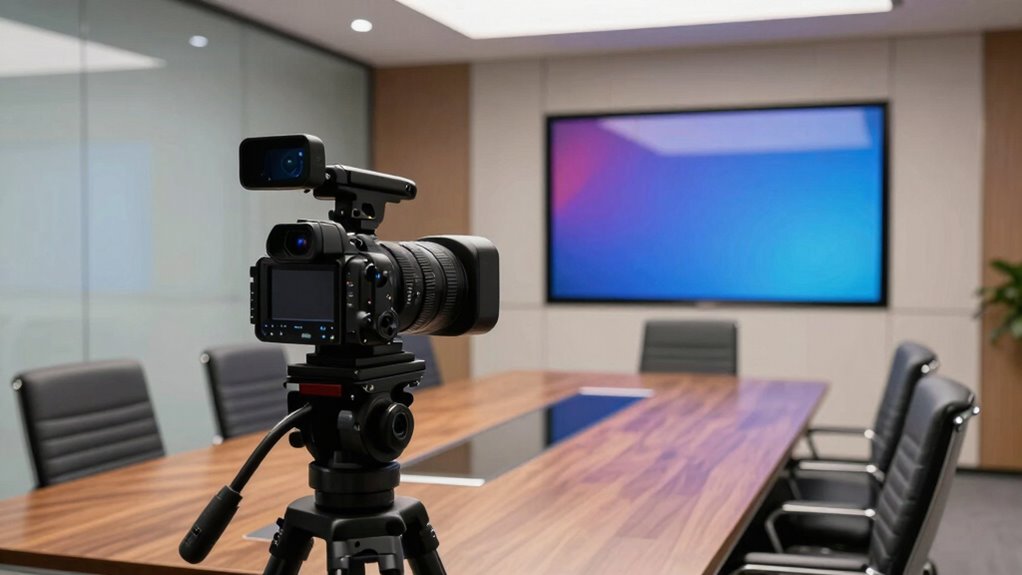

When choosing a conference room camera, focus on factors beyond resolution, such as lighting performance, audio quality, and camera movement. Features like wide dynamic range and automatic exposure help you stay clear in various lighting conditions, while built-in microphones and noise suppression guarantee everyone can hear you clearly. Auto-framing keeps participants well-positioned, making meetings more professional. Interested in understanding which specs make the biggest difference for your setup? Keep exploring to learn more.

Get business pricing on networking and server gear
- Business-only prices and quantity discounts
- Tax-exempt purchasing
- Multiple users, one account, clear invoices
Key Takeaways
- Lighting performance, including low-light capabilities and dynamic range, significantly impacts video clarity beyond resolution.
- Audio quality, microphone design, and noise reduction are crucial for clear communication during conference calls.
- Camera movement features like auto-framing and tracking enhance participant engagement and consistent framing.
- Compatibility with conferencing platforms and easy setup ensure seamless integration and user experience.
- Sensor technology and overall setup balance improve adaptability across various room sizes and lighting conditions.
When choosing a conference room camera, understanding the key specifications can make all the difference in guaranteeing clear communication. While resolution often gets the spotlight, other features like lighting conditions and audio quality are just as vital. High resolution alone won’t guarantee a good video call if your camera can’t handle varied lighting or if the audio isn’t crisp. You need a balanced setup that considers these factors to create a seamless experience. Additionally, paying attention to camera sensor technology can significantly impact overall image quality and performance in different environments. Proper sensor selection can also influence how well the camera adapts to lighting conditions, ensuring consistent video quality regardless of the room’s setup.
Lighting conditions are a common challenge in conference rooms. If your camera struggles with low light or harsh backlighting, your video quality will suffer, making it hard for participants to see facial expressions or read body language. Look for cameras with good low-light performance, which typically involves wider apertures or advanced sensors. Some models even have automatic exposure adjustments or wide dynamic range (WDR) technology to handle complex lighting scenarios. These features guarantee your video remains clear and professional, regardless of the room’s lighting setup. Moreover, understanding sensor technology can help you choose a camera that performs well in diverse environments, reducing the need for additional lighting equipment.
Audio quality is equally important because a great picture won’t matter if your voice isn’t heard clearly. Many conference room cameras come with built-in microphones, but not all microphones are created equal. Look for models with multiple mics arranged to pick up sound from different directions, reducing the chances of missed words or echo. Features like noise suppression and echo cancellation further improve clarity, especially in rooms with hard surfaces that tend to reflect sound. Keep in mind that sometimes, a dedicated microphone array or external audio equipment can make a significant difference, especially in larger or more acoustically challenging spaces.
Beyond these factors, consider how the camera handles movement and framing. Cameras with auto-framing capabilities can track speakers, keeping them in focus without manual adjustments. This feature is especially useful if your meeting involves multiple participants or presentations. Also, check the compatibility with your existing conferencing platforms and whether the camera offers simple setup options.
conference room camera with low light performance
As an affiliate, we earn on qualifying purchases.
As an affiliate, we earn on qualifying purchases.
Frequently Asked Questions
How Does Camera Field of View Impact Conference Room Meetings?
Your camera’s field of view directly impacts how well everyone’s seen during meetings. Proper camera placement guarantees all participants are in frame, while a wide field of view captures more people at once. Lighting considerations are vital, too, because poor lighting can cause grainy images, even with a good field of view. Adjusting both helps create clear, inclusive video calls, making collaboration smoother and more effective.
What Is the Importance of Low-Light Performance in Conference Cameras?
Imagine your meeting’s success hinges on clear visuals—low-light performance is essential. You need a camera with excellent lighting adaptation and sensor sensitivity to capture every detail, even in dim rooms. Without it, conversations lose clarity, and engagement drops. Low-light performance guarantees your camera adapts seamlessly to changing lighting conditions, keeping everyone visible and connected. It’s not just a feature; it’s the bridge to effective communication in every meeting.
How Does Audio Quality Influence Overall Conference Room Camera Effectiveness?
Audio quality greatly influences your conference room camera’s effectiveness because clear audio guarantees everyone can hear and be heard without frustration. High audio clarity depends on good microphone quality, which reduces background noise and captures voices accurately. When your camera’s microphone performs well, it improves communication flow, boosts engagement, and creates a more productive meeting environment. Poor audio quality, on the other hand, can lead to misunderstandings and hinder collaboration.
What Connectivity Options Are Essential for Seamless Integration?
You need seamless connectivity to avoid tech nightmares. Wireless connectivity is essential, allowing easy setup and flexible positioning. Make certain the camera supports secure network features like WPA3 encryption and VPN compatibility to protect sensitive data. A camera with multiple connectivity options, such as Ethernet and Wi-Fi, guarantees reliable performance and effortless integration into your existing network. Without these, your conference experience could be as chaotic as a storm, so choose wisely.
Are Pan-Tilt-Zoom Features Necessary for Small or Large Rooms?
Pan-tilt-zoom features are essential for large rooms where camera placement might limit visibility. They allow you to quickly focus on different areas or speakers, enhancing microphone quality by ensuring everyone’s image is captured clearly. In small rooms, fixed cameras often suffice, but having pan-tilt-zoom capabilities provides flexibility for various setups. This adaptability improves overall audio and video clarity, making meetings more effective regardless of room size.
auto-framing conference camera with noise suppression
As an affiliate, we earn on qualifying purchases.
As an affiliate, we earn on qualifying purchases.
Conclusion
When choosing a conference room camera, focusing solely on resolution might seem enough, but don’t forget the other key specs that truly enhance your experience. Sometimes, it’s the combination of a wide field of view, good low-light performance, and seamless audio that makes all the difference—just like finding the perfect spot for your meeting. In the end, it’s these little details working together that create a smooth, professional vibe, making your meetings feel effortless and connected.
USB conference camera with wide dynamic range
As an affiliate, we earn on qualifying purchases.
As an affiliate, we earn on qualifying purchases.
professional video conferencing camera with microphone array
As an affiliate, we earn on qualifying purchases.
As an affiliate, we earn on qualifying purchases.
Halloween Picks
halloween
As an affiliate, we earn on qualifying purchases.