

To build a shutdown sequence before you need it, start by identifying critical systems and their dependencies. Automate each step, like closing applications, stopping servers, and disconnecting power, to reduce errors. Plan for emergencies such as power outages, and include fail-safes for unresponsive steps. Regularly test your procedures and document them clearly. If you keep exploring, you’ll discover ways to make your shutdown process even more resilient and efficient.

Get business pricing on networking and server gear
- Business-only prices and quantity discounts
- Tax-exempt purchasing
- Multiple users, one account, clear invoices
Key Takeaways
- Identify critical systems and prioritize their shutdown to prevent data loss or damage.
- Automate the sequence with scripts or control systems to ensure consistency and reduce errors.
- Include steps for saving work, notifying personnel, and activating backups before power disconnection.
- Incorporate fail-safe measures and redundancy to handle unexpected failures during shutdown.
- Regularly test and update the plan to ensure reliability during actual emergencies.
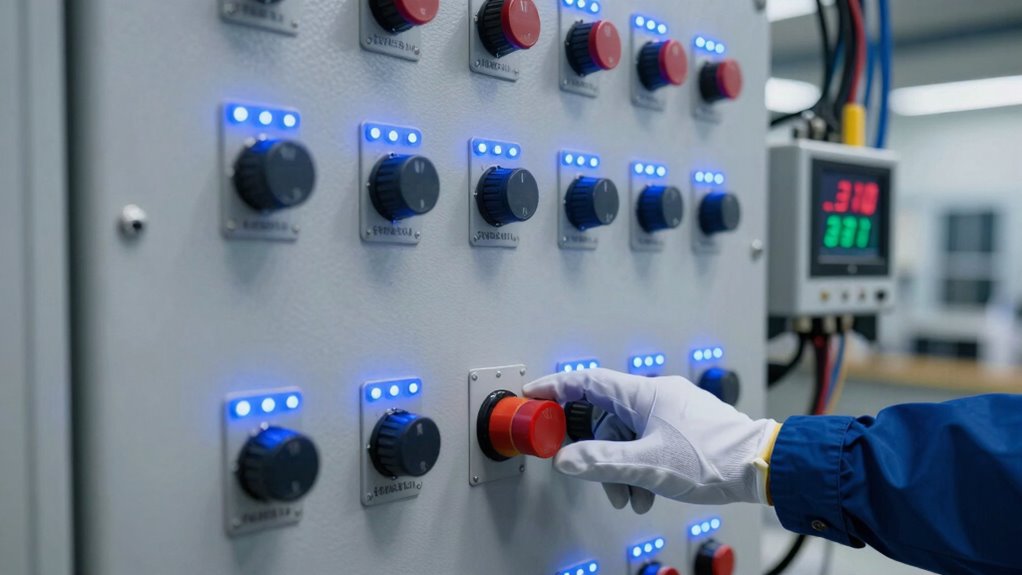
Creating a reliable shutdown sequence is essential to guarantee your system turns off safely and efficiently. When you plan ahead, you’re better prepared to handle unexpected emergencies and minimize damage or data loss. Developing a well-structured shutdown process ensures that your system can shift seamlessly from operational to safe, even during critical moments. This foresight is indispensable for maintaining system integrity, especially when dealing with complex automation or sensitive data. Incorporating emergency preparedness into your shutdown sequence allows you to respond swiftly if something goes wrong, preventing catastrophic failures or safety hazards. You want your system to respond predictably, and that means designing steps that handle potential issues proactively. Leveraging system automation plays a key role in streamlining your shutdown sequence. Automated procedures reduce human error, ensuring that shutdown steps occur in the right order and at the right time. By configuring your system to follow specific commands automatically, you eliminate delays and mistakes that could compromise safety or data integrity. Automation also simplifies routine shutdowns, saving time and effort during regular maintenance or emergency situations. When building your shutdown sequence, leverage scripts or control systems that can execute predefined actions reliably. These might include closing open applications, stopping servers, disconnecting power supplies, or activating backup systems. The key is to design an automated flow that accounts for various scenarios, including power failures or network disruptions. As you develop your shutdown sequence, consider the hierarchy of operations. Critical systems should be shut down first to prevent data corruption, followed by auxiliary systems. You should also include steps for safely saving any in-progress work and notifying relevant personnel or automated alerts about the shutdown process. Incorporating fail-safe mechanisms that trigger if a particular step doesn’t complete within a set timeframe is crucial to prevent system hang-ups or instability. This ensures that your system doesn’t hang or become unstable. Additionally, understanding how to incorporate redundant safety features can further enhance your system’s resilience during shutdown procedures. Regular testing of your shutdown sequence is equally important; it uncovers weaknesses or gaps that could cause issues during an actual emergency. Well-documented procedures enhance clarity and accessibility, so that anyone involved knows exactly what to do. Planning for system resilience by incorporating backup power supplies and failover options ensures your shutdown process remains effective even when components fail. Ultimately, building a shutdown sequence before you need it isn’t just about safety—it’s about efficiency, dependability, and peace of mind. When you combine emergency preparedness with robust system automation, you create a resilient process that protects your infrastructure under any circumstances. Proper planning and testing make sure your system responds predictably, minimizing downtime and damage. By taking the time now to design and refine your shutdown sequence, you’ll be ready for whatever challenges come your way, ensuring your system remains secure and operationally sound when it matters most.
server shutdown automation scripts
As an affiliate, we earn on qualifying purchases.
As an affiliate, we earn on qualifying purchases.
Frequently Asked Questions
What Are Common Mistakes to Avoid When Creating a Shutdown Sequence?
You should avoid neglecting emergency protocols and skipping equipment checklists when creating your shutdown sequence. Failing to include clear emergency steps can cause confusion during crises. Overlooking thorough equipment checks might lead to damage or safety hazards. Guarantee your sequence is detailed, covering all critical procedures. Test it regularly, and update it as needed. This proactive approach minimizes mistakes and ensures your shutdown process is reliable and effective when it’s most needed.
How Often Should I Review and Update My Shutdown Procedures?
You should review and update your shutdown procedures at least annually to guarantee they remain effective. Regular reviews are essential for emergency preparedness and contingency planning, especially as equipment, personnel, or regulations change. By staying proactive, you reduce risks during unexpected events. Many organizations find that quarterly checks or after any incident help refine their processes, making sure your shutdown procedures are always ready when you need them most.
What Tools or Software Can Assist in Designing a Shutdown Process?
You can use automation planning tools like flowchart software, PLC programming interfaces, or safety management systems to design your shutdown process. These tools help you visualize steps, integrate safety protocols, and guarantee consistency. Software like Visio, FactoryTalk, or custom PLC programming environments streamline the process, making it easier to create reliable, safe shutdown sequences that you can update easily as your operations evolve, ensuring ongoing safety and efficiency.
Who Should Be Responsible for Executing the Shutdown Sequence?
You should assign responsibility for executing the shutdown sequence to trained personnel who understand your emergency preparedness and contingency planning. These individuals must be familiar with the shutdown procedures, ensuring a swift, safe response during emergencies. By clearly defining roles beforehand, you minimize confusion and risk. Regular training and drills help reinforce their readiness, ensuring your team can execute the shutdown sequence efficiently when it’s most critical.
How Can I Ensure Staff Are Trained to Follow the Shutdown Plan?
You might worry staff won’t remember the shutdown plan during an emergency, but thorough training and clear communication protocols can prevent that. Conduct regular drills focused on emergency preparedness, ensuring everyone understands their roles. Use visual aids and step-by-step checklists to reinforce instructions. By practicing consistently, your team will confidently follow the shutdown sequence when needed, reducing chaos and ensuring safety in critical moments.
uninterruptible power supply (UPS) for servers
As an affiliate, we earn on qualifying purchases.
As an affiliate, we earn on qualifying purchases.
Conclusion
Now, imagine the quiet calm of a system gracefully winding down, each step smoothly falling into place like the final brushstrokes of a masterpiece. By building your shutdown sequence now, you’re planting the seeds for peace of mind tomorrow. When the time comes, you’ll watch your carefully crafted plan unfold effortlessly, like a sunset slipping below the horizon. Prepare today, and let your systems rest easy, knowing you’ve set the stage for a seamless, stress-free shutdown.
data center backup power systems
As an affiliate, we earn on qualifying purchases.
As an affiliate, we earn on qualifying purchases.
network shutdown control systems
As an affiliate, we earn on qualifying purchases.
As an affiliate, we earn on qualifying purchases.
Halloween Picks
halloween
As an affiliate, we earn on qualifying purchases.