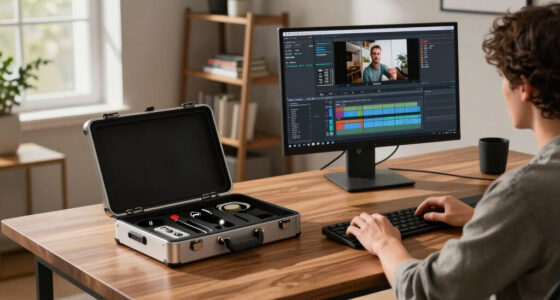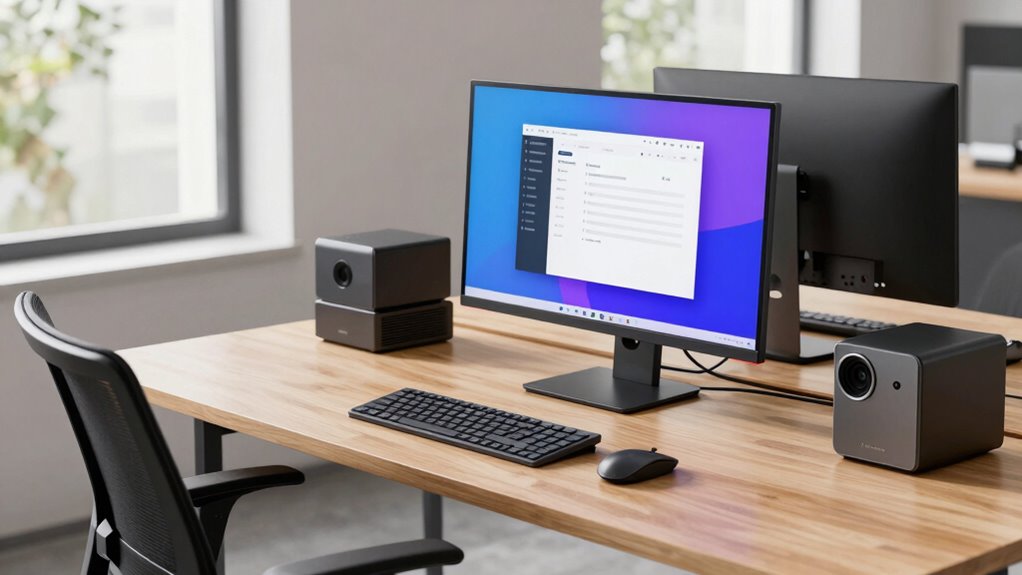
Implementing a hot-desk hardware standard helps you cut support tickets quickly by ensuring uniform setups across workstations, making troubleshooting faster and easier. When you standardize peripherals, monitors, and accessories, you reduce confusion and minimize compatibility issues. Ergonomic accessories improve user comfort, leading to fewer discomfort-related support requests. Regular maintenance and updates extend hardware lifespan and prevent major problems. Supporting infrastructure and training further streamline workflows, empowering staff to handle minor issues themselves. Keep going to discover how to establish this efficient standard.

Get business pricing on networking and server gear
- Business-only prices and quantity discounts
- Tax-exempt purchasing
- Multiple users, one account, clear invoices
Key Takeaways
- Implement hardware standardization to ensure uniform setups, making troubleshooting faster and reducing support tickets.
- Use ergonomic accessories to minimize discomfort-related issues and decrease support inquiries.
- Schedule regular maintenance and updates to prevent hardware failures and reduce support requests.
- Provide universal charging stations and organized cable management for quick device setup and fewer technical problems.
- Train staff on hardware handling and troubleshooting to resolve minor issues independently, reducing support load.
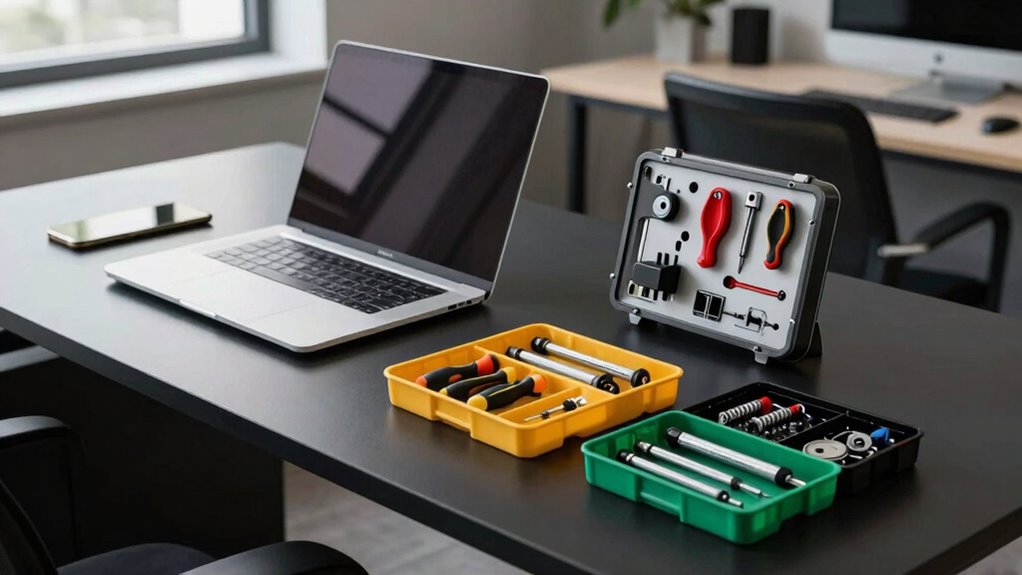
As flexible work arrangements become more common, establishing a consistent hardware standard for hot-desking is essential. When you’re moving between workstations frequently, having a uniform setup minimizes confusion and streamlines your day. A standardized approach means your mobile device, whether it’s a laptop or tablet, seamlessly connects to the same peripherals every time, reducing setup time and frustration. By standardizing the hardware, IT support can troubleshoot issues faster because they’re familiar with the common configurations across all desks. This consistency directly cuts down on support tickets, helping your organization operate more efficiently.
To make hot-desking truly effective, you need ergonomic accessories that support health and productivity. A quality adjustable monitor stand, for example, ensures your screen is at eye level, reducing neck strain, regardless of where you sit. Ergonomic keyboards and mice should be part of the standard kit, enabling you to maintain proper posture even during long work sessions. These accessories not only enhance comfort but also prevent common repetitive strain injuries, which can lead to support requests if overlooked. When everyone uses the same ergonomic setup, support teams spend less time troubleshooting discomfort-related issues, freeing resources for more complex problems. Additionally, hardware standardization helps ensure that all devices are properly maintained and updated, further reducing potential technical issues. Regular updates and proper handling of equipment can extend lifespan and reliability, further decreasing support needs. Incorporating preventive maintenance** practices is essential for sustaining hardware performance over time. A comprehensive maintenance schedule can help identify potential issues early, avoiding costly repairs and downtime. Implementing training programs** can also empower staff to handle minor hardware issues independently, reducing support load.
Standard ergonomic accessories reduce discomfort and support health, minimizing support requests and boosting productivity in hot-desking environments.
Your mobile device plays a central role in a hot-desk environment, so integrating it into the hardware standard is vital. Provide universal charging stations and docks compatible with various device types. This means you can quickly connect your mobile device without searching for the right cables or adapters. Ensuring that power outlets and USB ports are easily accessible at each desk further minimizes setup time. When mobile devices are easily connected and charged, productivity increases, and technical issues decrease, as users aren’t forced to work around incompatible or inadequate hardware. Proper device management policies are essential to maintain consistency and prevent misconfigurations that could lead to support issues. Additionally, clear labeling and organizational standards for cables and peripherals can help reduce clutter and accidental disconnections, contributing to a smoother workflow.
ergonomic monitor stand adjustable
As an affiliate, we earn on qualifying purchases.
As an affiliate, we earn on qualifying purchases.
Frequently Asked Questions
How Does the Standard Affect Existing Hardware Compatibility?
The standard improves hardware compatibility by providing clear guidelines for standard integration, ensuring new equipment seamlessly works with existing systems. You’ll find that utilizing this standard minimizes compatibility issues, making hardware upgrades smoother. It encourages uniformity across devices, reducing troubleshooting time. As a result, you can confidently introduce new hardware, knowing it aligns with current infrastructure, streamlining maintenance and support processes.
What Training Is Required for Support Staff?
You’ll need to undergo a quick, intensive training session focused on user onboarding and troubleshooting protocols. This training is essential to master the new hardware standards and guarantee you can support users efficiently. Expect to learn how to quickly identify issues and guide users through setup. With this knowledge, you’ll become a support superstar, drastically reducing ticket resolution times and keeping everyone happy and productive.
Are There Cost Implications for Implementing This Standard?
Implementing this standard does have cost implications, so you should conduct a thorough cost analysis to understand potential expenses. It may require initial investments in compatible hardware and ongoing maintenance costs. Incorporate these findings into your budget planning to guarantee financial feasibility. While there might be upfront costs, the standard’s efficiency can reduce long-term support expenses, ultimately balancing out the investment and providing cost savings over time.
How Scalable Is the Hardware Standard for Large Organizations?
Imagine a fleet of sleek devices, each built to endure the hustle of a large organization. You’ll find the standard highly scalable, maintaining device longevity even as your team grows. This consistency enhances user experience, ensuring everyone logs in smoothly without hiccups. With modular components and streamlined deployment, you can confidently expand, knowing support tickets stay low and performance stays high across all departments.
What Security Measures Are Integrated Into the Standard?
You’ll find robust security measures integrated into the standard, including strict security protocols and advanced encryption measures. These protocols guarantee data remains protected during use and transit, reducing vulnerabilities. Encryption measures safeguard sensitive information from unauthorized access, while security protocols oversee device authentication and access control. Together, these features create a secure environment, giving you peace of mind that your data stays protected across all hot-desk setups.
universal charging station for multiple devices
As an affiliate, we earn on qualifying purchases.
As an affiliate, we earn on qualifying purchases.
Conclusion
By adopting the Hot-Desk Hardware Standard, you streamline support, simplify setups, and empower productivity. You eliminate delays, reduce frustrations, and foster confidence. You build a system that’s reliable, flexible, and scalable. Embrace this standard to cut support tickets quickly, to enhance user experience, and to guarantee consistency. In doing so, you create an environment where efficiency thrives, issues diminish, and your team can focus on what truly matters — progress, innovation, and success.
cable management organizer for desks
As an affiliate, we earn on qualifying purchases.
As an affiliate, we earn on qualifying purchases.
ergonomic keyboard and mouse set
As an affiliate, we earn on qualifying purchases.
As an affiliate, we earn on qualifying purchases.
Halloween Picks
halloween
As an affiliate, we earn on qualifying purchases.