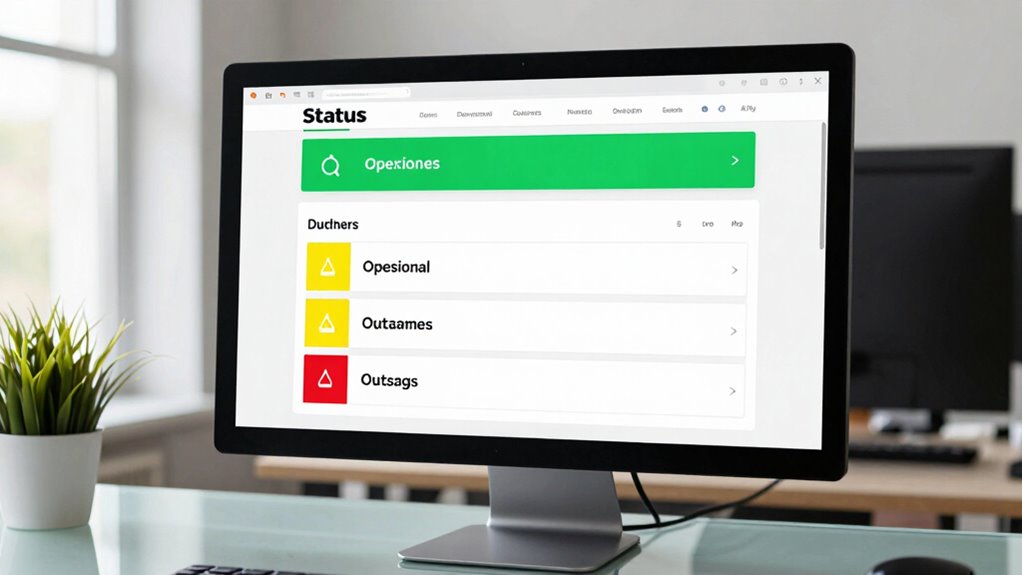
To get your status page right, proactively acknowledge the incident immediately with simple, clear updates on affected components and user impact. Keep your audience informed every 30 minutes with transparent details, including ongoing actions and revised timelines. Structure your messages consistently, use plain language, and be honest about uncertainties. Once resolved, promptly share the full story. If you want to master effective communication strategies, there’s more to learn below.
Key Takeaways
- Acknowledge outages immediately with clear, impact-focused updates, avoiding technical jargon to build trust.
- Share regular, transparent updates every 30 minutes or as the incident evolves, including current status and estimated resolution time.
- Use a consistent message structure that clearly explains what happened, affected components, ongoing efforts, and next steps.
- Announce resolution promptly with specific details on recovery actions and post-incident reports for transparency.
- Communicate through multiple channels, providing visual status indicators and allowing users to customize notifications for better engagement.
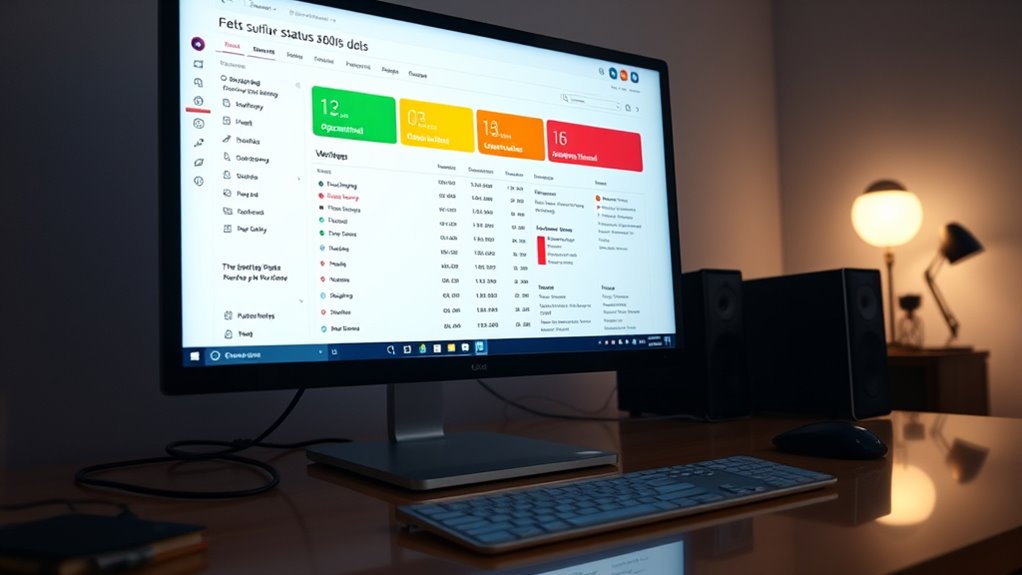
Effective communication during system incidents is crucial to maintaining user trust and transparency. When an outage occurs, your first priority is acknowledging the issue immediately. Provide a quick summary within minutes, clearly stating what’s affected and how users are impacted in plain language. Avoid technical jargon and focus on impact, such as “users cannot access account settings” or “service is degraded for certain regions.” This upfront message reassures users that you’re aware and actively investigating. Automating status updates can significantly improve response times and accuracy. Implementing clear escalation procedures ensures that the right teams are involved promptly, facilitating faster resolution.
Prioritize rapid acknowledgment and clear impact updates to build trust during outages.
As the situation unfolds, keep your audience informed with regular updates—about every 30 minutes or as the incident evolves. Each message should include what’s changed since the last update, current impact, ongoing actions, and any revised estimates for resolution. Always include a timestamp and indicate whether you’re investigating further or have identified a root cause. Be transparent about uncertainties and avoid speculation. If a workaround exists, mention it clearly to help users minimize disruption.
Your updates should follow a consistent structure: describe what happened, which components or regions are affected, the investigation status, mitigation steps, and an estimated time for the next update. Use simple, direct language and avoid unnecessary technical details for external audiences, while providing more in-depth info for internal teams when appropriate. The tone should remain professional and reassuring, signaling that your team is actively managing the incident. Clear communication about incident metrics helps set realistic expectations and demonstrates accountability.
Once service begins to recover, announce the resolution immediately, including the exact time and any immediate actions taken. This confirmation reassures users and restores confidence. After the incident is resolved, publish a detailed post-incident report or timeline. This document should explain the root cause, how it was fixed, the impact metrics—such as duration and affected regions—and steps planned to prevent recurrence. Sharing this builds trust by showing your commitment to reliability and continuous improvement.
Throughout the process, leverage multiple communication channels—email, SMS, social media, RSS feeds, and internal tools—tailored to the severity and audience needs. Subscribers should be able to select their preferred channels and components they want updates on, reducing noise and increasing relevance. All notifications must include clear timestamps and source metadata, allowing recipients to match messages with monitoring signals.
Design your status page for clarity and discoverability. Use visual indicators like color-coded statuses and icons, organize information in a logical order, and keep updates concise and easy to scan. Make the link prominent in your footer, help docs, and product headers, and ensure it’s optimized for search engines so users find it during outages. Maintain an incident archive with searchable timelines and uptime metrics, demonstrating your reliability over time. When done right, your status page not only communicates effectively during crises but also reinforces user confidence in your commitment to transparency and quality.
Frequently Asked Questions
How Should I Handle False Alarms or False Positives on the Status Page?
When you encounter false alarms or false positives, promptly acknowledge the mistake and update the status page with a clear, transparent explanation. Apologize for any confusion, specify that it was a false alarm, and detail the corrective actions taken. Keep users informed with a timestamped message, and review your monitoring processes to prevent similar errors. Transparency builds trust, so always communicate openly and swiftly to maintain credibility.
What Are Best Practices for Updating Stakeholders During Prolonged Incidents?
During prolonged incidents, you should balance transparency with reassurance. Keep stakeholders informed with regular updates—every 30 minutes or as the situation evolves—clarifying what’s happening, what’s being done, and expected timelines. Avoid silence, but don’t flood with unnecessary details. Use clear, concise language, include timestamps, and highlight progress or setbacks. This ongoing communication builds trust, reduces frustration, and demonstrates your commitment to resolving the issue efficiently.
How Can I Ensure My Status Page Is Accessible and Discoverable During Outages?
To guarantee your status page is accessible and discoverable during outages, host it on a memorable custom domain and link it prominently in your product footers, help docs, and headers. Make sure it’s mobile-friendly and lightweight so it stays reachable even if your main services degrade. Keep it crawlable and SEO-optimized, and offer subscription options like email or SMS. Regularly test access and visibility to confirm users can find updates quickly.
What Tone and Branding Should I Use in Incident Communications?
You should adopt a professional, calm, and transparent tone that reassures users during incidents. Use clear, plain language, avoiding technical jargon, to communicate effectively with all audiences. Incorporate your brand’s voice—whether friendly, authoritative, or reassuring—to build trust. Consistently apply this tone across updates, emphasizing honesty about uncertainties and progress. Maintain a respectful, empathetic attitude, showing you value users’ experience and are committed to resolving issues swiftly.
How Do I Integrate Automation Without Sacrificing Message Accuracy?
Imagine your status page as a trusted navigator guiding users through stormy seas. To integrate automation without losing message accuracy, set up your monitoring tools to flag incidents instantly, then review alerts carefully before publishing updates. Use templates for consistency, but always add a human touch to guarantee clarity and empathy. Regularly audit and refine your automation processes, turning your system into a reliable lighthouse that illuminates truth rather than shadows.
Conclusion
Mastering your status page communication is the secret weapon to avoiding chaos and becoming the hero your users desperately need. When you share the right info at the perfect moment, you’ll turn frustration into trust faster than you can say “resolved.” Get it right, and you’ll not only save the day—you’ll make your users sing your praises like a rockstar. So, step up your game and make every update count—your reputation depends on it!