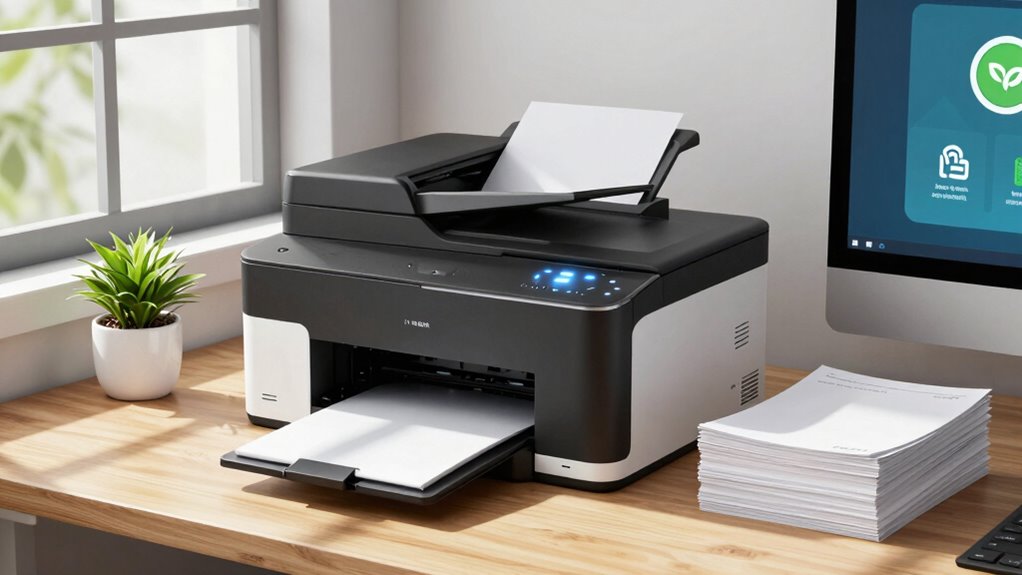

Implementing smart office printing rules helps you cut waste and boost security by encouraging responsible printing habits, like double-sided and draft mode by default. Use cloud storage and digital signatures to reduce paper use and guarantee safe document handling. Monitor usage patterns with print management tools and set restrictions to prevent excessive printing. Stay aware of responsible practices, and you’ll find it easier to save resources, lower costs, and keep sensitive information secure—know more about making your office smarter from here.
Listen free for 30 days with Audible
Thousands of audiobooks and originals — cancel anytime.
As an affiliate, we earn on qualifying purchases.
Key Takeaways
- Implement responsible printing policies to promote digital reviews and minimize unnecessary prints.
- Enforce secure printing protocols requiring user authentication to protect sensitive information.
- Configure printers with default double-sided, black-and-white, draft settings to reduce resource waste.
- Utilize print management software to monitor usage, identify waste, and set resource limits.
- Transition to paperless workflows through digital document management and cloud-based collaboration tools.
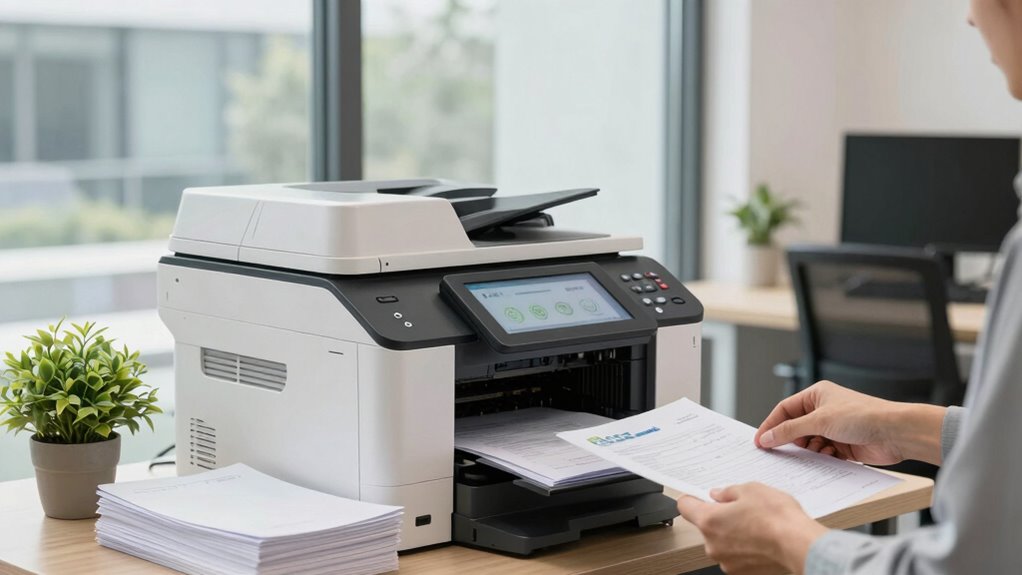
Have you ever considered how much inefficient printing costs your office in both time and resources? Every unnecessary print, duplicated document, or misplaced file adds up, draining your budget and slowing down productivity. Implementing smart office printing rules can make a meaningful difference. One of the most effective strategies is adopting paperless workflows whenever possible. By shifting to digital document management, you reduce the need for printing altogether. Cloud-based storage, electronic signatures, and online collaboration tools streamline operations, allowing your team to access and share files instantly without printing. This not only cuts costs but also minimizes the environmental footprint of your office. Additionally, educating staff about print management solutions can further optimize usage and reduce waste. Promoting awareness of printing policies helps foster responsible printing habits across your organization.
However, when printing is necessary, guaranteeing secure printing protocols becomes essential. Sensitive information, whether it’s confidential client data or internal reports, demands protection against unauthorized access. Secure printing protocols require users to authenticate themselves at the printer—using PINs, ID cards, or mobile authentication—before documents are released. This prevents sensitive documents from sitting unattended at the printer tray, where they could be viewed or taken by unintended individuals. Implementing these protocols reduces the risk of data breaches and reinforces your company’s commitment to data security. Moreover, integrating secure printing with your existing security infrastructure enhances protection and compliance.
Beyond security, smart printing rules emphasize the importance of setting default printing options to minimize waste. For example, configuring printers to default to double-sided printing, black-and-white ink, and draft quality can considerably cut paper and toner consumption. Educating your staff about these settings encourages responsible printing habits without sacrificing quality or efficiency. Additionally, establishing a clear print policy that encourages employees to think twice before printing, or to review digital copies first, helps curb impulsive printing.
Regular maintenance and monitoring of your printing devices also play a vital role. Outdated or malfunctioning printers tend to jam more often or consume excessive toner, leading to unnecessary waste and repair costs. Using centralized print management software allows you to track usage patterns, identify excessive or unnecessary printing, and set restrictions or quotas if needed. This data-driven approach helps you optimize your printing environment, saving resources and reducing waste. Incorporating print tracking tools can also provide valuable insights into employee printing behaviors. Ensuring that printers are properly calibrated and supplies are replenished promptly further reduces avoidable waste. Additionally, routine maintenance can extend the lifespan of your devices, preventing premature replacements and further conserving resources.
In essence, adopting smart office printing rules centered around paperless workflows and secure printing protocols can save your business money, protect sensitive information, and promote eco-friendly practices. These strategies are simple to implement and can have an immediate positive impact, making your office more efficient, secure, and sustainable. By being intentional about how and when you print, you guarantee your resources are used wisely and your data remains protected.
secure office printer with user authentication
As an affiliate, we earn on qualifying purchases.
As an affiliate, we earn on qualifying purchases.
Frequently Asked Questions
How Do Smart Printers Detect Paper Jams Automatically?
Smart printers detect paper jams automatically through a combination of paper sensors and jam detection technology. These paper sensors monitor the paper path in real-time, sensing any irregularities or blockages. When a jam occurs, the printer’s sensors immediately alert the device, triggering an automatic shutdown or alert message. This quick jam detection minimizes downtime, reduces waste, and helps you resolve issues faster, keeping your printing process smooth and efficient.
What Security Features Prevent Unauthorized Printing?
Imagine a fortress guarding its treasures—that’s how your smart printer keeps your documents safe. User authentication acts as the gatekeeper, ensuring only authorized personnel access printing functions. Meanwhile, data encryption secures your information during transmission, preventing intruders from eavesdropping. Combining these features, your printer becomes a vigilant guardian, protecting sensitive data and stopping unauthorized printing before it even begins, giving you peace of mind in a secure office environment.
How Can I Track Printing Costs per Department?
You can track printing costs per department by implementing usage policies and providing employee training on responsible printing. Use print management software to monitor and generate detailed reports on departmental printing activities. Regularly review these reports to identify high-cost areas, and adjust policies accordingly. Training employees on cost-effective printing habits helps reduce waste and guarantees everyone understands the importance of mindful printing practices.
Are There Eco-Friendly Ink Options for Smart Printers?
Did you know that switching to eco-friendly inks can cut your office’s carbon footprint by up to 30%? Yes, eco-friendly inks are available for smart printers, making sustainable printing easier. These inks use vegetable oils or other renewable materials, reducing toxic emissions. By choosing sustainable printing options, you not only protect the environment but also promote a healthier workplace. It’s a simple step toward greener, more responsible office practices.
How Often Should Maintenance Be Performed on Smart Printers?
You should perform maintenance on your smart printer regularly, ideally once a month or as recommended by the manufacturer. This keeps printer ergonomics ideal and prevents issues that can shorten ink cartridge lifespan. Regular cleaning and updates help guarantee smooth operation, reduce waste, and extend the life of your printer components. Staying proactive with maintenance also minimizes risks of breakdowns, saving you time and money in the long run.
double-sided black and white laser printer
As an affiliate, we earn on qualifying purchases.
As an affiliate, we earn on qualifying purchases.
Conclusion
By embracing these smart office printing rules, you’re not just cutting waste—you’re nurturing a greener, safer future. Think of each mindful print as a ripple in a vast pond, spreading positive change with every page. When you make conscious choices, you’re steering your office toward sustainability, like a captain guiding a ship through calm waters. Together, these rules become your compass, leading you to a more responsible and resilient workplace where every print makes a difference.
print management software for offices
As an affiliate, we earn on qualifying purchases.
As an affiliate, we earn on qualifying purchases.
cloud-based document management system
As an affiliate, we earn on qualifying purchases.
As an affiliate, we earn on qualifying purchases.
Flea & tick season Picks
flea and tick prevention
As an affiliate, we earn on qualifying purchases.