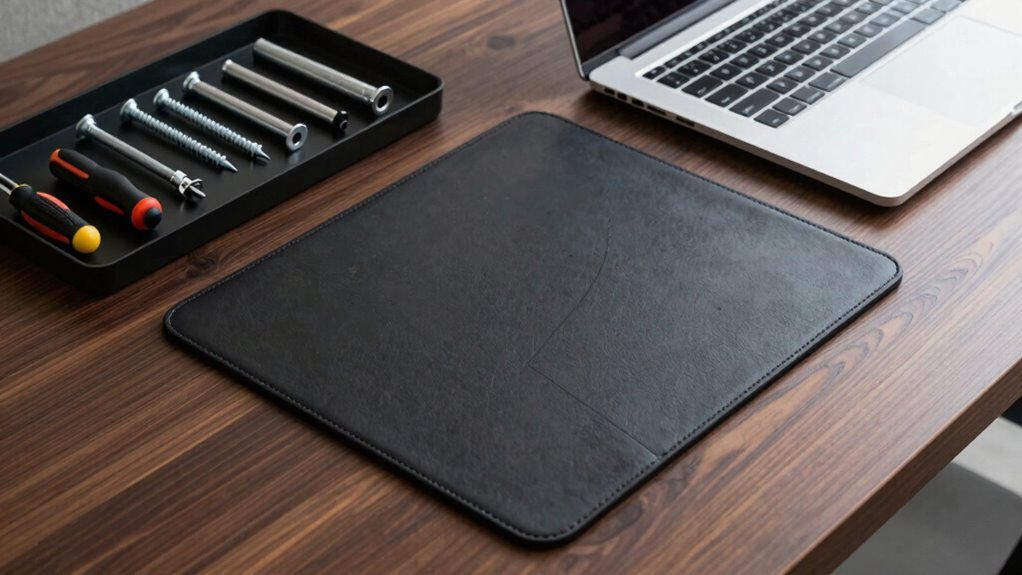

To build an executive desk hardware standard without overspending, focus on essential, high-quality ergonomic components like adjustable monitors, keyboards, and chairs that promote comfort and productivity. Plan cable management systems to keep cords organized and reduce clutter. Opt for a durable, spacious desk and minimalist storage solutions to keep your workspace clean and functional. Limiting accessories to what supports your workflow helps avoid excess. If you keep these principles in mind, you’ll create an efficient setup that balances quality and cost-effectiveness.

Get business pricing on networking and server gear
- Business-only prices and quantity discounts
- Tax-exempt purchasing
- Multiple users, one account, clear invoices
Key Takeaways
- Prioritize essential ergonomic components like adjustable monitors, keyboard trays, and ergonomic chairs for comfort and productivity.
- Create a standardized list of high-quality, versatile accessories to avoid impulsive overbuying.
- Implement a strict budget and evaluate each hardware purchase against actual workspace needs.
- Opt for multi-functional, space-saving accessories to maximize utility without excess clutter.
- Regularly review and update hardware standards to maintain efficiency and prevent unnecessary upgrades.
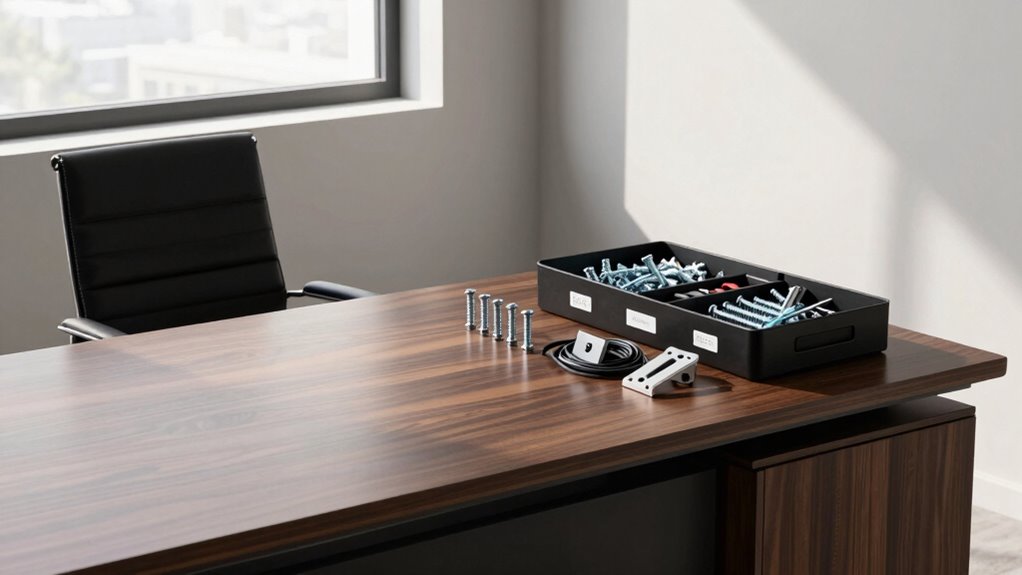
Creating an effective hardware standard for an executive desk is essential to guarantee a sleek, functional, and personalized workspace. When you establish clear guidelines, you avoid unnecessary purchases and maintain a professional, clutter-free environment. Start by identifying core components that will serve your needs without overcomplicating the setup. Focus on selecting quality ergonomic accessories, such as adjustable monitors, keyboard trays, and ergonomic chairs, which promote comfort and productivity. These accessories are investments that support your well-being and can reduce fatigue, making your workspace both practical and health-conscious.
Establish clear guidelines to create a sleek, functional, and personalized executive workspace that promotes comfort and professionalism.
Cable management is another critical aspect of your hardware standard. Implementing a consistent system for organizing cords prevents clutter and keeps your desk visually clean. Use cable trays, clips, or sleeves to route cables neatly behind or beneath your desk. This not only streamlines your workspace but also minimizes the risk of accidental disconnections or damage. When planning your setup, consider the placement of power outlets and the length of cables to avoid excess slack. This proactive approach assures your workspace remains tidy and efficient. Additionally, cable organization tools can significantly improve overall desk neatness and safety. Incorporating airless paint sprayers maintenance tools into your setup can help keep your workspace clean and dust-free, especially if your environment involves frequent painting or renovation projects. Regularly reviewing your hardware setup and making adjustments as needed can further ensure long-term efficiency and comfort.
To enhance your workspace further, consider the importance of workspace ergonomics in supporting sustained productivity and health. Avoid the temptation to overbuy by sticking to essentials that meet your daily needs and complement your workflow. For example, select a durable, spacious desk that can accommodate your necessary equipment without overcrowding. Choose a monitor stand or riser that allows for ergonomic positioning, reducing neck strain. Instead of multiple peripheral devices, opt for multi-functional accessories that serve several purposes, which saves space and money. For instance, a combined printer/scanner or a multi-port USB hub can eliminate the need for multiple devices cluttering your desk. Ensuring your workspace adheres to a minimalist philosophy can help streamline your environment and boost focus.
When it comes to storage, select minimalistic, purpose-driven solutions that keep your workspace organized without overwhelming it. Drawer organizers or small filing cabinets should be enough to hold essential documents and supplies. Resist the urge to fill your desk with every gadget or accessory that catches your eye. Instead, focus on quality and necessity, ensuring each item contributes to your productivity. Maintaining a minimalist workspace can boost focus and reduce distractions, ultimately improving your overall workflow.
ergonomic adjustable monitor stand
As an affiliate, we earn on qualifying purchases.
As an affiliate, we earn on qualifying purchases.
Frequently Asked Questions
What Materials Are Best for a Durable Executive Desk?
For a durable executive desk, opt for materials like solid wood or high-quality laminate, which offer strength and longevity. Incorporate ergonomic accessories to enhance comfort, and choose materials with an aesthetic design that reflects professionalism. Steel or metal accents can add durability and modern appeal. These choices guarantee your desk withstands daily use while maintaining a polished look, balancing functionality with style for a long-lasting, executive workspace.
How Do I Prioritize Hardware Features for Different Roles?
Think of your desk as a tailored suit—each role demands specific features. You prioritize ergonomic accessories for comfort and productivity in executive roles, while managers might focus on robust cable management to keep their workspace tidy. For technical staff, include advanced connectivity options. By aligning hardware features with job functions, you guarantee each person’s setup boosts efficiency without overbuying, creating a harmonious, purpose-driven workspace.
What Safety Standards Should Hardware Components Meet?
You should guarantee hardware components meet safety standards like UL or CE certifications to guarantee safety and compliance. Prioritize ergonomic design to prevent strain and enhance comfort, especially for prolonged use. Also, consider aesthetic appeal to maintain a professional look that aligns with your workspace. These standards help protect users, improve usability, and keep your desk setup both safe and visually appealing, minimizing risks of accidents and equipment failure.
How Often Should Hardware Be Upgraded or Maintained?
You should upgrade or maintain your hardware regularly—yes, even when it seems to be working perfectly. Keep ergonomic accessories updated to prevent discomfort, and don’t forget cable management to avoid chaos. Typically, check your hardware every 1-2 years, or sooner if performance drops. Proper maintenance enhances productivity and safety, proving that even your desk hardware needs a little love and attention to stay in top shape.
Can Hardware Standards Be Customized for Different Office Sizes?
Yes, hardware standards can be customized for different office sizes. You should consider your office layout and adjust customization options accordingly. Smaller offices might need streamlined setups, while larger spaces can accommodate more extensive hardware. Tailoring standards guarantees efficient use of space and resources, helping you avoid overbuying. By aligning hardware choices with your office’s specific needs, you create a functional environment that supports productivity without excess equipment.
ergonomic office chair with lumbar support
As an affiliate, we earn on qualifying purchases.
As an affiliate, we earn on qualifying purchases.
Conclusion
Remember, crafting your hardware standard is like forging a steady ship—each choice anchors your vision, steering clear of the storm of overbuying. By choosing wisely, you build not just a desk, but a foundation that echoes your professionalism and foresight. Keep your focus sharp, avoid excess, and let your standards be as enduring as the steady hand guiding your voyage. In this way, your executive space becomes a symbol of both strength and simplicity, much like a well-constructed masterpiece.
cable management system for desks
As an affiliate, we earn on qualifying purchases.
As an affiliate, we earn on qualifying purchases.
As an affiliate, we earn on qualifying purchases.
Halloween Picks
halloween
As an affiliate, we earn on qualifying purchases.