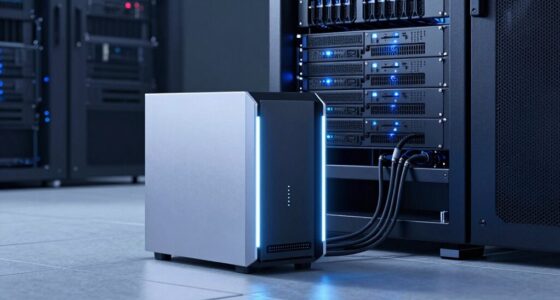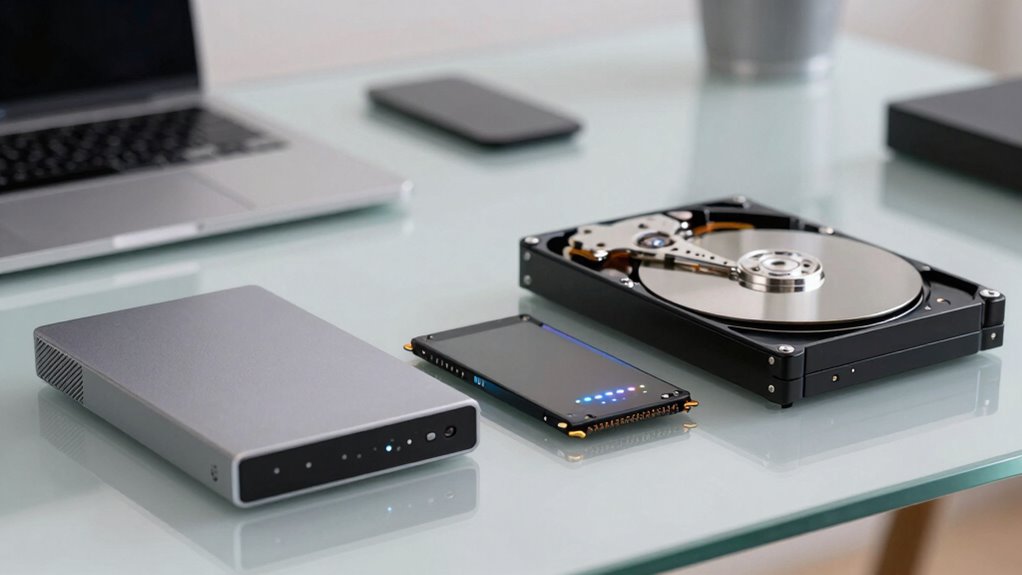

When choosing drive types for backup, archive, and active data, consider their speed, durability, and scalability. Use faster drives like SSDs for active data that needs quick access, while slower, cost-effective HDDs suit backups and archives. Also, think about environmental impacts and compatibility with your existing setup. Prioritize drives with reliable data redundancy options for disaster recovery. To optimize your storage strategy and make informed choices, explore how different drives fit your needs further.

Get business pricing on networking and server gear
- Business-only prices and quantity discounts
- Tax-exempt purchasing
- Multiple users, one account, clear invoices
Key Takeaways
- Match drive speed and transfer rates to the data’s access frequency and performance requirements.
- Prioritize durability and reliability for active data and frequently used drives.
- Use scalable storage solutions to accommodate growing backup and archive data needs.
- Incorporate cloud storage for off-site backup and disaster recovery flexibility.
- Consider environmental impact and energy efficiency when selecting storage drives.
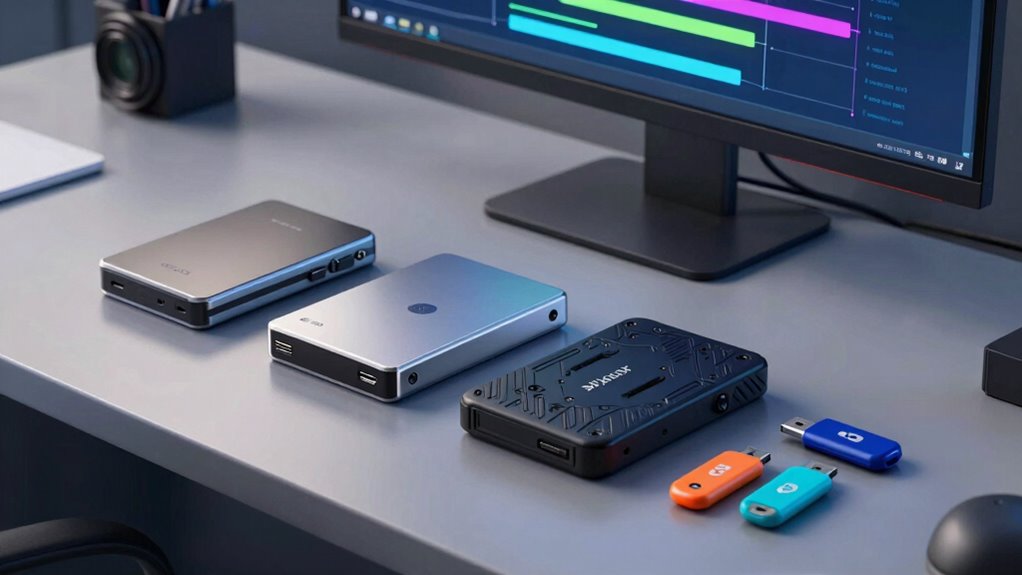
Selecting Drive Types for Backup and Archive is crucial to guaranteeing your data remains safe, accessible, and cost-effective. Your choice impacts how easily you can recover information, how well your data stays protected, and the overall expenses involved. When considering drive options, you need to evaluate factors like speed, durability, scalability, and integration with your existing systems. Cloud storage, in particular, often plays a key role in modern backup strategies because it offers flexibility and off-site protection. It allows you to store copies of your data remotely, reducing the risk of loss due to physical damage, theft, or disasters. Many cloud solutions also incorporate data redundancy, which means your data is duplicated across multiple servers or locations, ensuring that even if one fails, your information remains available and intact. This built-in redundancy provides a significant safety net and simplifies disaster recovery. Additionally, evaluating the environmental impact of your storage solutions can be important, especially if sustainability is a priority in your practices. Understanding data redundancy and its benefits can help you implement effective protective measures for your stored information. Moreover, considering the environmental footprint of your storage solutions can help you align your data management practices with sustainability goals. When selecting drives for active data, it’s also important to consider drive durability, especially if they are used frequently, to minimize hardware failures and data loss over time. Incorporating energy-efficient storage options can further enhance the sustainability of your data management strategy.
SSD external hard drive for active data
As an affiliate, we earn on qualifying purchases.
As an affiliate, we earn on qualifying purchases.
Frequently Asked Questions
How Do Drive Types Impact Data Retrieval Speed?
Drive types considerably impact data retrieval speed by influencing data transfer rates and access latency. For quick access, SSDs offer faster data transfer and lower latency, making them ideal for active data. HDDs, while slower with higher latency, are suitable for backups and archives where speed isn’t critical. Your choice affects how swiftly you retrieve information, so select drive types based on your needs for speed and data access patterns.
Are Certain Drives More Resistant to Physical Damage?
Are some drives better at resisting physical damage? Absolutely. Drives with higher physical durability and shock resistance are designed to withstand drops, bumps, and rough handling. For instance, solid-state drives (SSDs) generally offer better shock resistance than traditional spinning hard drives because they have no moving parts. If you need a drive for mobile or rugged environments, look for those specifically built with enhanced shock resistance and durable casing to protect your data.
Which Drive Type Offers the Best Long-Term Data Preservation?
You should opt for optical discs like Blu-ray or specialized archival storage media for the best long-term data preservation. They offer superior data longevity and storage stability compared to traditional hard drives or SSDs. These media are designed to resist environmental factors and degrade less over time, making them ideal for archiving important information. Regularly verify and migrate data to newer storage media to maintain data integrity over the years.
How Does Drive Compatibility Affect System Integration?
Drive compatibility is like fitting puzzle pieces together; if it doesn’t match, the whole system struggles to work smoothly. When selecting drives, make sure they’re compatible with your system to avoid integration issues. Proper drive compatibility streamlines system integration, making data transfer and management seamless. If drives aren’t compatible, you risk malfunction, data loss, or needing costly replacements, so double-check specifications before adding new storage solutions.
What Are the Environmental Considerations for Different Drive Types?
Environmental impact and energy consumption vary across drive types. You should consider that traditional HDDs consume more power and generate more heat, affecting your energy footprint. Solid-state drives (SSDs) are more energy-efficient and produce less heat, making them eco-friendlier. Additionally, opting for drives with eco-friendly certifications can reduce your environmental impact. By choosing drives with lower energy use, you help minimize overall environmental effects and operational costs.
HDD backup drive for large archives
As an affiliate, we earn on qualifying purchases.
As an affiliate, we earn on qualifying purchases.
Conclusion
Choosing the right drive types isn’t just about storage capacity; it’s about aligning your needs with drive durability and speed. For instance, some believe SSDs are overkill for backups, but recent studies show they can markedly reduce restore times, proving speed matters. Remember, investing in the appropriate drive type based on your data’s importance can save time and prevent data loss. Always assess your needs carefully—because the right drive choice truly makes a difference.
cloud storage for off-site backup
As an affiliate, we earn on qualifying purchases.
As an affiliate, we earn on qualifying purchases.
As an affiliate, we earn on qualifying purchases.
Halloween Picks
halloween
As an affiliate, we earn on qualifying purchases.